 The site
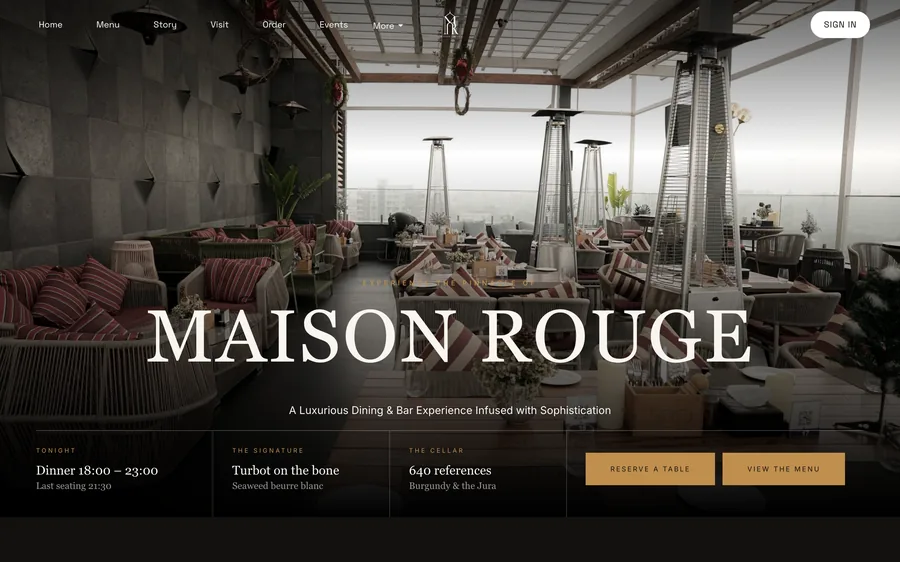
Fifty templates, ready to serve.Sixty-eight blocks, a free yourname.tablespark.uk address, and your own custom domain with managed SSL when you want it.
Photograph the menu, connect Stripe, and take your first order in minutes, not weeks. Nothing to install, nothing to learn, and 0% TableSpark commission — ever.
Stripe’s standard card-processing fees apply to online payments.
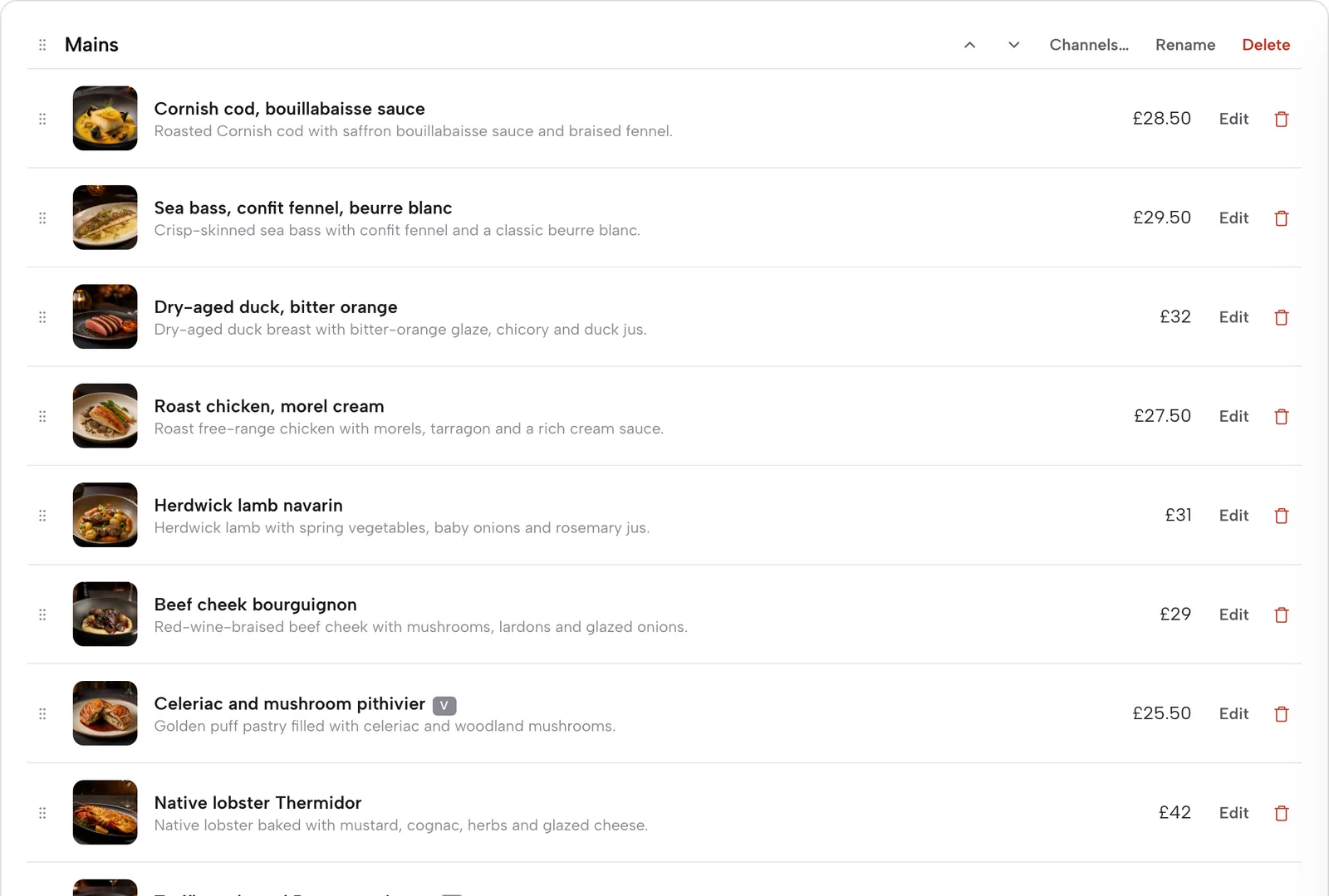
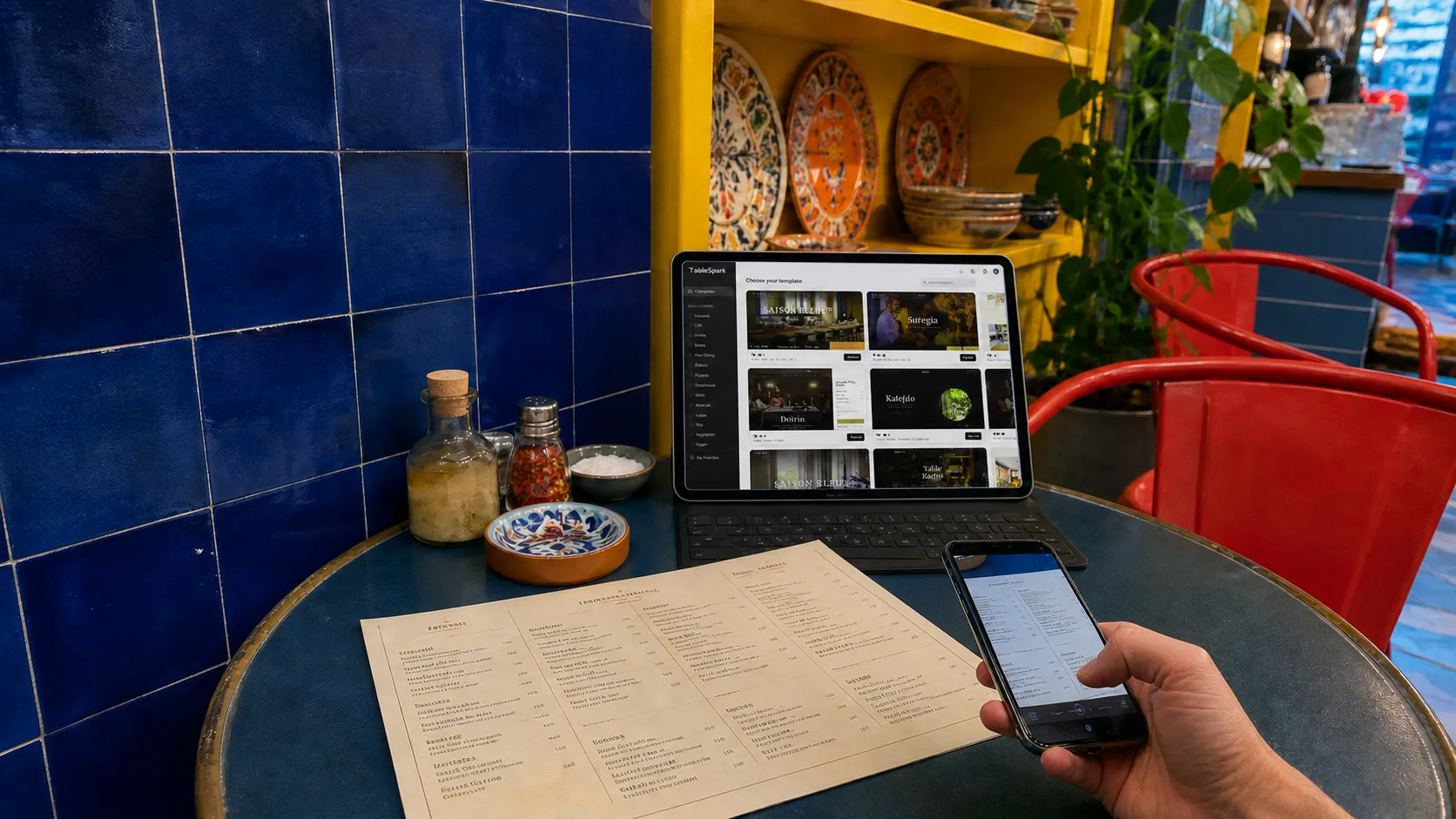
A photo, a PDF or a spreadsheet — TableSpark reads every dish, price and description.
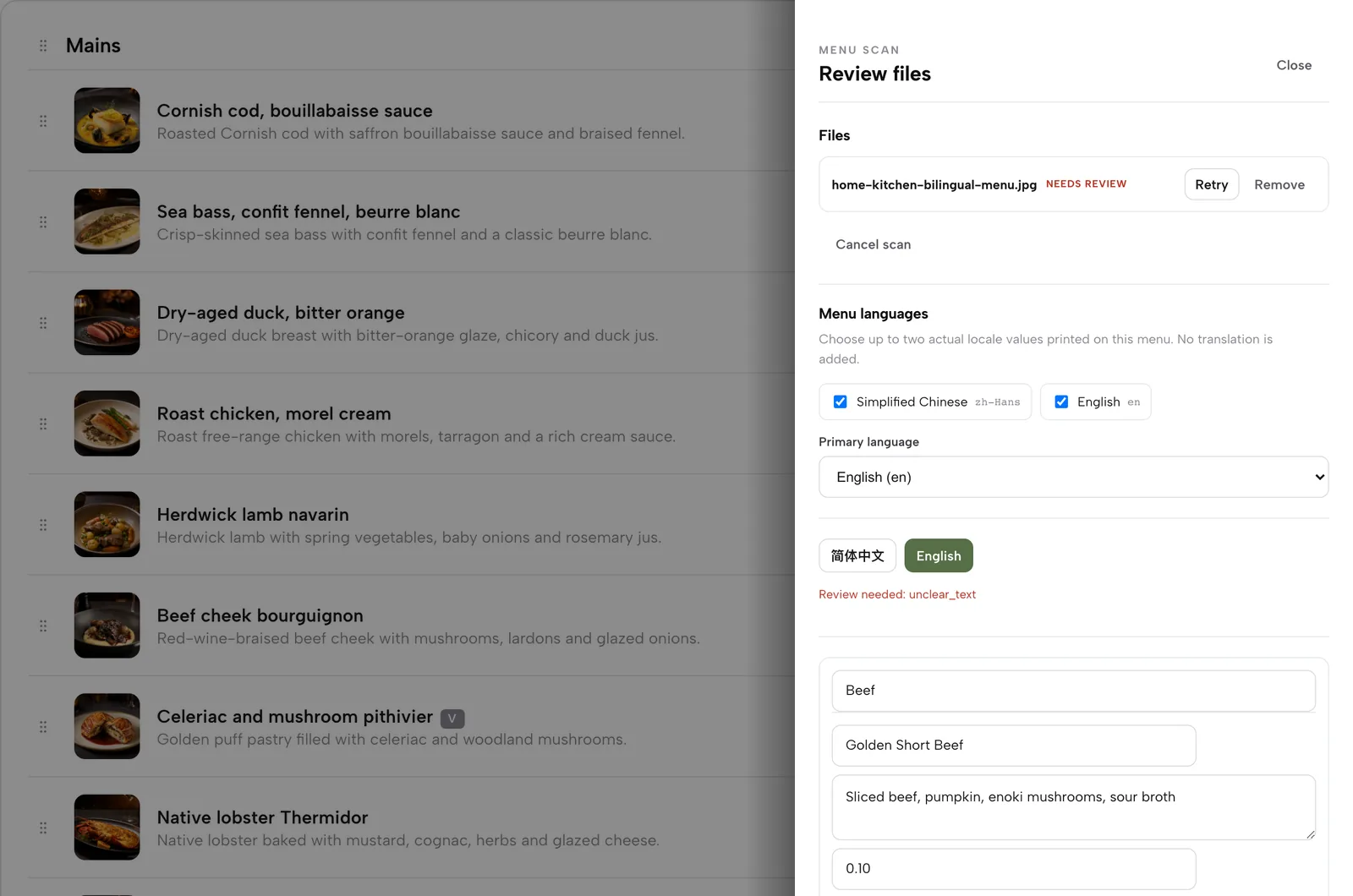
Fifty restaurant designs, already filled with your menu. Pick the one that feels like your room.
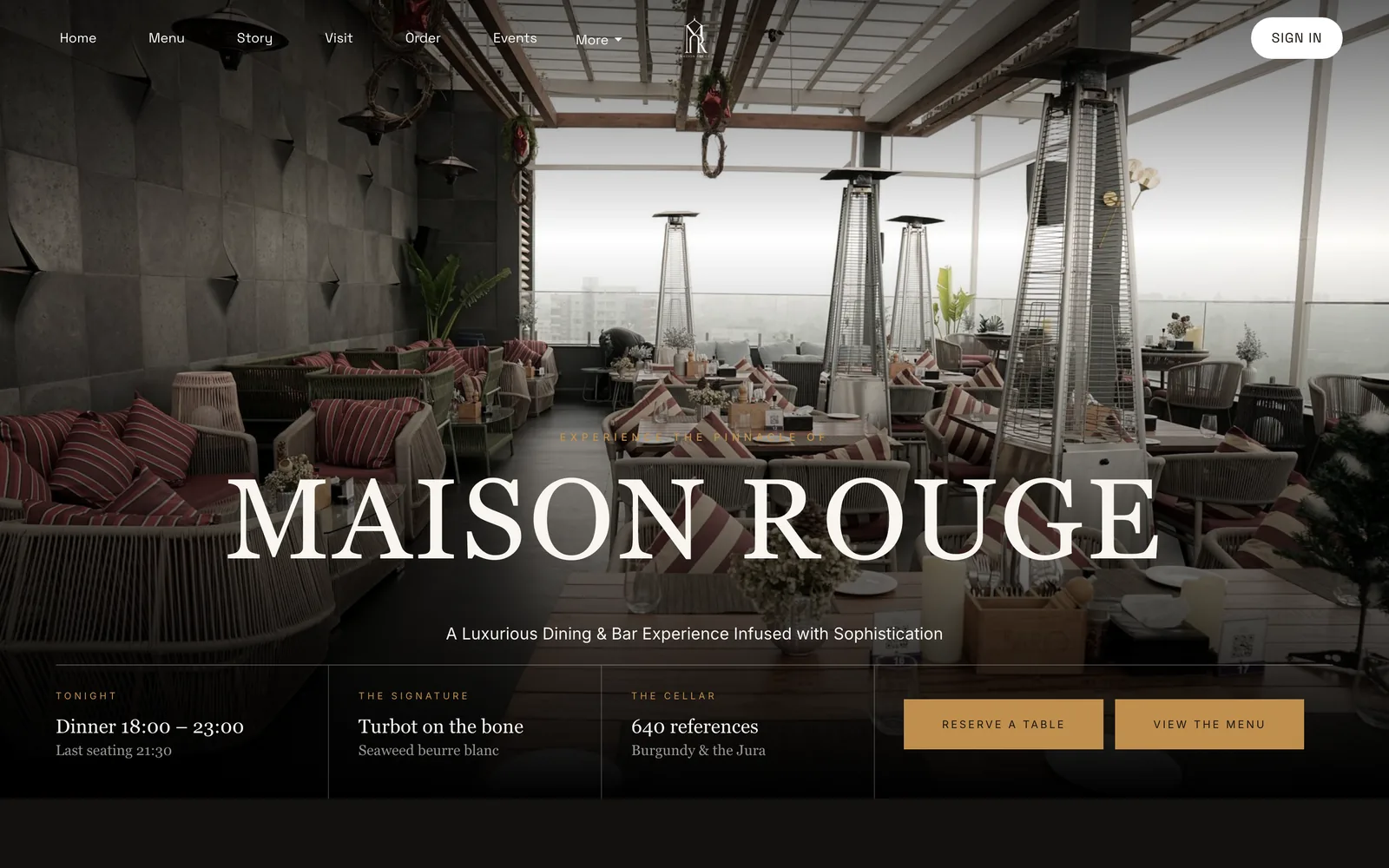
Hours, photos, allergens, wording — click anything to change it. Everything undoes.
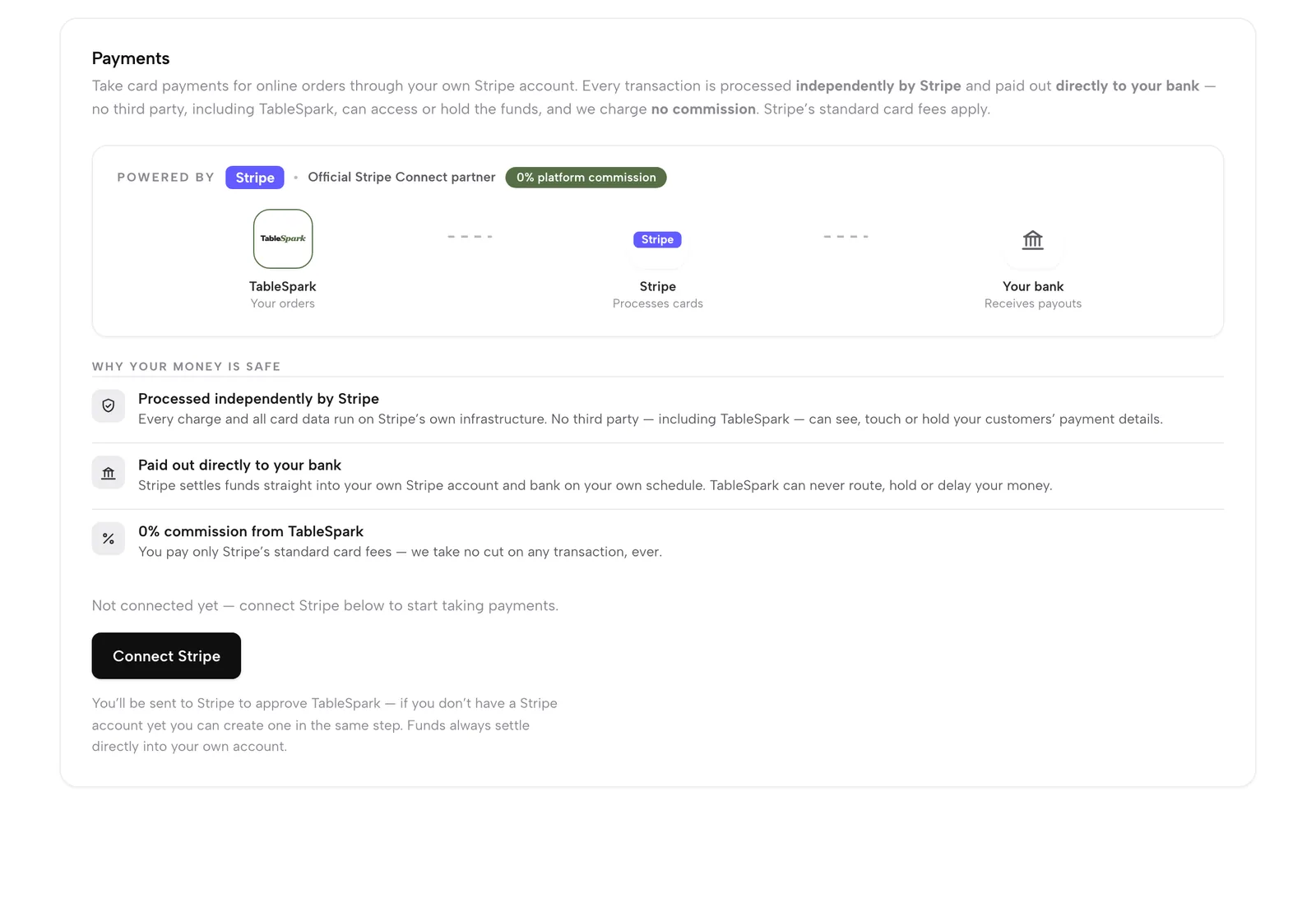
One button links your own Stripe account. Cards and deposits go straight to you — 0% TableSpark commission. Stripe’s standard card-processing fees apply to online payments.
Publish, and bookings, QR ordering and gift cards are live. Until this second, everything was free.
Publish on a free yourname.tablespark.uk address, or connect your own domain with managed SSL on Growth and Full.
Honest small print — one sitting gets you live and taking orders. Perfecting photography and wording takes as long as you enjoy giving it.
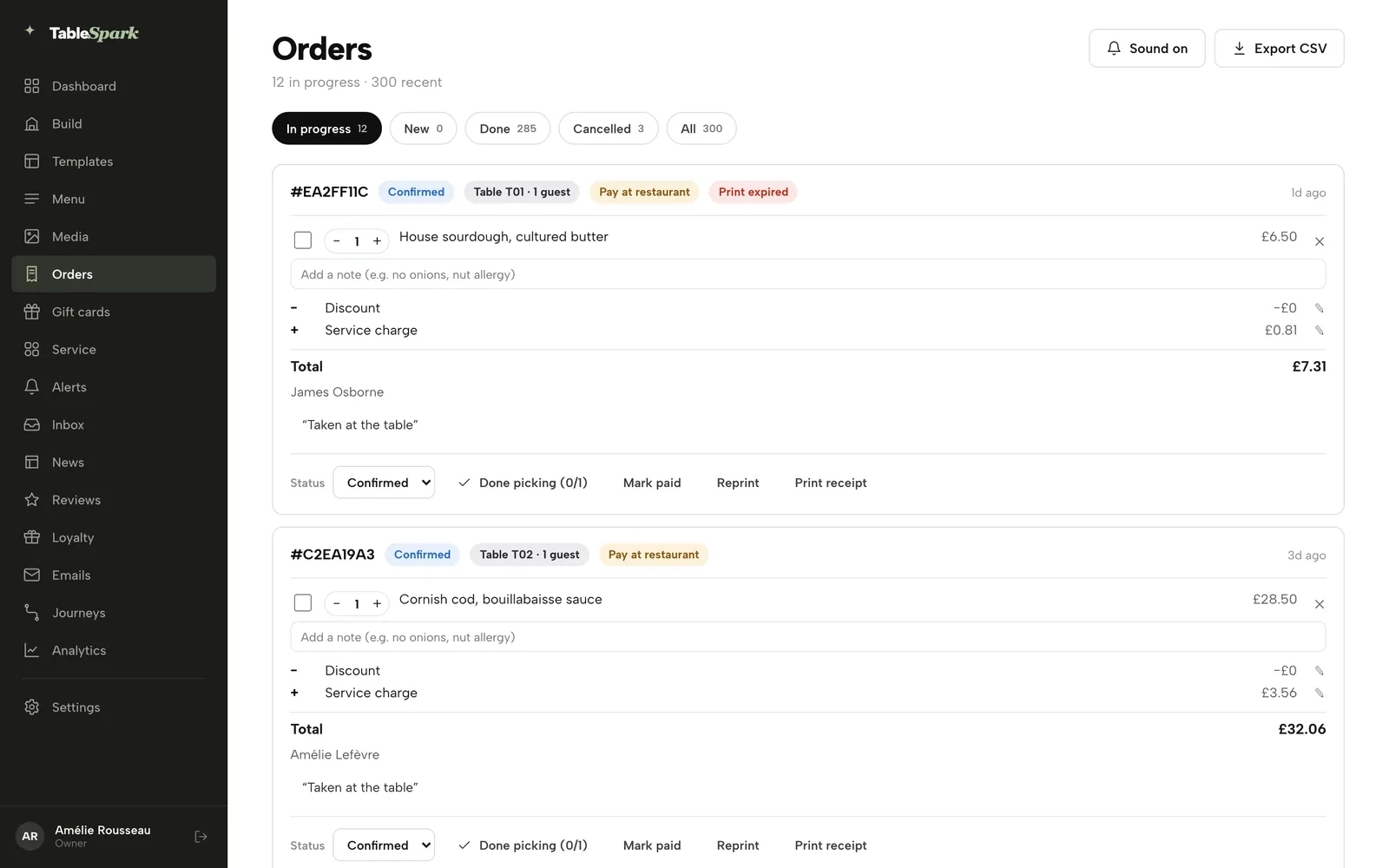
TableSpark assumes you have a restaurant to run — so there is nothing to study first.
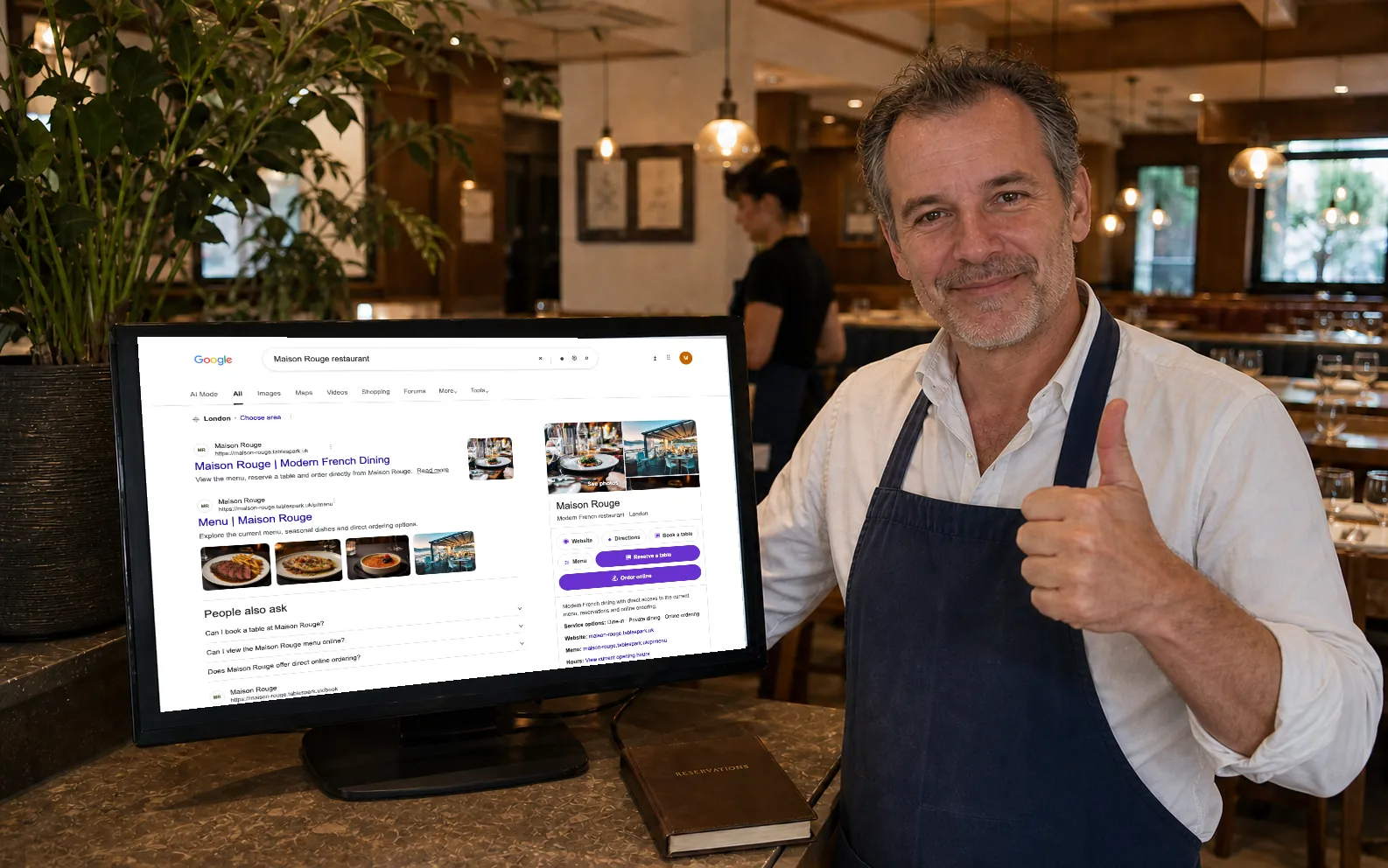
Bookings, orders, payments, the service floor, the kitchen screen, the cash-up, stock, guests, marketing, search — one product, on one bill, talking to one menu. It is all one half of TableSpark's restaurant website builder; the site itself is the other.
The site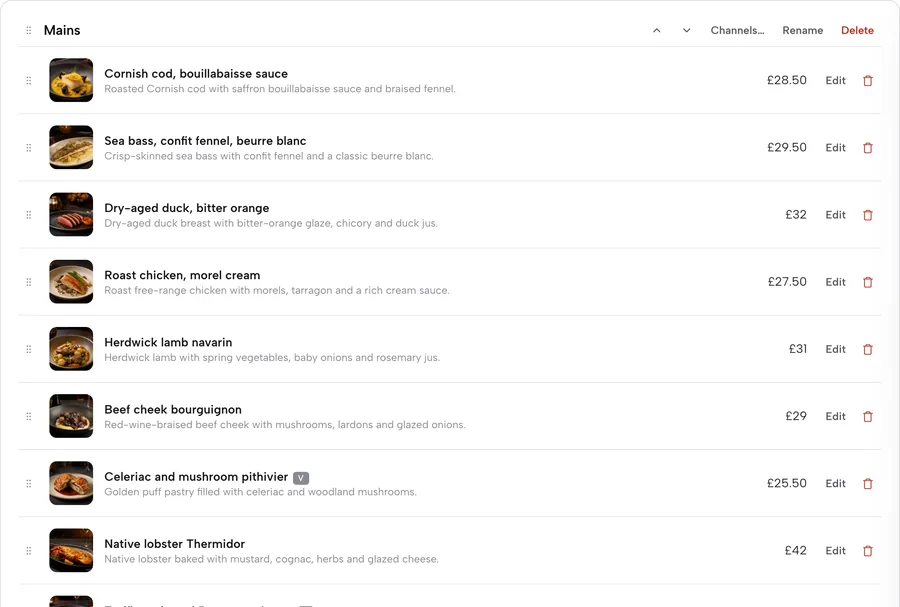 The menu
 Reservations
 Ordering
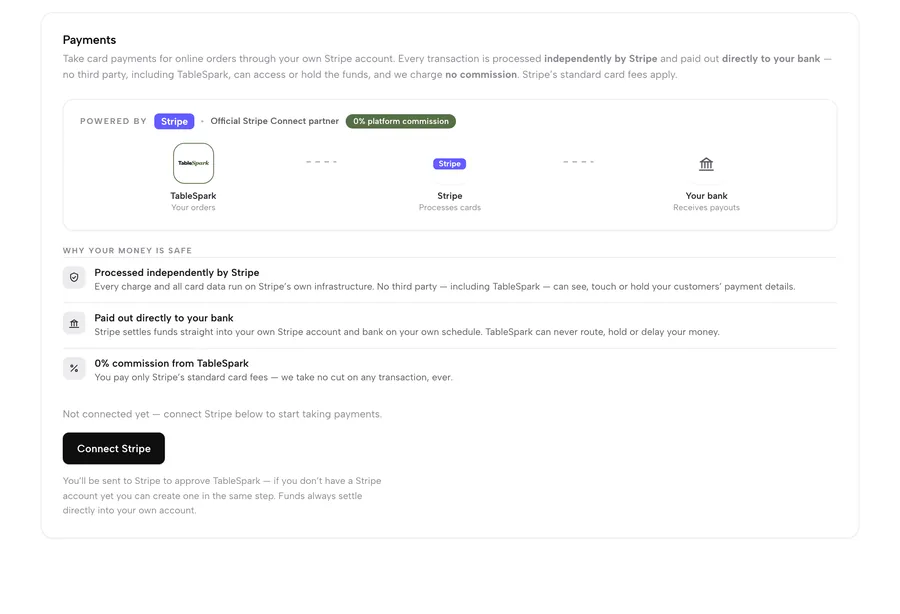 Payments & gift cards
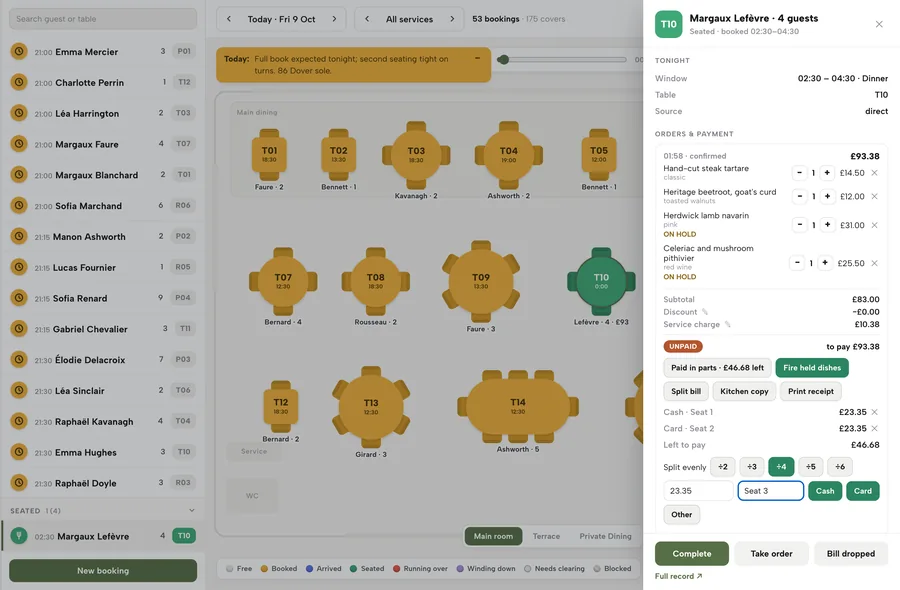 Service floor
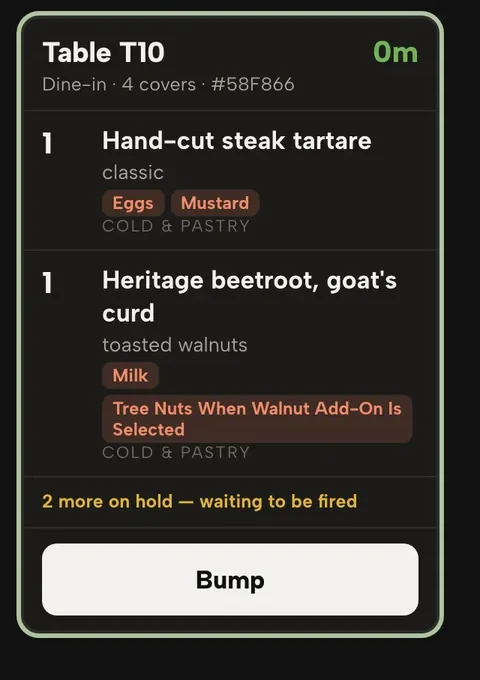 Kitchen display
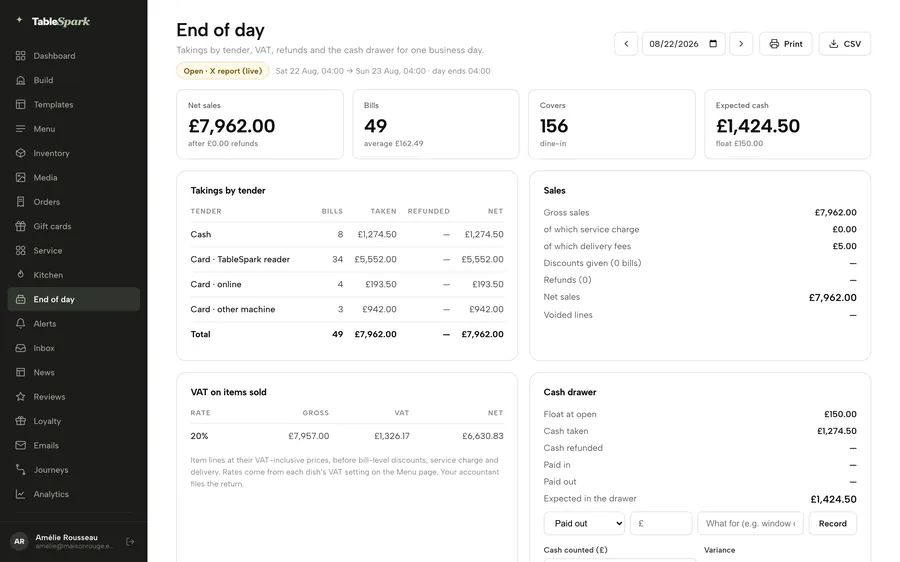 End of day
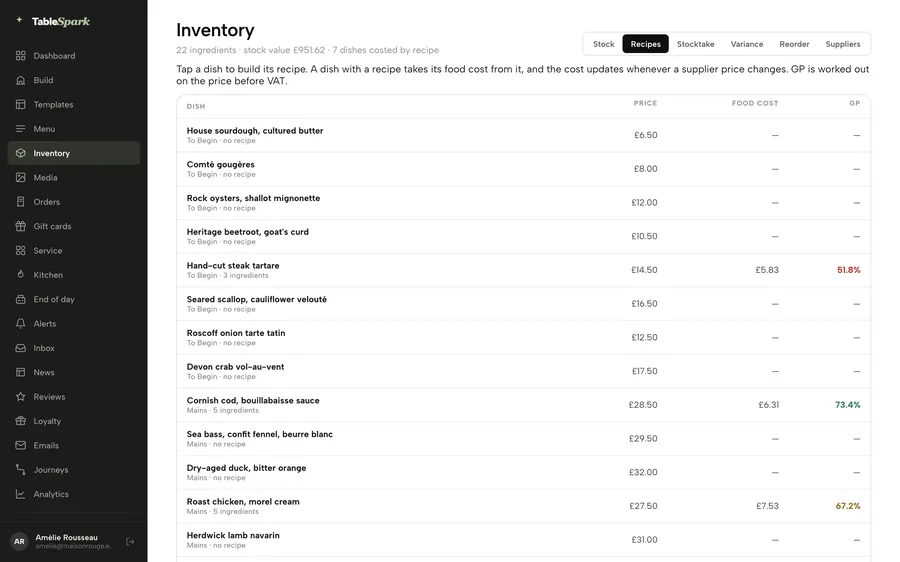 Stock & costs
 Guests & marketing
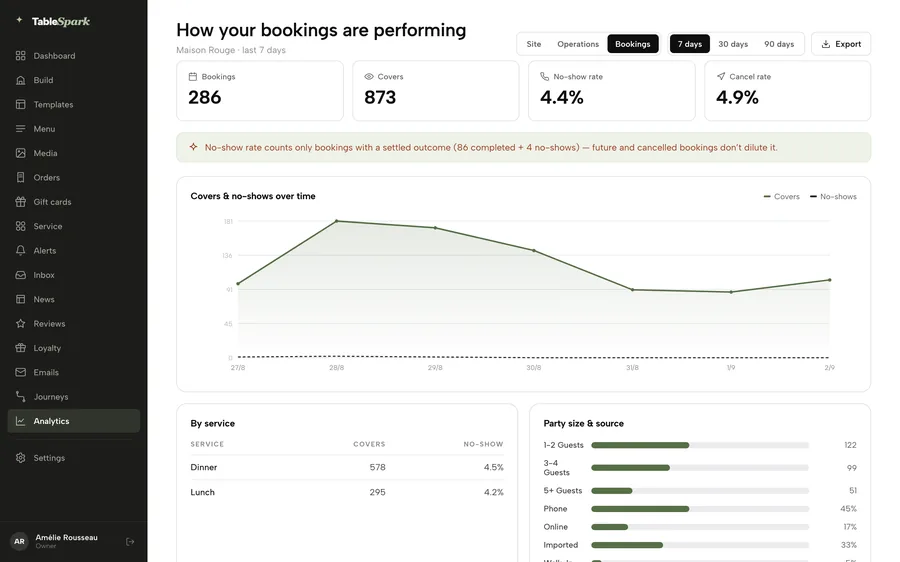 The numbers
 Being found
When one system knows the menu, the tables and the guests, everything else stops being your job.
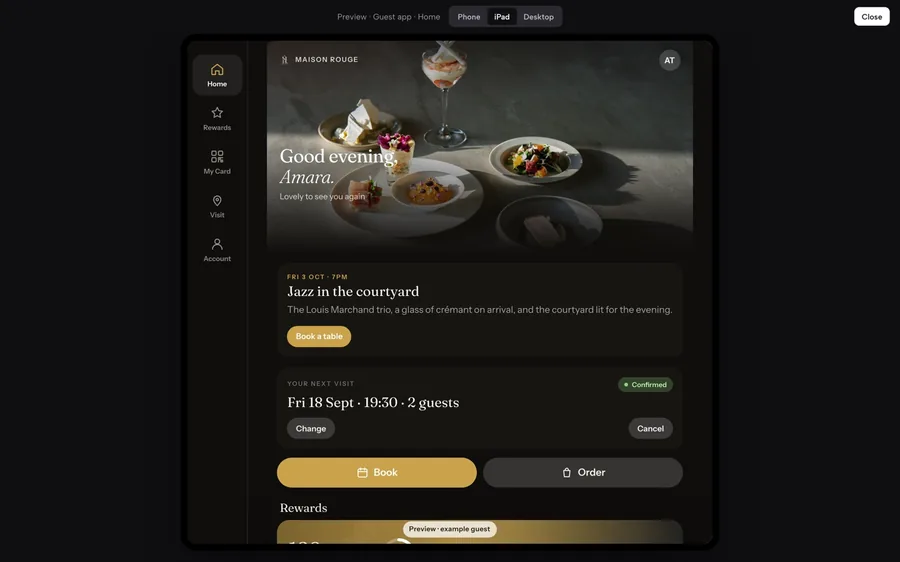
At /account on your own site, guests get five tabs: Home, Rewards, My Card, Visit and Account. Points, rewards, a member card with a QR the till scans, your hours and directions, their bookings, orders, gift balance and consents. It installs to a phone’s home screen from your site, under your name.
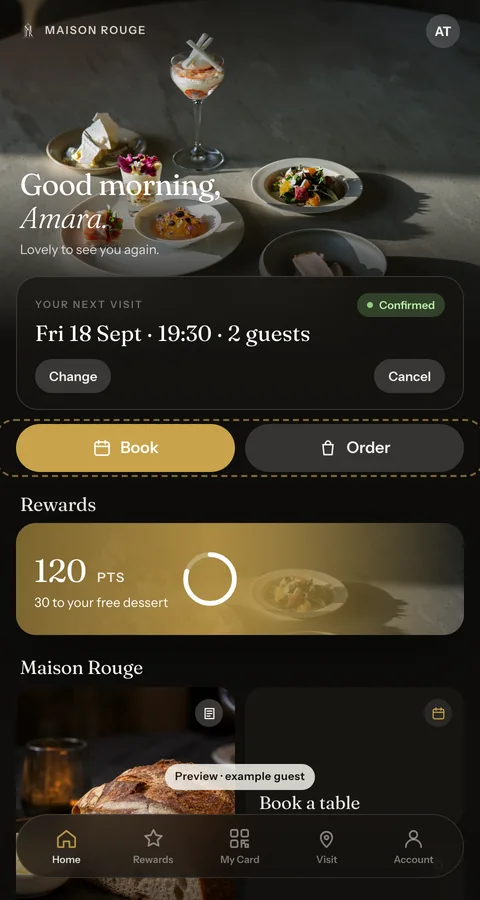 Home · next visit
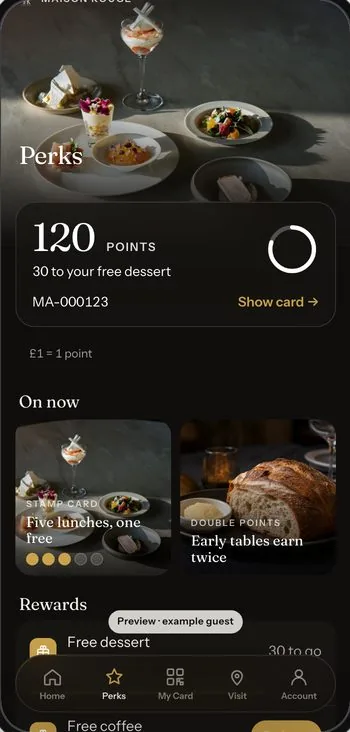 Rewards · points & campaigns
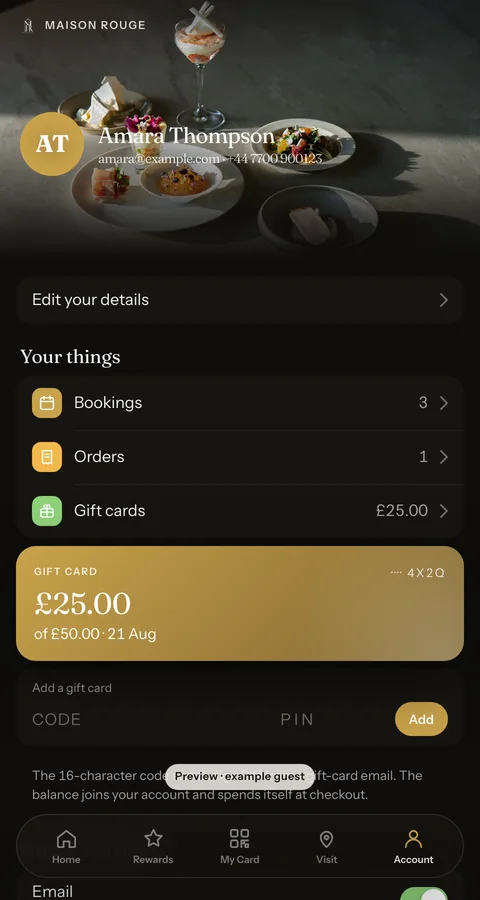 Account · gift balance
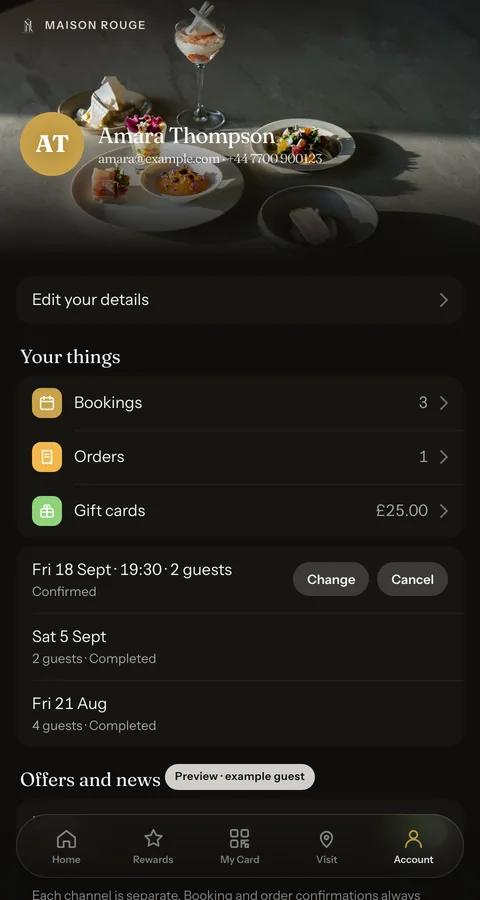 Account · bookings & orders
You design the campaigns in the Builder: double-points windows, a welcome bonus, referral codes, coupons, stamp cards, birthday rewards, emails in your own words and review requests. Every offer, budget and per-guest limit is yours to set, and every point a campaign gives is traceable in your ledger.
Three usual routes online. All three work. All three cost more than they look.
£10–25 a month, plus your evenings
Fine websites — for anyone. Bookings and ordering are someone else’s plugin, and the menu gets re-typed into each.
25–35% of every order, plus VAT on the fee
A 30% headline is roughly 36% off the top — and the diner belongs to them, not to you.
£3,000–£10,000, and a few weeks
Beautiful, eventually — then every menu change is a billable email.
| TableSpark | Generic builder + plugins | Marketplaces | Agency site | |
|---|---|---|---|---|
| Time to first order | Minutes, not weeks | Weeks of evenings | Days — under their brand | Several weeks |
| Built for restaurants | ✓ Every block of it | Generic, plus plugins | One job each — delivery or bookings | Depends who you hire |
| Order commission | 0% | 0% + plugin fees | 25–35% + VAT on the fee | 0% |
| Booking cover fees | None | Via widget — often per cover | ~£1 a cover + subscription | Via widget — often per cover |
| Who owns the guest list | ✓ You do | Scattered across the tools | The platform | You — if it was specified |
| Tools to stitch together | 0 | 3–5 | One per marketplace | 3–5, billed hourly |
| When the rules change | Handled, and written up | Your job | Their terms, their call | A billable request |
Typical published UK rates, checked August 2026. Individual contracts vary — the point stands either way.
on a marketplace, the diner is their customer. Here, every booking and order becomes a guest record under your own account — yours to export, write to, or take with you.
Hospitality law does not sit still — allergen guidance, promotion rules, privacy. The website side is handled inside the platform, and when the rules move, we publish what it means for restaurants in plain English, linked straight to the official source.
Handled in the platform
When Westminster moves, we write it up
Terrace promises should match the licence — area, dates, hours.
Read the note ↗ FSA · watchlistThe Journal · 14 Aug 2026What is already law, what is still a proposal — and what to ignore.
Read the note ↗ By 31 Mar 2027The Journal · 9 Aug 2026Three waste streams, a confirmed collection, one page for staff.
Read the note ↗ Spring 2027The Journal · 6 Aug 2026Count people, not covers — then four procedures on one page.
Read the note ↗ FSA · Sep 2026The Journal · 5 Aug 2026What the FSA expects before checkout, and again at delivery.
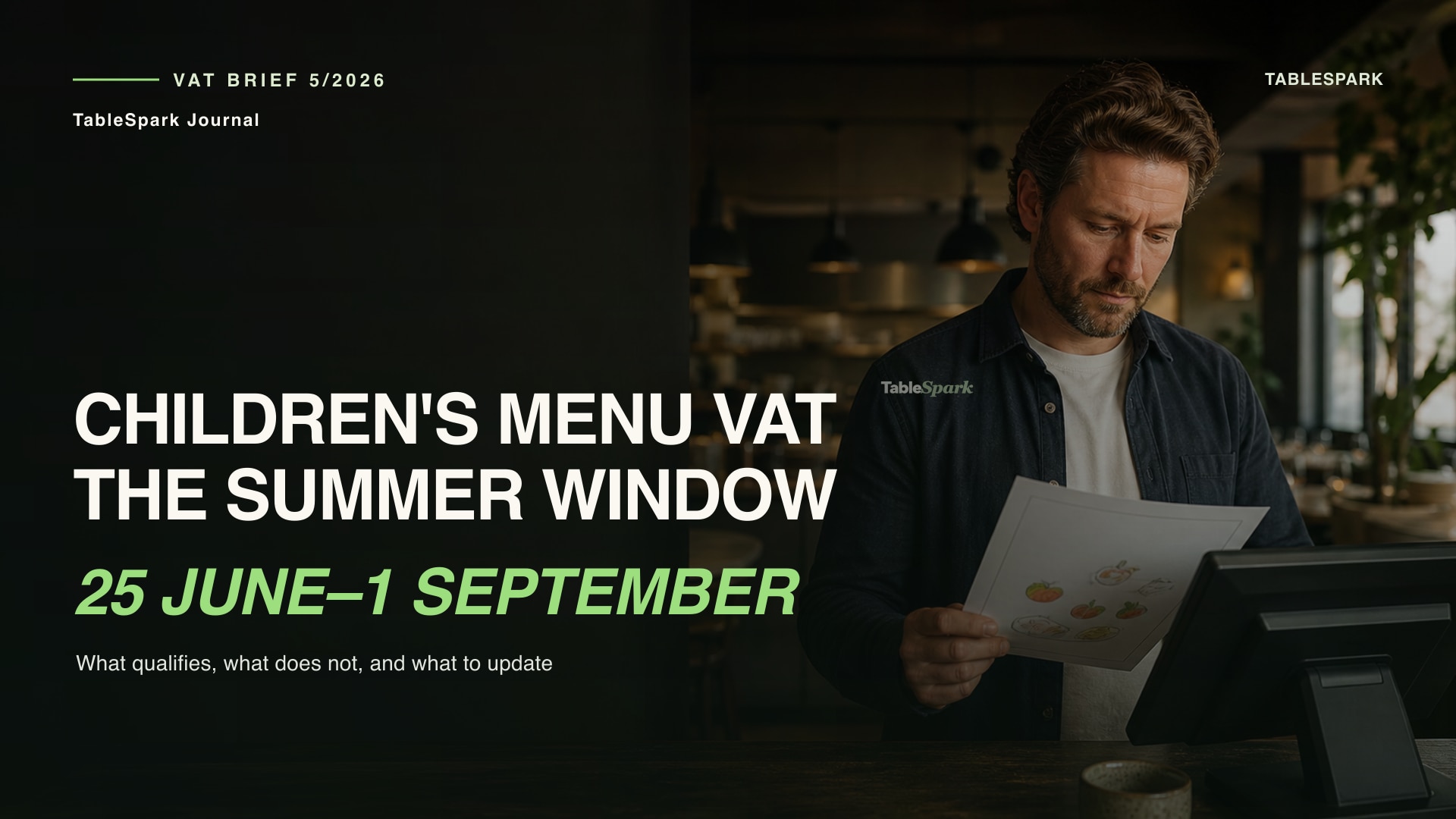
Read the note ↗ Ends 1 Sep 2026The Journal · 5 Aug 2026HMRC’s relief runs 25 June to 1 September — plan the reversion too.
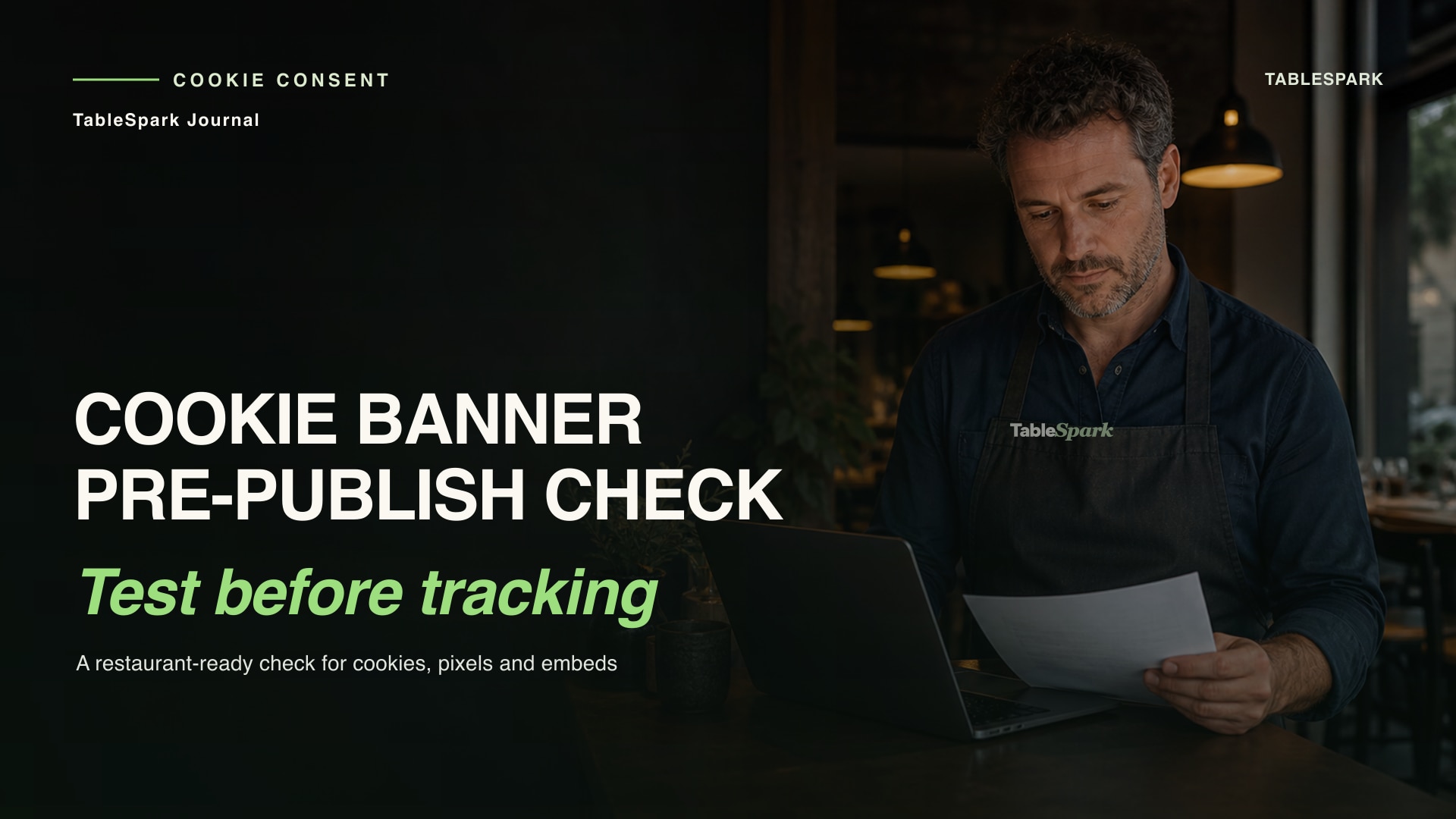
Read the note ↗ ICO · Apr 2026The Journal · 5 Aug 2026The ICO’s final guidance — and what your site already does about it.
Read the note ↗Plain-English write-ups of every change that touches restaurants, as they happen — in the Journal.
Scan to publish is measured in minutes, not days — the menu scan drafts the site, and bookings, ordering and payments are already built in rather than bolted on. Adding your own photographs and polishing every word takes as long as you enjoy giving it. Most restaurants finish the same afternoon. If you would rather read it through first, there is a step-by-step restaurant website guide in the Journal.
No. There is no tutorial to watch and no manual to read. Screens are written in plain English, defaults are already sensible, and every change can be undone — so the worst mistake you can make is one click to fix. See the menu-photo scanning workflow if you want to know what the scan reads before you upload.
A website builder, a booking system, an online-ordering product, gift-card software, an email marketing tool and an analytics dashboard. If you still want the delivery apps for discovery, keep them — your site can link out to them while your regulars order direct at 0%.
You do. Every booking, order and enquiry becomes a guest record held under your restaurant’s own account — exportable as CSV whenever you like, erased on request when a guest asks. TableSpark never markets to your guests or sells your data.
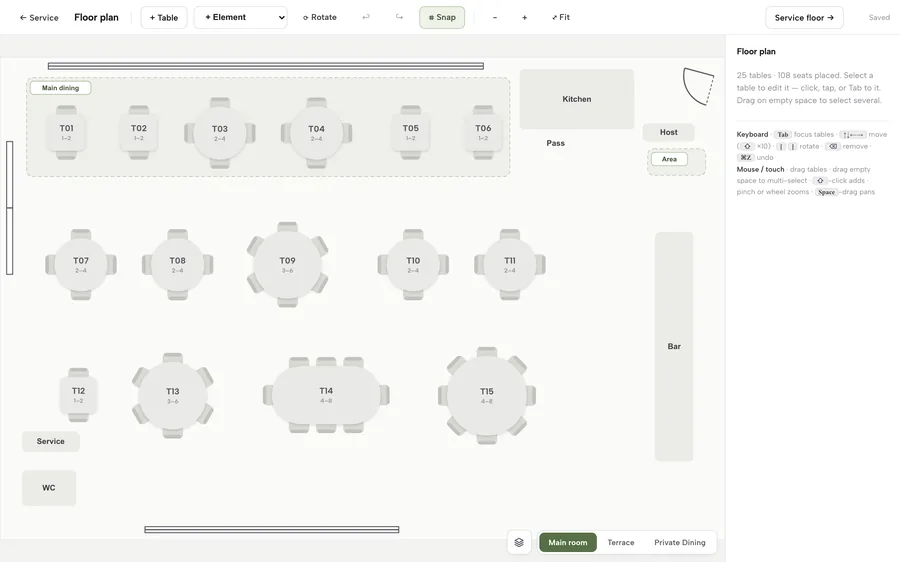
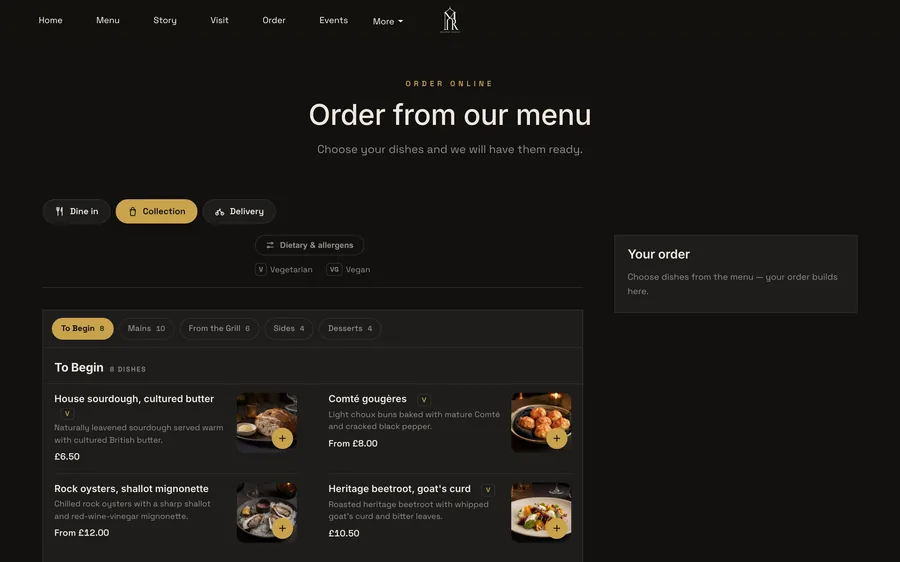
Direct TableSpark bookings run against your own tables and floor plan, with instant confirmation or a booking-enquiry workflow, deposits, reminders and POS connections on Growth; online ordering is on Full. See how live tables and floor plans work and follow the direct online-ordering setup guide. Those direct features run on your own site at 0% TableSpark commission. Separately, Growth includes a Reserve with Google booking-link connection that publishes your configured supported-provider destination. Direct TableSpark reservations, enquiries and orders are held under your restaurant account in one Inbox. Stripe’s standard card-processing fees apply to online payments.
The website side is the platform’s job: cookie consent, privacy pages, data rights, secure forms. When UK rules change, we publish plain-English updates linked to the official guidance. What happens in your kitchen remains your own responsibility — but the digital parts, like allergen information on every menu, are made easy to keep right.
Free until you publish. No card, no call, nothing to install.
0% TableSpark commission. Stripe’s standard card-processing fees apply to online payments.
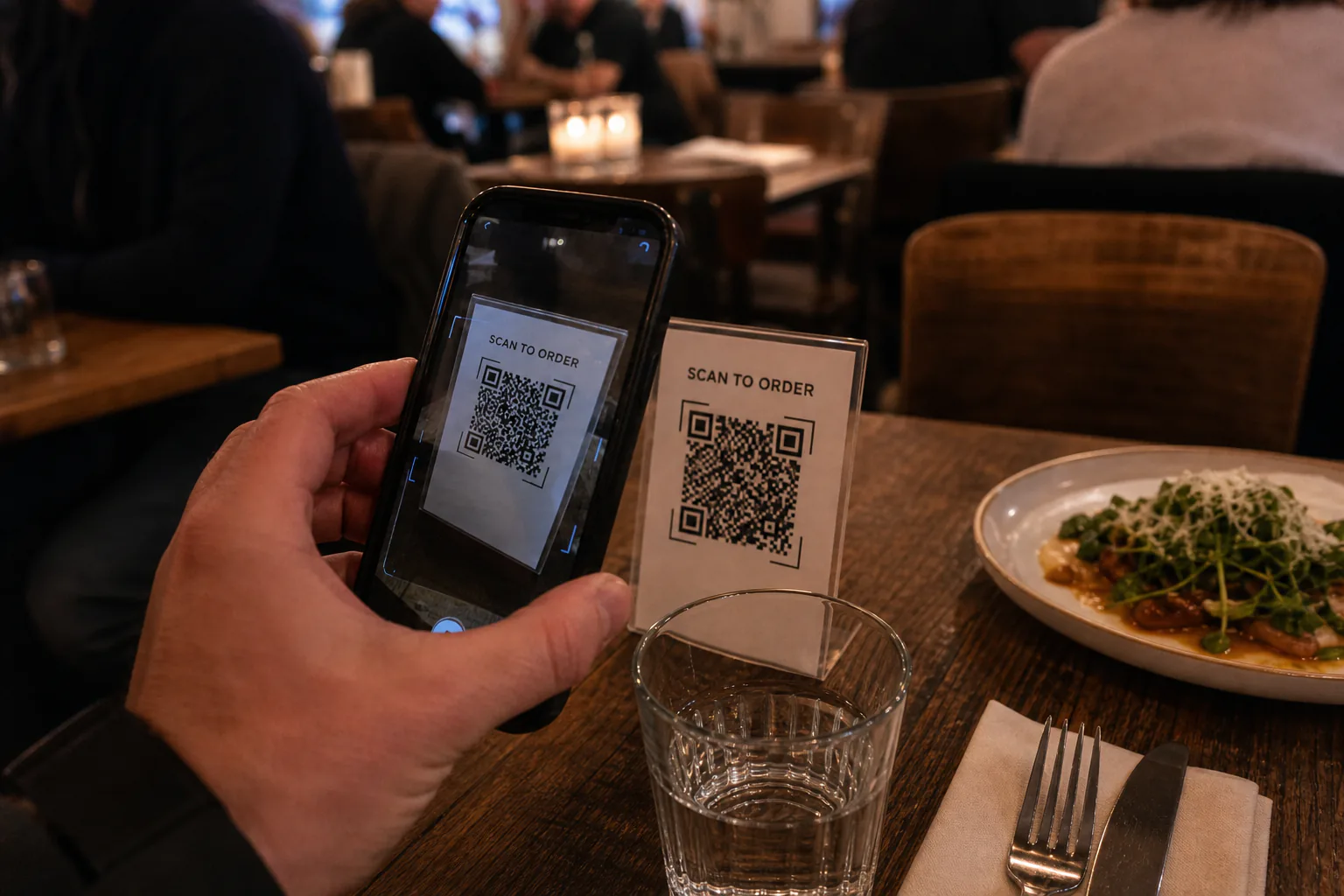 Route two
 Route three