Template library · Korean fine dining

Haneul — a Korean fine dining website template

For counters serving a fixed sequence to a small room: a near-black template with a cachet opening, a rail-based course layout, and a booking flow built for a restaurant that releases seats rather than takes walk-ins.

Korean fine diningMaison Luxe · Cachet6 pages · 42 editable sections0% commission
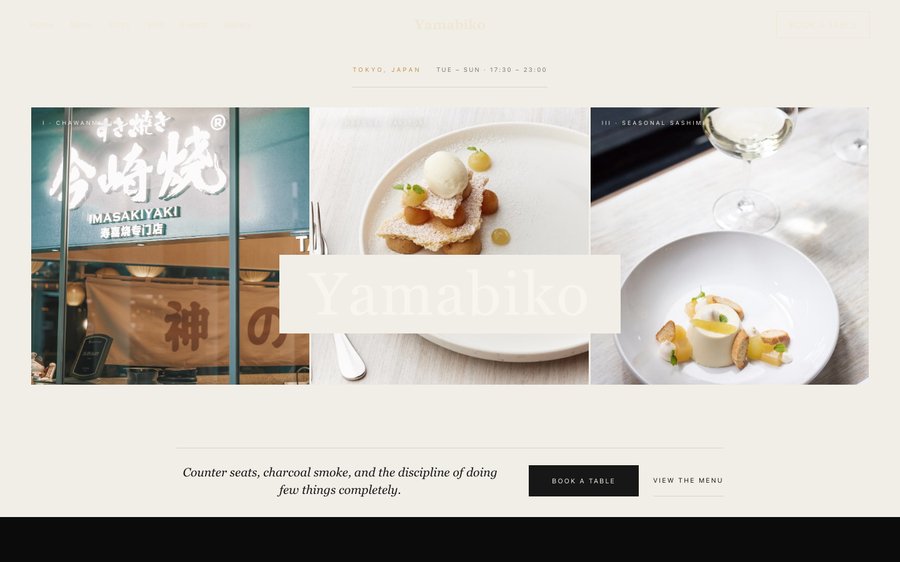
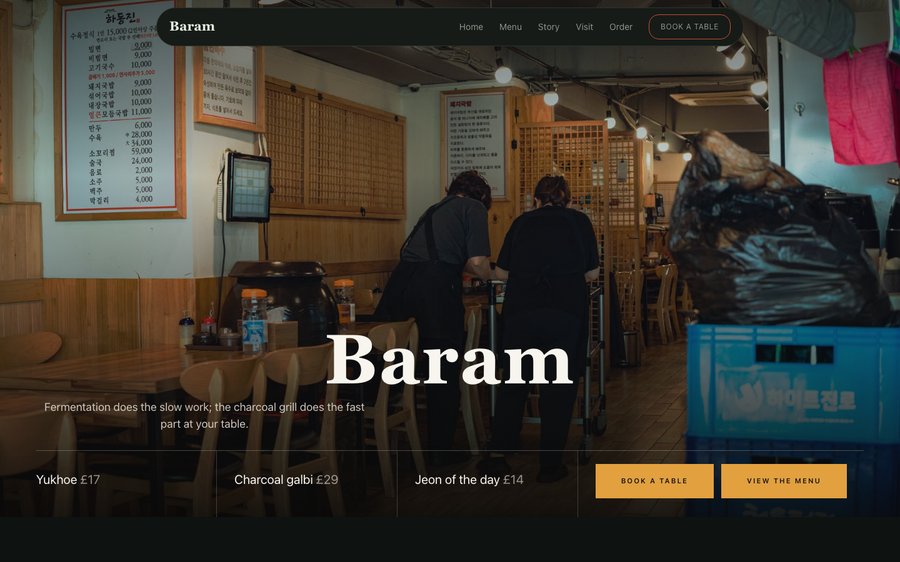
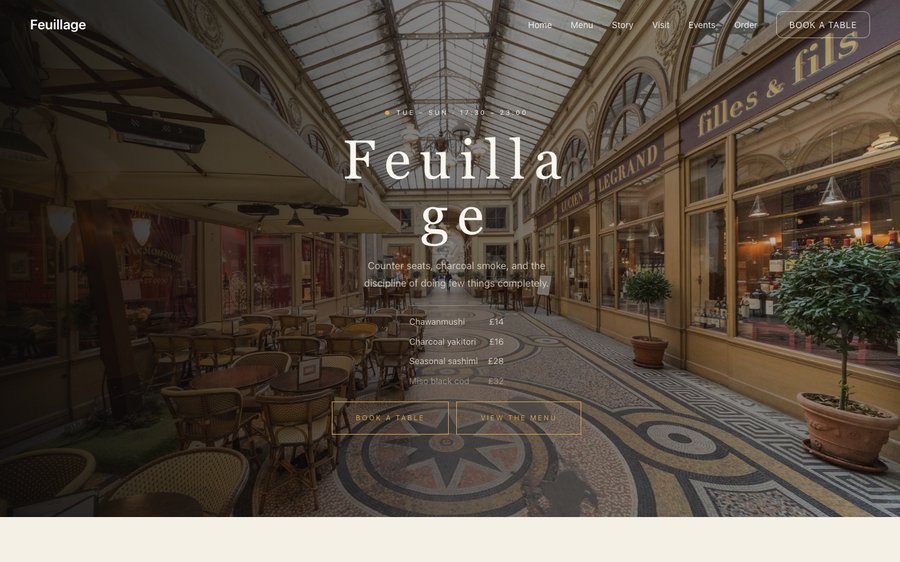
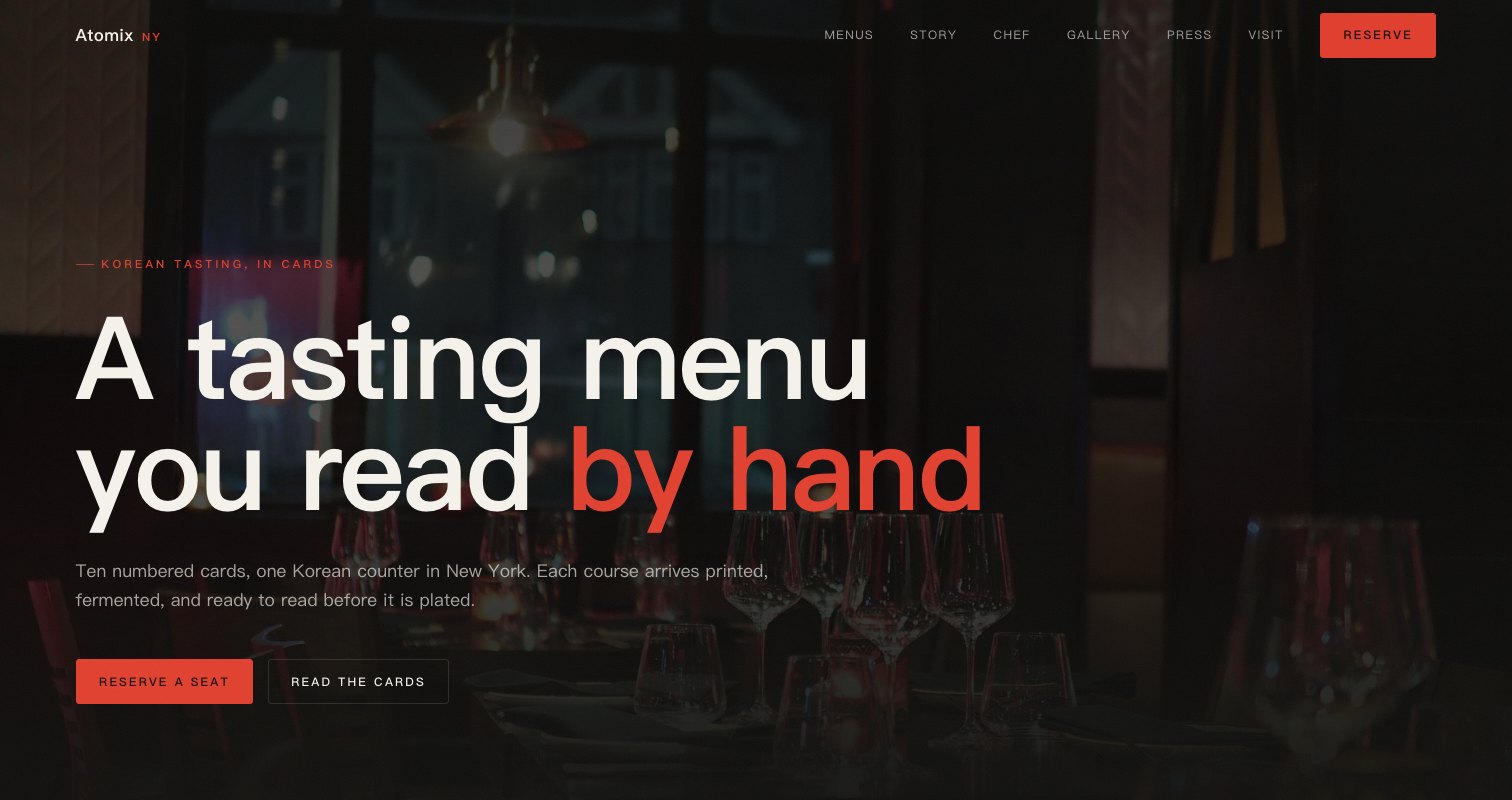
Haneul, a Korean fine dining website template — the home page as it publishes
Haneul · New York City, USA

Starter is £19/mo excl. VAT and includes a complete restaurant website, a live structured menu, enquiry and newsletter forms, and managed search readiness. Growth is £39/mo excl. VAT and adds direct live bookings, a custom domain with managed SSL, and table and floor-plan operations. Full is £69/mo excl. VAT and adds online ordering and multi-site management for up to five restaurant sites. TableSpark commission is 0%. Stripe's standard card-processing fees apply to online payments.

No agency, no retainer, and the best value an independent UK restaurant can buy. Instead of spending thousands on a bespoke build and waiting months for it, you start from a finished design like this one and go live the same day. Then it is yours to keep current — and a menu that can be corrected in a minute is a menu that stays true. The layouts are built mobile-first and scale up, and the plans add reservations, table management, ordering and the tools to run them — 0% commission to us.

Take it for a drive.

Haneul is black with an ember orange that only shows on the things you can press. Yours might be white tile and morning light, or brass and candles, or something nobody has built yet.

This is the product, not a picture of it. Left, the live site. Right, the builder’s own Theme panel. Everything you press takes effect immediately, nothing persists, and there is no sign-in wall in front of it. Go on.

Loading the live preview…

ThemePagesBlocks
Accent colour

Or pick any colour at all — the builder carries a full spectrum picker and a hex field.

Colours
Fonts
The real controls, the real site. Press anything on the right and watch the left redraw.

The whole template, not a sample of it

6 pages, and every one of them is here. What follows is the site itself rather than pictures of it. The same engine that publishes a live restaurant is drawing it here, links and all. The Phone toggle shows the small-screen version.

Loading the live preview…

Live, and navigable. Use the frame’s own navigation or the tabs above it.

Why it looks like this

A twenty-seat counter serving one sequence a night has no need of a menu button and every need of a booking one. This design is arranged around that: a small, precise opening that states the format — a counter, a set sequence, seats released on a schedule — and gets a visitor to the reservation.

The palette is near-black with a single ember accent, and the typography is a high-contrast serif over a plain sans. It is a quiet page by construction, which is what a room like this sells: not abundance, but attention.

What is on the home page

Eight blocks, arranged around a single decision:

  • Hero — Big opening image, name & buttons, in the Cachet treatment: Dark copy panel beside a photograph, circular reservation stamp on the seam.
  • Pull quote — A large standout quotation.
  • Menu preview — A few dishes on a sliding rail.
  • Sourcing — The growers and makers behind the menu.
  • Press bar — Press mentions or awards as a ruled band.
  • Numbers — Headline stats.
  • Gallery — Grid, masonry or moving strip.
  • Reservation form — Live availability slot picker, saved to your Inbox.
  • Call to action — Headline + button band.

Loading the live preview…

The Rails layout. The real menu page. Try it at phone width — the structure survives the squeeze.

From interest to a booked table

This template routes everything to the reservation rather than a basket, which is correct for a counter that sells seats. The booking form offers only the sittings you actually run, computed from your service hours, and it collects dietary requirements at the point of booking rather than at the counter.

Where a room releases seats on a schedule, deposits are what make no-shows survivable. Connecting Stripe lets the reservation form hold a card or take a deposit as the booking is made, paid directly to your account — TableSpark takes 0%. Stripe’s standard card-processing fees apply to online payments.

Loading the live preview…

The booking page as it publishes. Availability comes from your service hours, so nothing impossible is offered.

The pages guests read before they come

The story page is where a counter explains itself: the chef, the reasoning, an interview, a timeline and a gallery. The dedicated gallery page carries the plating photography, and the events page handles the collaborations and guest sittings a room like this runs.

Loading the live preview…

The story page, live: who cooks, why here, and what happened when.

Upload your menu. The AI does the typing.

The worst job in setting up a restaurant site is typing the menu. You do not have to. Send in the menu you hand to guests — card, board, PDF, ten pages if it runs that long. What returns is not a scan but a structured menu: every section, every dish, every price, with dietary and spice marks read off the page where they were printed. Nothing saves until you have looked at it — every field is editable on the review screen.

And because it is data rather than a photograph, it can do work. One menu then feeds the menu page, the highlights on the home page and the Restaurant structured data a search engine reads. Change a price once afterwards and all of them follow.

Search titles and descriptions are drafted the same way: press Write with AI and it writes from the page in front of you. You still approve every line of it before it goes anywhere.

Step one
One photograph

Of the menu exactly as it is today, from a phone.

Step two
Back as data

Sections in the right order, dishes with their descriptions, prices and marks.

Step three
Four places, one edit

Menu page, home-page highlights and the Restaurant schema — all fed by the same structured menu.

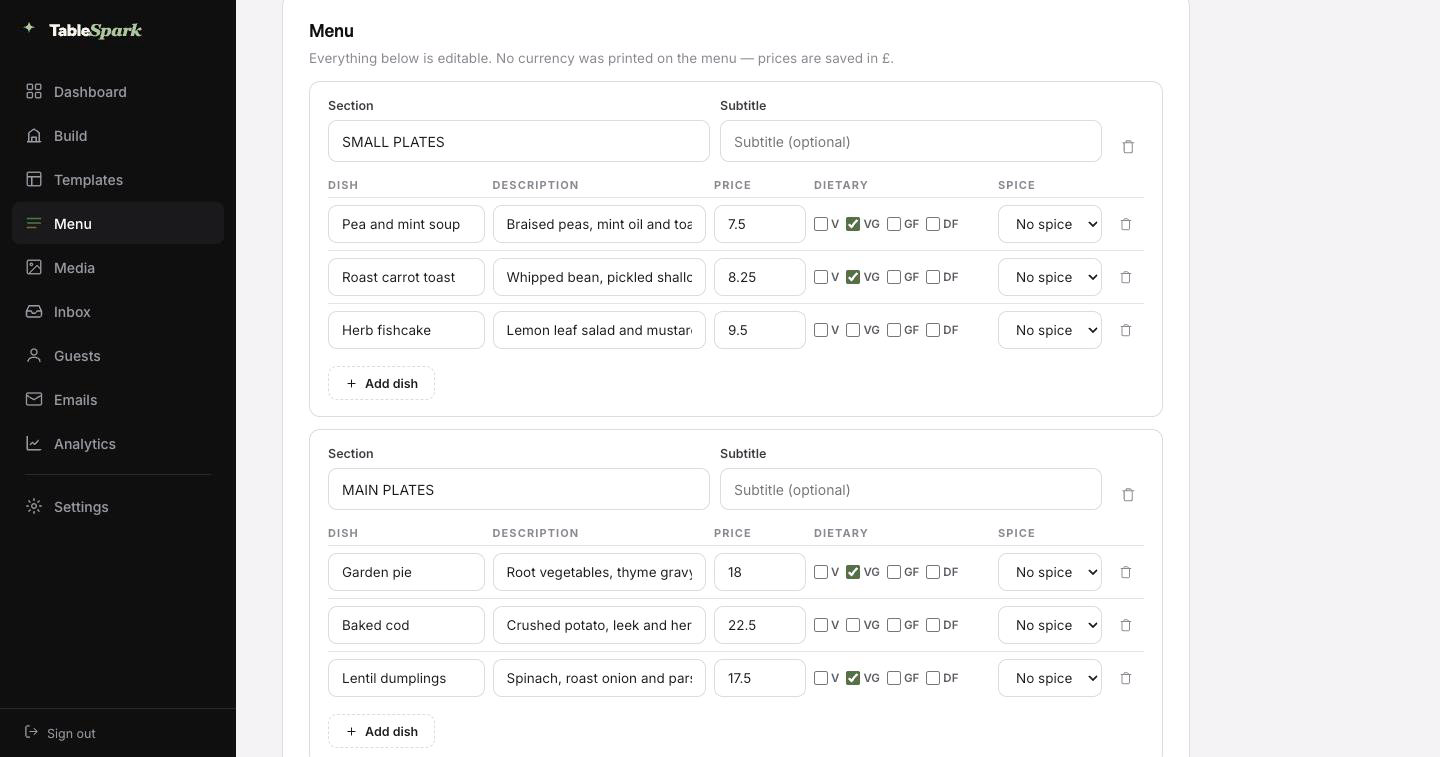
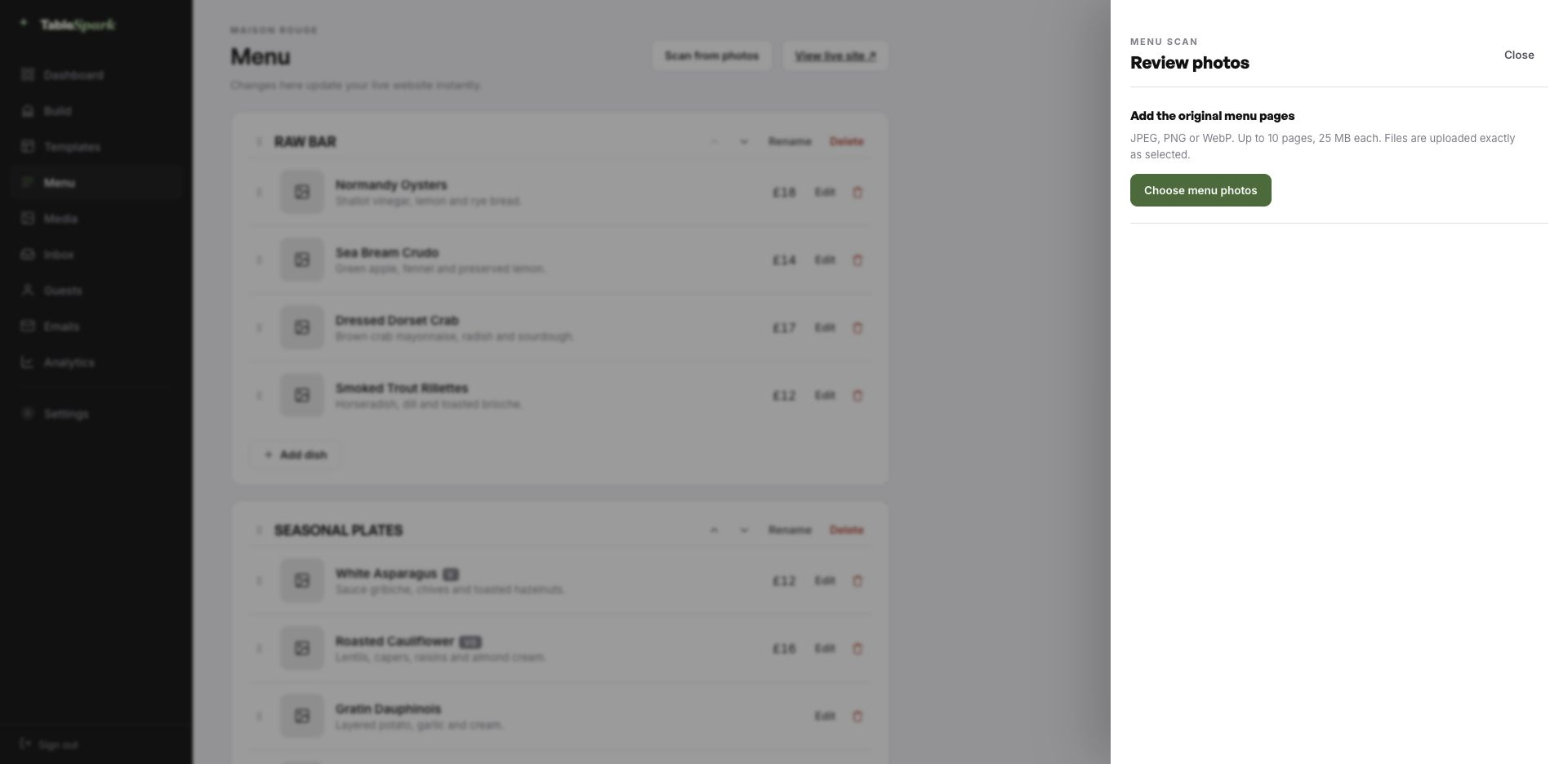
The TableSpark menu editor with the Scan from photos panel open, ready to take menu photographs
One · uploadThe scan panel, open. Photographs go in as they are; up to ten pages per run.
The review screen after a menu scan: sections, dish names, descriptions, prices, dietary marks and spice levels, every field editable
Two · reviewThe review screen. Nothing is written until you approve it, and every value can be corrected here.

How long this actually takes

The waiting is the part that has been removed. Consider it a fully fitted kitchen waiting for your knives. Ten minutes to live, and the booking form does not need setting up: it is already answering. The booking appears in your inbox; the guest gets a confirmation before they have put their phone down.

One Stripe connection turns the site into something that collects money: deposits on tables, payment on orders, paid direct. Our commission is 0% at every plan level. Stripe’s standard card-processing fees apply to online payments. That is the only deduction.

  1. Pick HaneulThe full site arrives in your account as a working draft.
    1 min
  2. Change the name and the wordsRewrite the words by clicking them; the name carries everywhere.
    4 min
  3. Upload your menuSend the menu in as a photograph and check what comes back.
    3 min
  4. PublishIt goes live on your address and starts taking bookings.
    1 min
  5. Connect StripeNow you can take deposits on tables — direct to your account.
    1 min

Point your own domain at it

Nobody prints someone else’s name on their menu, and a web address is no different. You start on a TableSpark address so you can publish today, and move the site onto your own domain whenever you are ready — the one on your menus, your napkins and your Google listing.

You do not touch a certificate or a redirect rule. TableSpark issues and renews the SSL, points the bare domain at your chosen host, and keeps the search signals consistent. If the domain is already yours, nothing needs buying; you are told precisely which DNS record to point where.

haneul.tablespark.ukbecomeswww.haneul.co.uk

After the booking: an email that looks like you

Most guests will see this email more often than they see your home page. On booking, an email goes out on your behalf with everything the guest needs — when, how many, where, how to reach you, and a one-click way to give the table back. Reminder emails, deposit receipts and cancellation notices are cut from the same cloth.

And the email is yours to design, not ours. Six templates, your accent colour, your logo, a cover photograph, the header layout, a sign-off in your own voice, your links and your social accounts. Once your domain is connected the email leaves from your address as well, not a generic one.

Not a mock-up: the frame runs the actual guest-email renderer. Press a template or an accent and watch it change.
Loading the email…

Set by you, not us

Everything a guest sees after they book, set in the same place as the site.

  • Six templates — Spark, Ink, Linen, Noir, Bistro, Plate.
  • Your accent, your logo, a cover photograph.
  • Sends from your own domain once it is connected.
  • Same design carries reminders, deposit receipts and cancellations.
  • Your sign-off — Two seats, held for you.

Try the buttons above — this is the live renderer, not a screenshot.

What is editable — which is nearly everything

  • Yours from the first minute: the restaurant’s name, the copy on every page, the photography, the dishes and prices, the opening hours and address, and the theme itself.
  • Kept for you: the load-bearing decisions: long-menu layout, mobile ordering behaviour, responsive stacking, and colour contrast that does not collapse when you change the palette.
  • Never locked: restructure any page, delete sections outright, add new modules, and create or remove pages. None of it is locked.

Findable, not merely online

A live link proves the page exists. It does not prove Google can read it. Sites sit at a perfectly good address and never appear in search — because of a leftover noindex, canonicals that disagree, pages nothing links to, a menu trapped in a PDF, absent restaurant schema, or verification never finished. What follows is expensive: searches for your name, your dishes or your street send guests to marketplaces that take a cut of the booking you would have had for free.

None of it is left for you to assemble. Rankings and indexing are Google’s decision and no honest supplier promises either — but the configuration that makes them possible is done.

Common questions

We release seats on a schedule rather than taking bookings months ahead. Does that work?

Yes. Availability comes from your service hours and your table inventory, so the form only offers sittings that exist. Because you control when a service is open for booking, you can release a week or a month at a time, and the form simply shows nothing beyond it. Guests can join a waitlist for dates that are full.

Can we collect dietary requirements before the guest arrives?

Yes — the reservation form carries a free-text field for allergies and requirements, and it arrives attached to the booking in your TableSpark inbox. For a fixed sequence that is essential rather than optional, because the kitchen needs to know before the day, not at the counter.

Is there a confirmation email, and can we brand it?

The guest receives a branded confirmation straight away: date, time, number of covers, your address, your phone number, and a link to release the table. Reminders before service, deposit receipts and cancellation notices come from the same place. You choose from six templates and set the accent colour, logo, cover photograph, header layout, sign-off, links and social accounts — and with your domain connected, the sender address is yours.

Do I need to know how to code?

No code, anywhere. You click a block and edit it in place; photographs are dragged in. Everything you can see was assembled from the module library rather than written by hand.

Do I have to type my whole menu in by hand?

No. Photograph the menu and it comes back as structured data — ordered sections, named dishes, their descriptions and prices, with dietary and spice marks where the card showed them — for you to check and correct on a review screen. Being data rather than a photograph is what lets the same menu feed the menu page, the ordering page, the home-page highlights and the search engine’s structured data at once.

Realistically, how long is this going to take?

Ten minutes, roughly, from first login to a live site on your own address. Copy the template, change the name and wording, upload your menu, publish. Reservations start working at once, arriving in your TableSpark inbox with the guest confirmed by email. Adding a payment account is a one-minute job that unlocks deposits on bookings and payment on orders, paid to you with 0% commission to us. Stripe’s standard card-processing fees apply to online payments.

Build on Haneul

Make this yours: the name, the words, the photographs, the menu. Free to build, and you only pay when you go live.

Use this template free

Running a Fine Dining kitchen? See all Fine Dining restaurant website templates.

More Japanese Zen templates

Worth reading next

← Browse all 50 restaurant website templates