The pages behind the menu
The story page carries the garden and the market — narrative, sourcing with named growers, an interview, a timeline and a gallery. The reservations page manages a small room where every cover counts.
Template library · Contemporary Brazilian
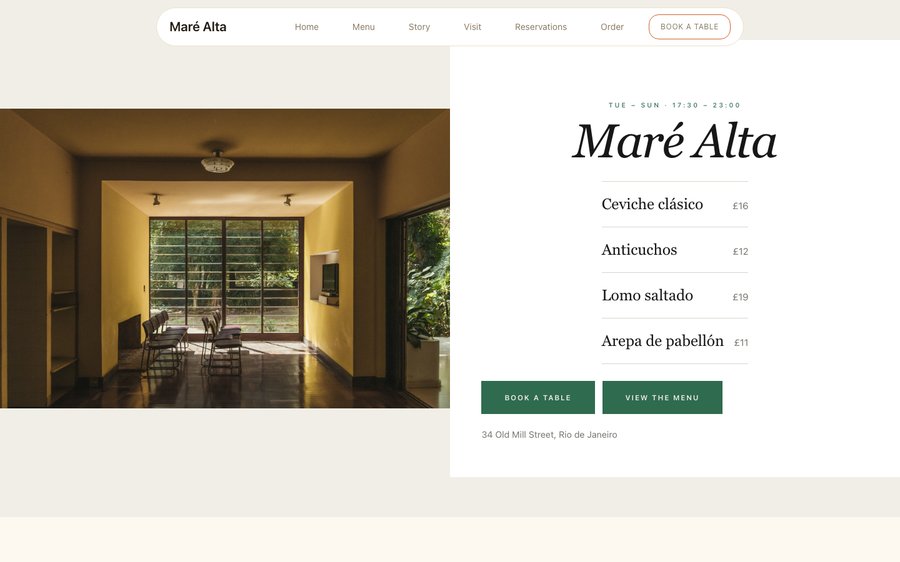
For kitchens cooking from a garden and a market: a light, warm template with a plat-du-jour opening, a compact menu, and a split ordering layout that keeps the basket beside the food.
Starter is £19/mo excl. VAT and includes a complete restaurant website, a live structured menu, enquiry and newsletter forms, and managed search readiness. Growth is £39/mo excl. VAT and adds direct live bookings, a custom domain with managed SSL, and table and floor-plan operations. Full is £69/mo excl. VAT and adds online ordering and multi-site management for up to five restaurant sites. TableSpark commission is 0%. Stripe's standard card-processing fees apply to online payments.
Maré Alta is a bright warm paper with a lime accent, the palette of a market in the morning. Yours might be white tile and morning light, or brass and candles, or something nobody has built yet.
Rather than explain, here is the thing itself: the builder’s Theme controls on one side, the live site on the other, both real. You cannot break it, nothing saves, and no account is required to have a go. Go on.
Loading the live preview…
Or pick any colour at all — the builder carries a full spectrum picker and a hex field.
6 pages, and every one of them is here. What follows is the site itself rather than pictures of it. The same engine that publishes a live restaurant is drawing it here, links and all. The Phone toggle shows the small-screen version.
Loading the live preview…
Contemporary Brazilian cooking is largely about produce and proximity — a garden, a market, a coast — and the design leans light rather than dark to say so. A pale warm ground makes vegetable photography look alive in a way a near-black page never will.
The opening is a plat du jour: today’s dish, the hours, the way in. For a kitchen whose menu is decided by what arrived that morning, it is the only hero that stays true.
Nine blocks, arranged for a menu decided that morning:
Loading the live preview…
This is the part worth pressing. Maré Alta uses the Delivery app ordering layout — sections run down a rail on the left, the dish list swaps beside them without losing your place, and the basket follows the scroll. The split layout keeps the basket beside the menu, which suits shared ordering — several plates for a table, assembled together, with the total in view throughout.
Options and sizes are inline chips on each row, and the basket becomes a pinned bar on a phone. Payment goes to your own Stripe account with 0% taken by us. Stripe’s standard card-processing fees apply to online payments.
What the guest is asked depends on how they are eating: table number, phone number or address, and never all three.
Loading the live preview…
This is the frame that matters. It is the real ordering page at a real phone width — not a mock-up, not a video.
On a laptop the same page puts the basket in a panel beside the menu that follows the scroll.
The story page carries the garden and the market — narrative, sourcing with named growers, an interview, a timeline and a gallery. The reservations page manages a small room where every cover counts.
Loading the live preview…
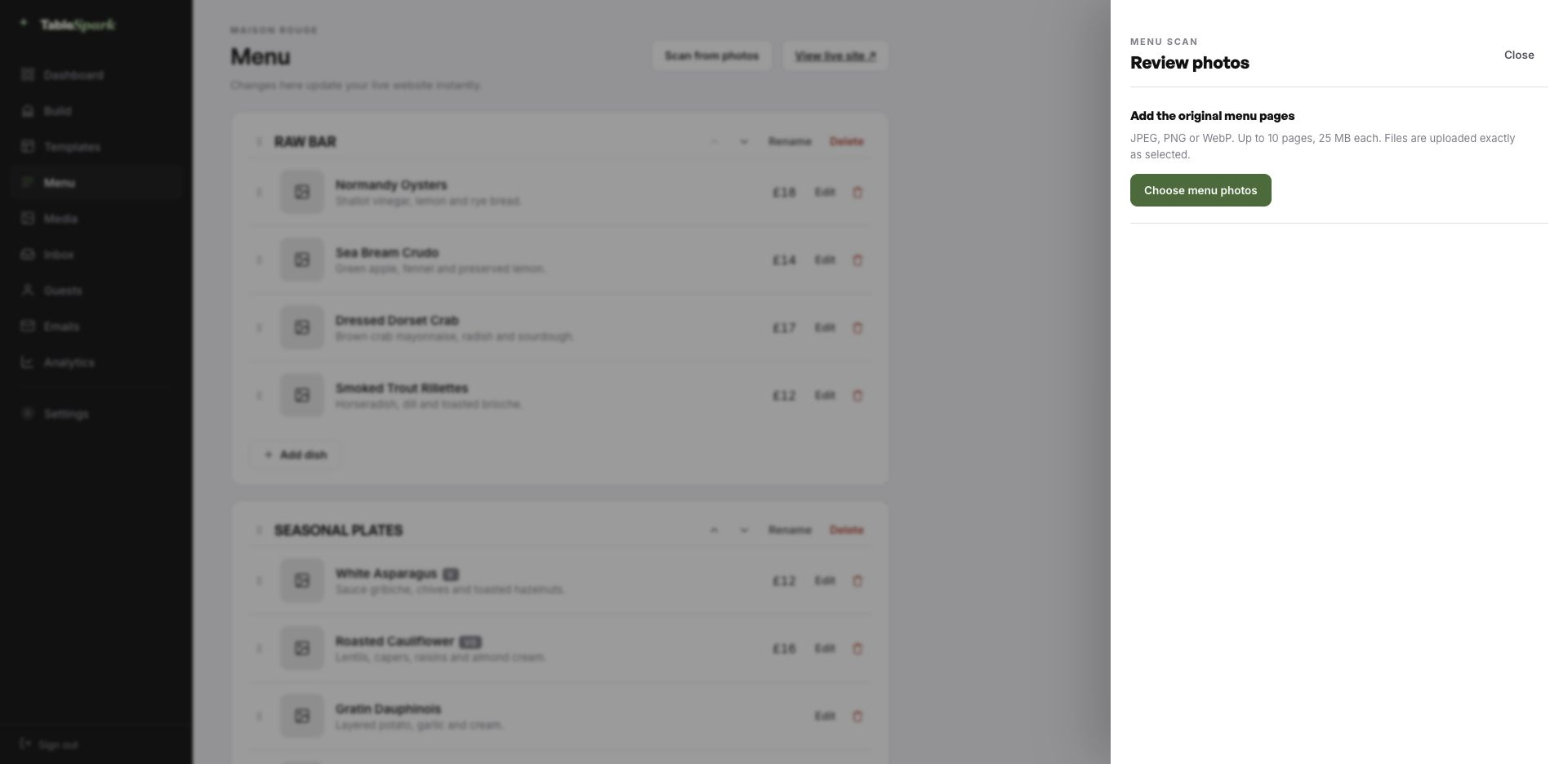
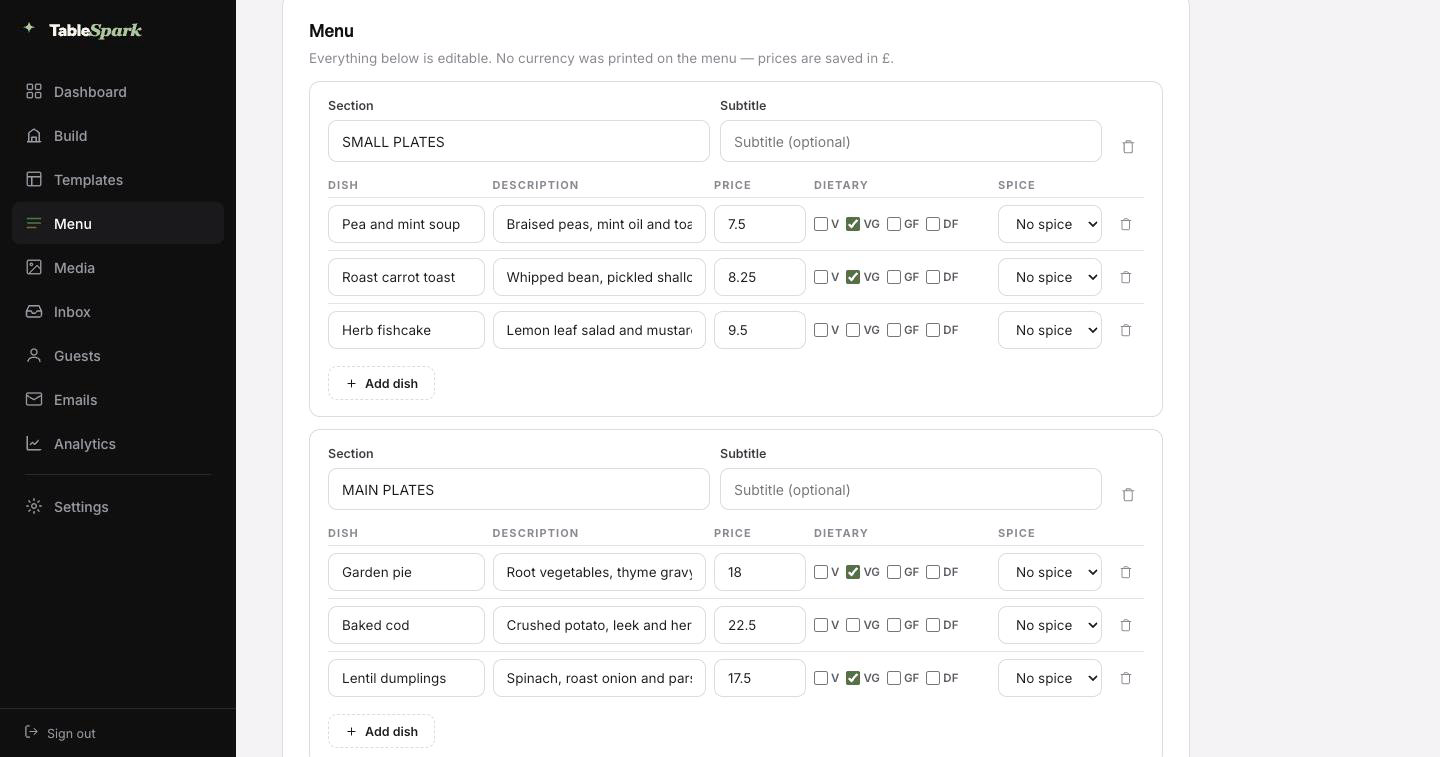
The worst job in setting up a restaurant site is typing the menu. You do not have to. Send in the menu you hand to guests — card, board, PDF, ten pages if it runs that long. What returns is not a scan but a structured menu: every section, every dish, every price, with dietary and spice marks read off the page where they were printed. Nothing saves until you have looked at it — every field is editable on the review screen.
And because it is data rather than a photograph, it can do work. One menu then feeds the menu page, the ordering page, the highlights on the home page and the Restaurant structured data a search engine reads. Change a price once afterwards and all of them follow.
Search titles and descriptions are drafted the same way: press Write with AI and it writes from the page in front of you. You still approve every line of it before it goes anywhere.
Of the menu exactly as it is today, from a phone.
Sections in the right order, dishes with their descriptions, prices and marks.
Menu page, ordering page, home-page highlights and the Restaurant schema — all fed by the same structured menu.
The waiting is the part that has been removed. Consider it a fully fitted kitchen waiting for your knives. One sitting to live, and the booking form does not need setting up: it is already answering. The booking appears in your inbox; the guest gets a confirmation before they have put their phone down.
One Stripe connection turns the site into something that collects money: deposits on tables, payment on orders, paid direct. Our commission is 0% at every plan level. Stripe’s standard card-processing fees apply to online payments. That is the only deduction.
Nobody prints someone else’s name on their menu, and a web address is no different. You start on a TableSpark address so you can publish today, and move the site onto your own domain whenever you are ready — the one on your menus, your napkins and your Google listing.
You do not touch a certificate or a redirect rule. TableSpark issues and renews the SSL, points the bare domain at your chosen host, and keeps the search signals consistent. If the domain is already yours, nothing needs buying; you are told precisely which DNS record to point where.
marealta.tablespark.ukbecomeswww.marealta.co.ukMost guests will see this email more often than they see your home page. On booking, an email goes out on your behalf with everything the guest needs — when, how many, where, how to reach you, and a one-click way to give the table back. Reminder emails, deposit receipts and cancellation notices are cut from the same cloth.
And the email is yours to design, not ours. Six templates, your accent colour, your logo, a cover photograph, the header layout, a sign-off in your own voice, your links and your social accounts. Once your domain is connected the email leaves from your address as well, not a generic one.
What follows is not a screenshot of an email — it is an email, drawn by the module the booking system calls. Change the style or the colour and it redraws.
Loading the email…
Everything a guest sees after they book, set in the same place as the site.
Try the buttons above — this is the live renderer, not a screenshot.
A live link proves the page exists. It does not prove Google can read it. Sites sit at a perfectly good address and never appear in search — because of a leftover noindex, canonicals that disagree, pages nothing links to, a menu trapped in a PDF, absent restaurant schema, or verification never finished. What follows is expensive: searches for your name, your dishes or your street send guests to marketplaces that take a cut of the booking you would have had for free.
None of it is left for you to assemble. Rankings and indexing are Google’s decision and no honest supplier promises either — but the configuration that makes them possible is done.
It is a two-minute job. The menu is a structured list you edit in place, and everything reading from it updates at once — the menu page, the ordering page, home-page highlights and the structured data. No PDF, no republishing, no developer.
Yes. The sourcing block lists producers with a line each, and every dish description can name the grower or variety. Both are indexable text, so a search for a farm or a market can lead someone to you.
Yes. You start on a TableSpark address so you can publish the same day, and you can move onto your own domain whenever you are ready — including one you already own. TableSpark manages the certificate, the secure connection, the redirect from the bare domain, and keeps canonical URLs, the sitemap and robots pointing at the live address so the move does not cost you the search visibility you have built. Guest emails can send from your domain as well.
A confirmation email sent on your behalf, carrying the date, time, party size, where you are, how to reach you, and a link to release the table if their plans change. Reminders before service, deposit receipts and cancellation notices come from the same system. The design is yours: six templates, your accent colour, your logo, a cover photograph, the header layout, your own sign-off, your links and your social accounts — and once your domain is connected it sends from your address too.
No — the builder is visual throughout. Click a block, retype the copy, swap the photograph, move it up or down. Nothing about running the site requires HTML.
Ordering comes with the Full plan. TableSpark takes 0% commission on every plan, so the order value lands in your own account. Stripe’s standard card-processing fees apply to online payments.
Take this design, make it about your restaurant, and publish it today. Building costs nothing; you pay only when it goes live.
Running a Mexican & Latin kitchen? See all Mexican & Latin restaurant website templates.
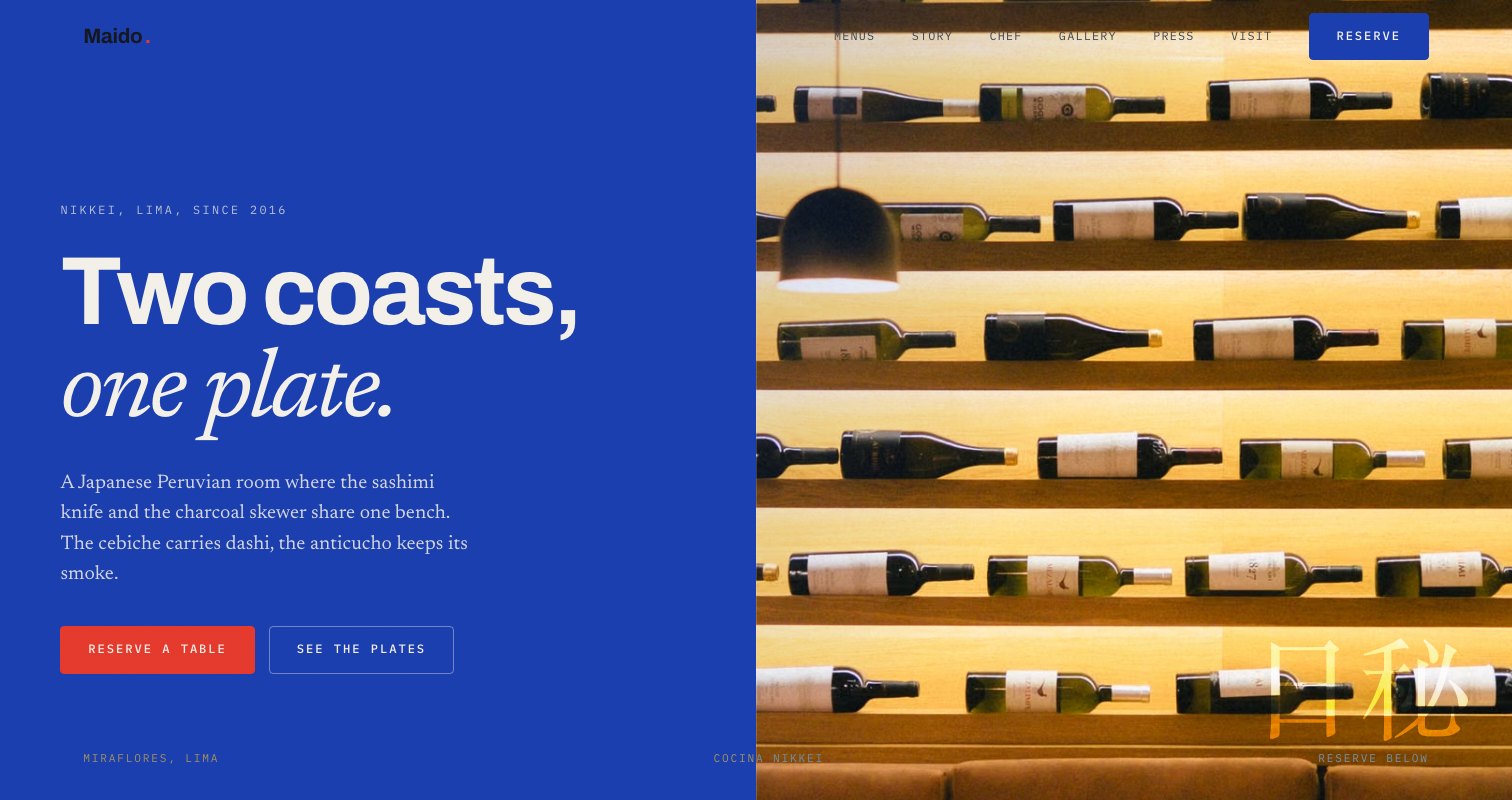 KaimarNikkei (Japanese-Peruvian) · Latin VibrantView the template
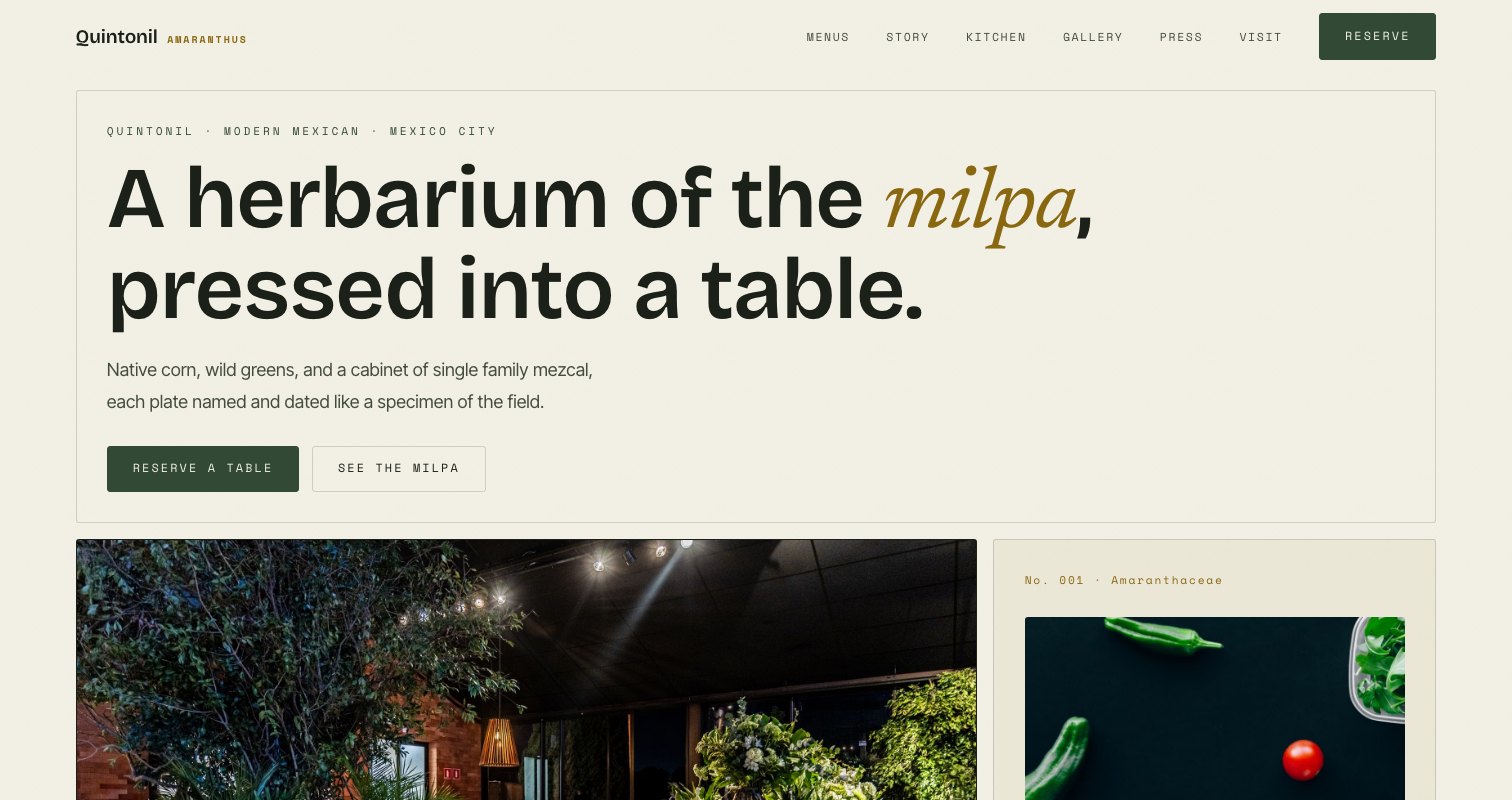 TlalliModern Mexican · Latin VibrantView the template
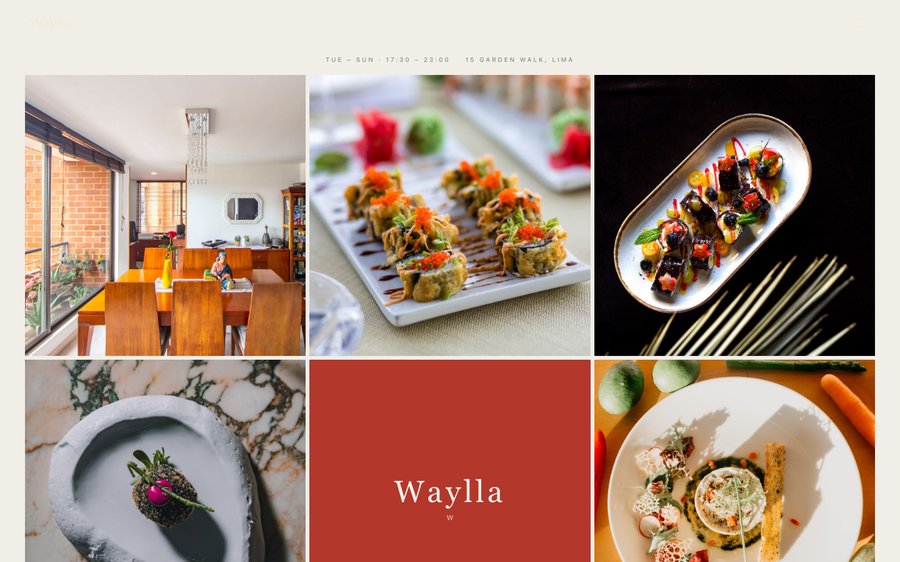 WayllaPeruvian · Latin VibrantView the template