Template library · Refined Cantonese

Mei Court — a Cantonese restaurant website template

For Cantonese rooms where the cooking is precise and the menu is long: a warm, editorial template with seating-led booking, a plated menu layout, and structure for banquet and set menus.

Refined CantoneseCuisine House · Omakase Seatings5 pages · 35 editable sections0% commission
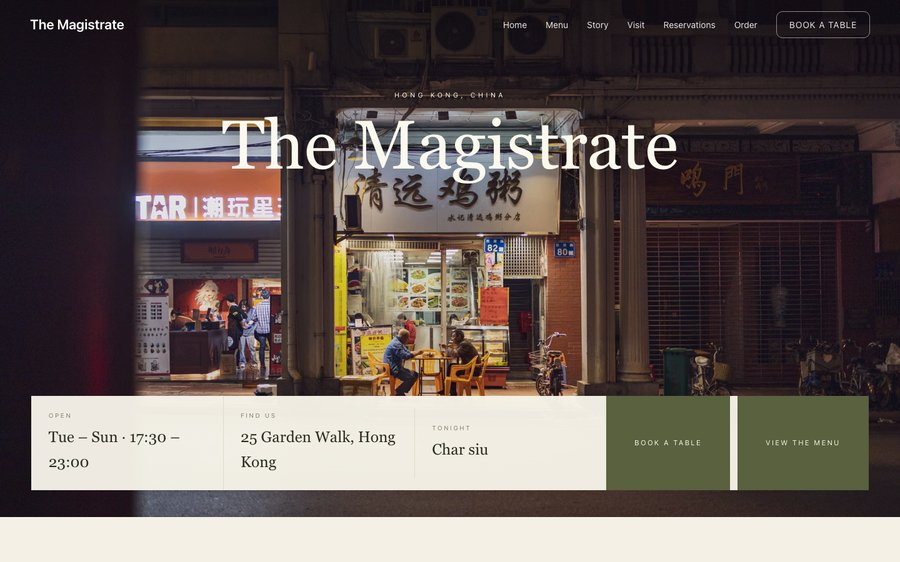
Mei Court, a Cantonese restaurant website template — the home page as it publishes
Mei Court · Hong Kong, China

Starter is £19/mo excl. VAT and includes a complete restaurant website, a live structured menu, enquiry and newsletter forms, and managed search readiness. Growth is £39/mo excl. VAT and adds direct live bookings, a custom domain with managed SSL, and table and floor-plan operations. Full is £69/mo excl. VAT and adds online ordering and multi-site management for up to five restaurant sites. TableSpark commission is 0%. Stripe's standard card-processing fees apply to online payments.

An independent UK restaurant can be running all of this for the lowest entry point anywhere, and the best value at any price. The expensive route is a bespoke build: thousands of pounds, months of waiting, and a developer on call for every price change. This is the other route. From then on nothing needs a developer — the menu, the prices and the pictures are edited by whoever is standing at the pass. Phone, tablet and desktop are all handled, and reservations, tables, ordering and management come with the plans — TableSpark takes 0% commission.

Nothing here is precious. Try it.

Mei Court is warm paper with a rose-red that belongs to a lacquer box. Yours might be white tile and morning light, or brass and candles, or something nobody has built yet.

There is no demo video and no sales call. What you see on the right is the actual Theme panel from the builder, wired to the actual site renderer on the left. Press a colour. It will not ask you to register and it will not remember what you did. Go on.

Loading the live preview…

ThemePagesBlocks
Accent colour

Or pick any colour at all — the builder carries a full spectrum picker and a hex field.

Colours
Fonts
Everything here is live: the Theme tab as it ships, wired to the engine that publishes restaurants.

Go through it like a guest would

5 pages, and every one of them is here. None of this is an image. The frame runs the real renderer — the one that publishes live restaurants — so each tab is the actual page and the links go where they say. Press Phone and watch it reflow.

Loading the live preview…

Live render · click the navigation inside the frame to move between pages, or use the tabs above.

The room it imagines

Refined Cantonese cooking is undersold by menus that read like a takeaway list — three hundred numbered items with no hierarchy. This design fixes the hierarchy first: a warm paper ground, generous space, and a layout that lets the kitchen show fifteen dishes properly rather than three hundred badly.

The opening is a seatings board, which is the honest structure for a room that runs two or three services and takes bookings for both. It carries the sittings, tonight’s dish and the route to a table before anything else.

The home page, block by block

Eight blocks, built for a room with services rather than opening hours:

  • Hero — Big opening image, name & buttons, in the Omakase Seatings treatment: Circular dish over two seating times, one of them full.
  • Intro statement — Big opening statement line.
  • Menu preview — A few dishes on a sliding rail.
  • Signature dish — One dish, full screen — name, story, price.
  • Image break — Full-width image band with optional caption.
  • Gallery — Grid, masonry or moving strip.
  • Reviews — Guest quotes with stars.
  • Call to action — Headline + button band.

The statement block currently reads Roast meats in the window, claypots on the crust — Cantonese cooking with its sleeves rolled up. — one line you will rewrite in about four seconds.

Loading the live preview…

The Plate layout. Menu layout, rendered live. Phone view shows what a guest at the table actually sees.

Ordering, on your own terms

This is the part worth pressing. Mei Court uses the Photo tiles ordering layout — every dish is a tile with an image, a price and an add button that becomes a quantity stepper. The ordering page uses photo tiles, which is the right choice for dim sum and small plates: guests order more when they can see what they are ordering, and a tile grid handles forty items without becoming a wall of text.

Portion and quantity choices sit as chips on each tile, and the basket stays on screen with a running total — which matters when a table of six is assembling an order of twenty items. Dine-in asks for a table number so the kitchen knows where it is going.

Each mode collects only what it must: a table number for dine-in, a telephone number for collection, an address for delivery.

Loading the live preview…

Try it with your thumb

This is the frame that matters. It is the real ordering page at a real phone width — not a mock-up, not a video.

  • Pick a section and the list follows.
  • One tap on + adds a dish; the stepper keeps the count.
  • The basket stays visible at the bottom, counting as you go.
  • Portions and options are gathered in a sheet before the dish is added.

On a laptop the same page puts the basket in a panel beside the menu that follows the scroll.

Opened at the ordering block, at phone size. Add something and see the bar fill.

The story and visit pages

The story page carries the kitchen’s lineage, an interview and a gallery of the room. The visit page does more work than usual for a restaurant like this — floor, building, the lift, how to find a door that is not at street level — all of it real text a guest can read before they arrive.

Loading the live preview…

Live story page: the chef, the reasoning, the history and the photographs.

The typing is already done

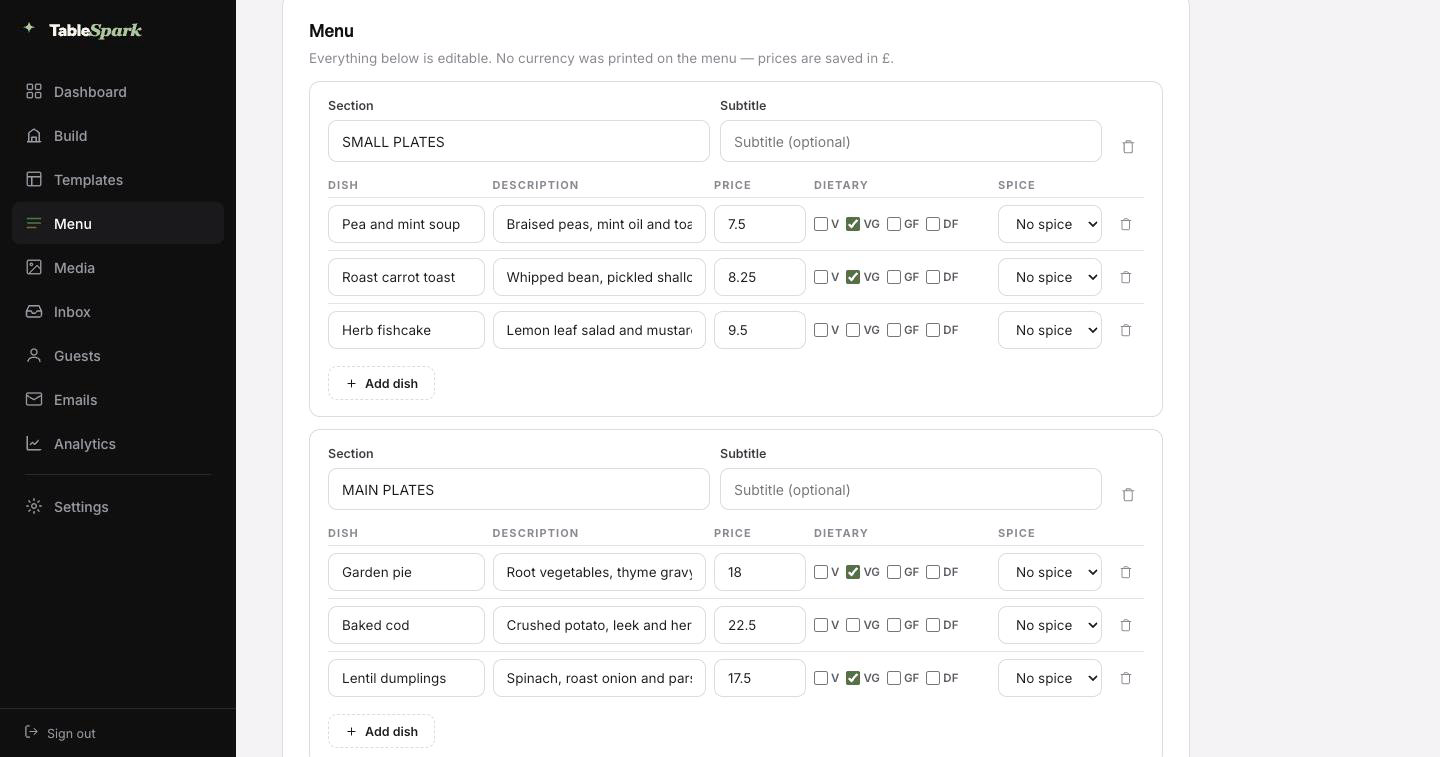
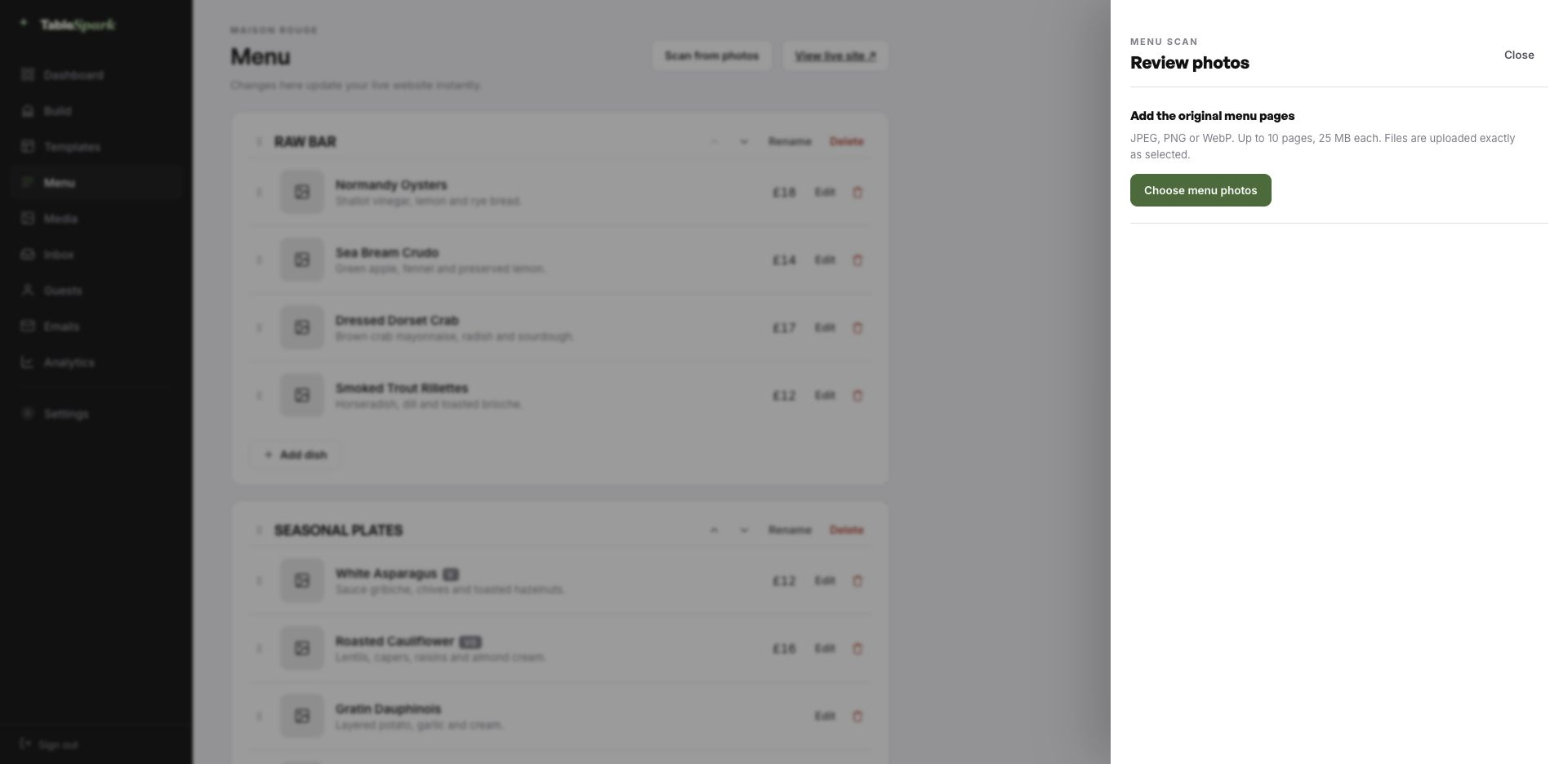
Here is the hour you were dreading, deleted. Photograph the card, the board or the takeaway sheet — up to ten pages at a time — and hand it to TableSpark. It is read into proper fields — section, dish, description, price, dietary marks, spice level — rather than pasted in as a lump of text. Then you read it through, correct whatever the lens misread, and save.

It behaves like data, because it is data. The same structured menu drives the menu page, the ordering page, the highlights on the home page and the Restaurant structured data a search engine reads. Change a price once afterwards and all of them follow.

For the search snippet, a Write with AI button drafts the title and description out of the page itself. It is a draft, not a decision: edit it, then publish.
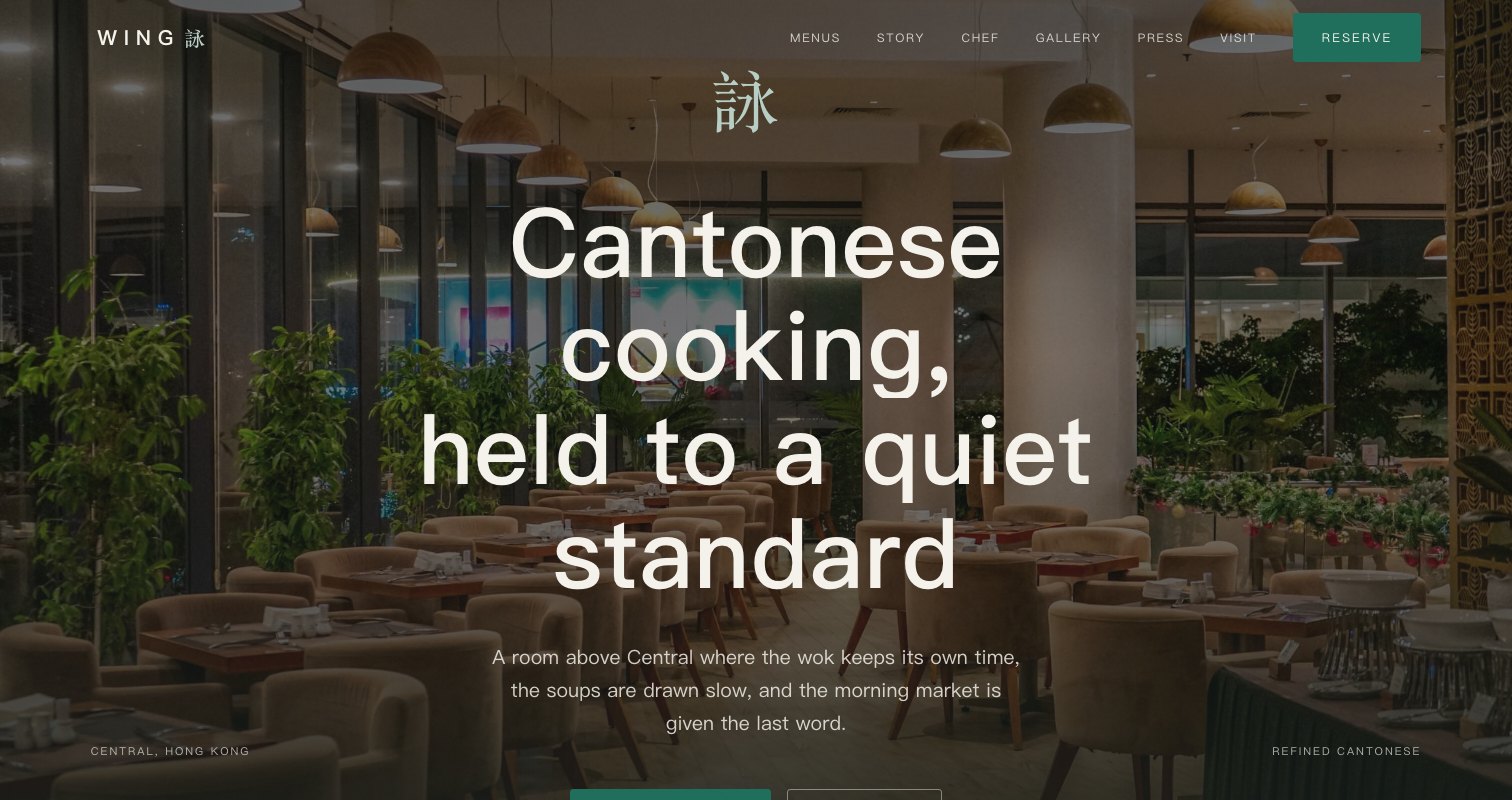
Step one
Photograph the menu

The printed card, a chalkboard, a PDF, a takeaway sheet. Straight from your phone.

Step two
The AI reads it

Sections, dishes, descriptions, prices and dietary marks come back as structured data for you to check.

Step three
Everything updates

Menu page, ordering page, home-page highlights and the Restaurant schema — from the one source, together.

The TableSpark menu editor with the Scan from photos panel open, ready to take menu photographs
One · uploadWhere it starts — Scan from photos in the menu editor. Ten pages, any of the common image formats.
The review screen after a menu scan: sections, dish names, descriptions, prices, dietary marks and spice levels, every field editable
Two · reviewWhat came back, before anything saves: sections, dish names, descriptions, prices, dietary marks and spice levels — every field editable.

Live in ten minutes, booking in eleven

Nothing here needs to be built, because it already is. The hard parts are finished; the personal parts are not, and only you can do those. Most restaurants go from opening the builder to a published site on their own address inside ten minutes, and the reservation form answers from the moment it publishes. You see it in the inbox, they see a confirmation in theirs, both within seconds.

Add your Stripe account and the same site takes booking deposits and order payments, with the money landing in your account rather than ours. TableSpark takes 0% commission at every plan level. Stripe’s standard card-processing fees apply to online payments. Nothing else is deducted.

  1. Pick Mei CourtThe whole site copies into your account, menu and all.
    1 min
  2. Change the name and the wordsClick any block and type. The restaurant name propagates everywhere.
    4 min
  3. Upload your menuPhotograph it and let the AI build the sections, dishes and prices.
    3 min
  4. PublishYou are live on your address. Bookings work immediately.
    1 min
  5. Connect StripeNow you can take deposits on tables and payment on orders — direct to your account.
    1 min

The address should be yours

An address is branding that people type. The TableSpark address gets you live in minutes; your own domain takes over the moment you want it to, with nothing rebuilt.

TableSpark manages the technical side: the certificate, the secure connection, the redirect from the bare domain to the one you chose, and keeping search engines pointed at the right address so the move does not cost you what you have already earned. An existing domain works fine. You get one instruction, not a documentation site.

meicourt.tablespark.ukbecomeswww.meicourt.co.uk

The email nobody thinks about, designed properly

What lands in the inbox after a booking is doing more work than most restaurants realise. The confirmation goes out immediately: date and time, party size, the address and phone number, and a link that releases the table if something changes. It also carries the reminder the day before, the deposit receipt and any cancellation.

The design is not a TableSpark email with your name in it — it is your email. Six templates to choose between, then colour, logo, cover image, header style, sign-off wording, links and socials are all yours to set. Hook up the domain and even the sender is you.

That is a real email, produced here by the same renderer the booking flow uses. The buttons above it work.

Loading the email…

Yours to design

Everything a guest sees after they book, set in the same place as the site.

  • Six base designs, from clean white to near-black.
  • Your accent colour, your logo and a cover image.
  • Your own domain as the sending address.
  • Reminders, receipts and cancellations share the design.
  • Your sign-off — We look forward to seating you.

Try the buttons above — this is the live renderer, not a screenshot.

Where the template ends and you begin

  • Yours from the first minute: the name over the door, all the words, every photograph, the menu, the prices, your hours and address, and the whole palette and type system.
  • Kept for you: the mechanics — how a very long menu paginates, how ordering behaves on a phone, how every block reflows, and how text stays readable against any background you pick.
  • Never locked: reorder or delete any section, add any module, and add or remove pages. The template is where you begin, not where you must stay.

Being on the internet is not being in search

Any tool can put a page on the internet. Fewer can make sure a search engine understands what is on it. It fails quietly: noindex directives nobody noticed, conflicting canonical URLs, orphan pages, menus buried in PDFs, no structured data about the restaurant, and search verification that was never completed. The bill arrives as dependence — guests looking for your kitchen land on a directory or a marketplace that charges you for the introduction.

This is packaged into the site rather than sold separately. There is no promise of a position or of being indexed, because nobody can make one. There is a promise that you will not be hiring someone to fix the basics.

The questions we get asked

Our menu is bilingual. Can the site handle two languages?

Yes. Dish names, descriptions and section names can each carry a second language, and the header shows a switch that changes the menu without leaving the page. Both versions are real text on the page, so a guest searching in either language can find the dish they are looking for.

We run banquet and set menus with minimum numbers. Where do those live?

Set menus have their own block: courses listed, price per head, and a note field for minimums or the notice you need. It can sit on the menu page or a page of its own, and the enquiry form that follows lands in your TableSpark inbox with the party size and date attached, so a banquet request never sits unanswered in a personal mailbox.

What do we pay per order?

It is part of the Full plan, and there is no commission at any level — 0%. Stripe’s standard card-processing fees apply to online payments. Money is paid into your own account.

How does the menu get onto the site?

No — photograph it and upload it. TableSpark reads the menu and builds the structured version for you: sections in order, dish names, descriptions, prices, and the dietary and spice marks where they are legible. You review the result and correct anything the camera got wrong. From there it is real data, not a picture, so the same menu drives the menu page, the ordering page, the home-page highlights and the Restaurant structured data a search engine reads — change a price once and all of them follow.

How soon can we be open online?

For most restaurants, about ten minutes. The template arrives complete, so you are editing rather than building: the name, the copy, the menu, then publish. Bookings answer immediately and appear in your inbox, with an automatic confirmation to the guest. Connecting a payment account adds deposits and order payments, which go directly to your own account — TableSpark takes no commission on any plan. Stripe’s standard card-processing fees apply to online payments.

Are we stuck with these colours and typefaces?

Every one of them, in the Theme tab: palette, the display and body typefaces, corner radius, motion, the header layout and how it behaves on scroll. The template is a starting point, not a cage — and switching a colour never breaks the layout, because the design reads its values from the theme rather than hard-coding them.

Take Mei Court and go

Copy this design into your account, change the words, add your menu and publish — usually the same afternoon. Free to build; you only pay when you go live.

Use this template free

Running a Chinese kitchen? See all Chinese restaurant website templates.

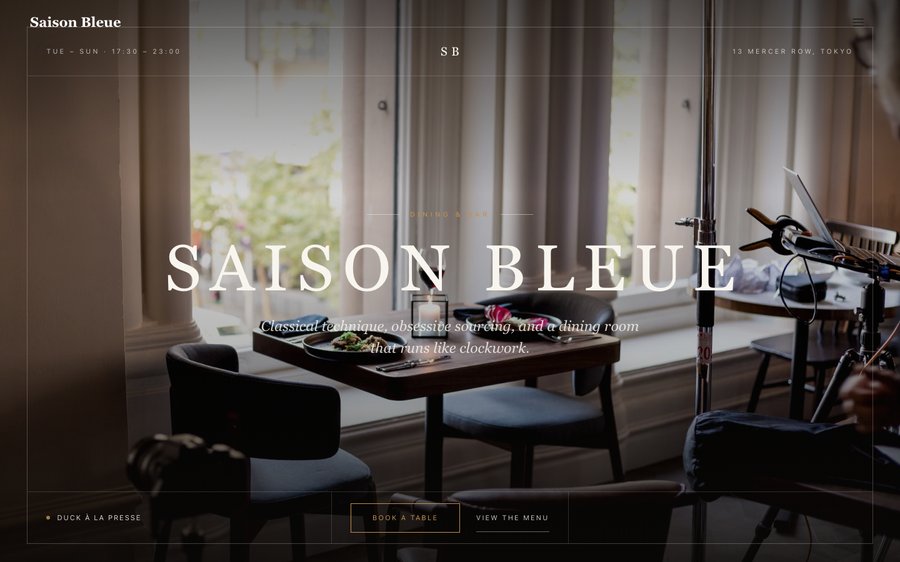
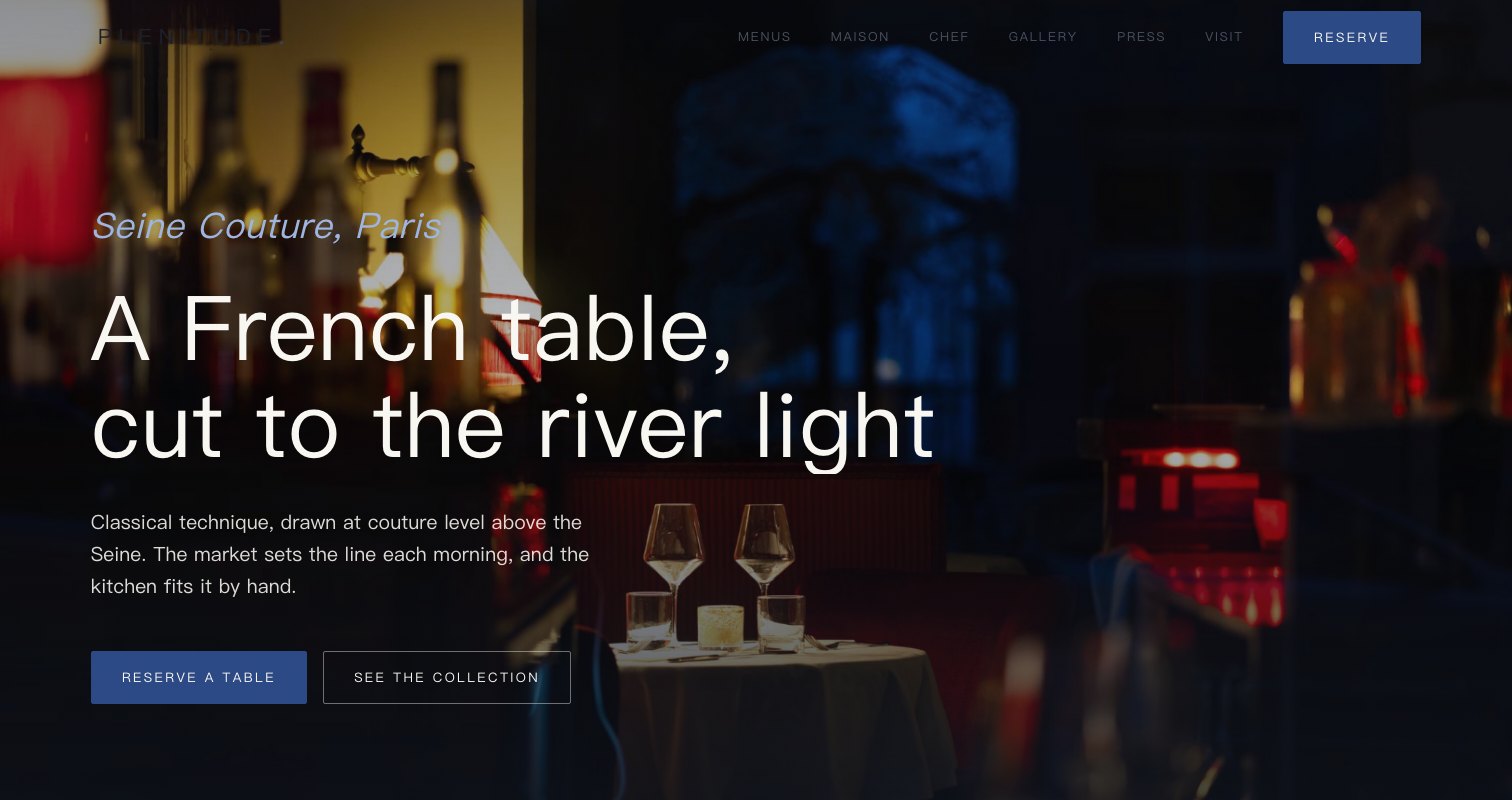
More Editorial Luxe templates

Related reading

← Browse all 50 restaurant website templates