The story and visit pages
The story page carries the landscape, the building and the kitchen — narrative, sourcing, interview, timeline — and the gallery page holds the photography that a place like this accumulates across a season.
Template library · New Nordic
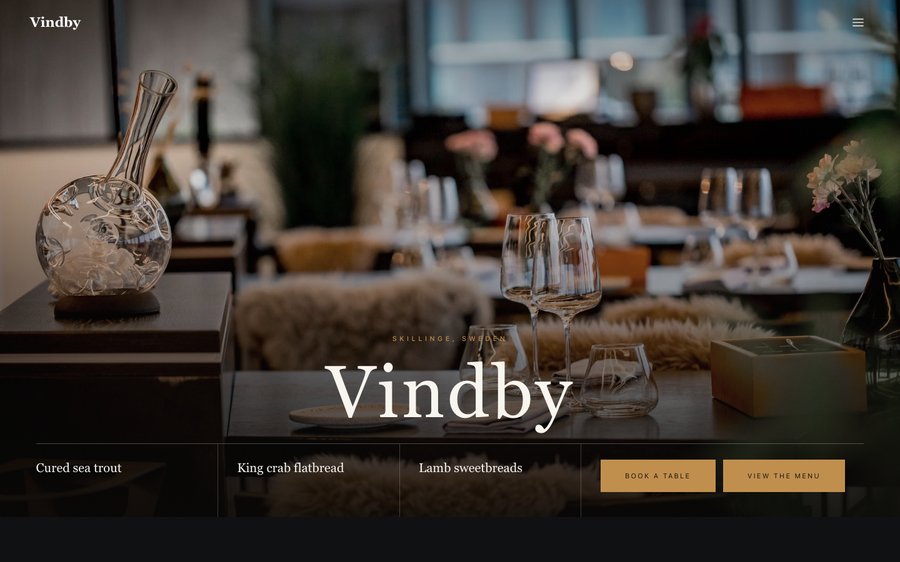
For rural Nordic rooms with a long season and a short menu: a near-black template with an overture opening, a plated menu, and a classic priced ordering list.
Starter is £19/mo excl. VAT and includes a complete restaurant website, a live structured menu, enquiry and newsletter forms, and managed search readiness. Growth is £39/mo excl. VAT and adds direct live bookings, a custom domain with managed SSL, and table and floor-plan operations. Full is £69/mo excl. VAT and adds online ordering and multi-site management for up to five restaurant sites. TableSpark commission is 0%. Stripe's standard card-processing fees apply to online payments.
Vindby is near-black with a teal that reads as cold light on water. Yours might be white tile and morning light, or brass and candles, or something nobody has built yet.
The controls beside the frame are not an illustration of the Theme tab — they are the Theme tab, driving the same engine that publishes real restaurants. Press whatever you like; nothing is stored and nothing is signed up for. Go on.
Loading the live preview…
Or pick any colour at all — the builder carries a full spectrum picker and a hex field.
6 pages, and every one of them is here. None of this is an image. The frame runs the real renderer — the one that publishes live restaurants — so each tab is the actual page and the links go where they say. Press Phone and watch it reflow.
Loading the live preview…
A rural Scandinavian restaurant is asking guests to drive, and the website has to make the drive feel like the point. The overture opening does it with a single held image and a line of text — patience as a design decision.
The palette is near-black with a cold teal, and the typography is a high-contrast serif over a plain sans, generously spaced. It reads as a landscape rather than a restaurant, which is precisely the sell.
Nine blocks, arranged slowly:
Loading the live preview…
This is the part worth pressing. Vindby uses the Classic list ordering layout — the printed-menu look, with dotted leaders running from each dish to its price. The classic priced list is right for a small retail arm — preserves, bread, a hamper — where the description sells and a photograph is unnecessary.
Quantities and sizes are inline, the total stays visible, and Payment goes into your own Stripe account and we take no commission. Stripe’s standard card-processing fees apply to online payments.
Each mode collects only what it must: a table number for dine-in, a telephone number for collection, an address for delivery.
Loading the live preview…
This is the frame that matters. It is the real ordering page at a real phone width — not a mock-up, not a video.
On a laptop the same page puts the basket in a panel beside the menu that follows the scroll.
The story page carries the landscape, the building and the kitchen — narrative, sourcing, interview, timeline — and the gallery page holds the photography that a place like this accumulates across a season.
Loading the live preview…
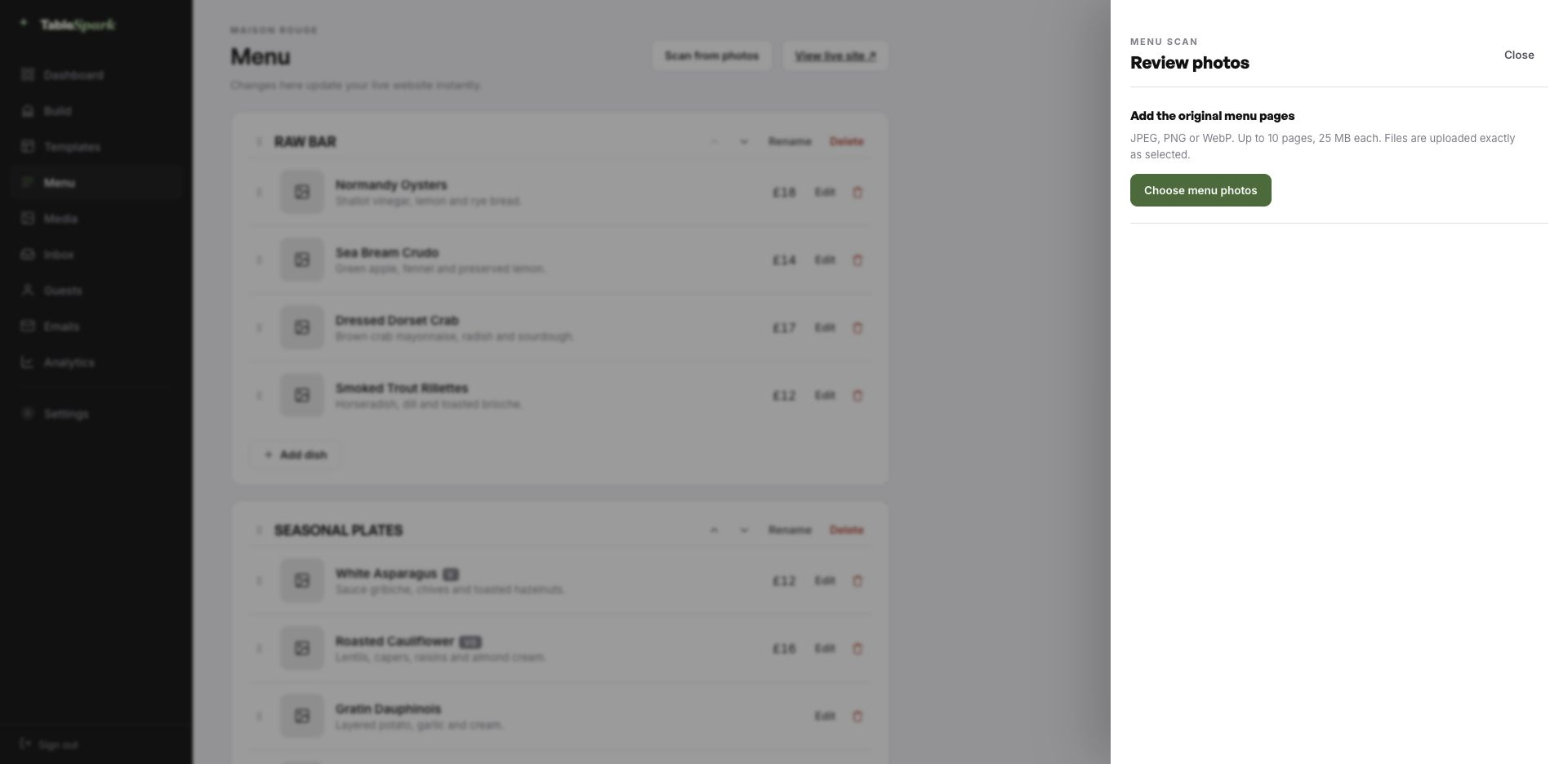
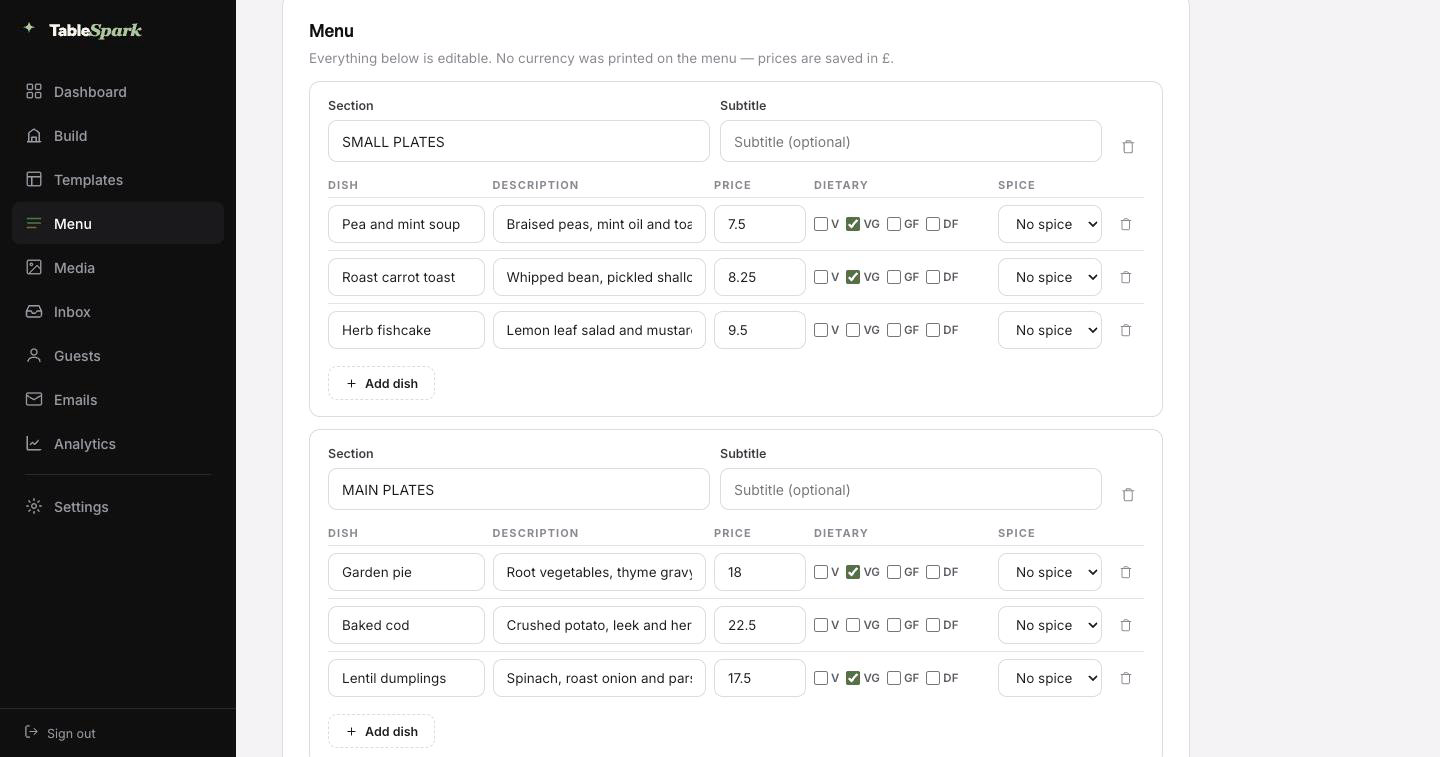
Here is the hour you were dreading, deleted. Photograph the card, the board or the takeaway sheet — up to ten pages at a time — and hand it to TableSpark. It is read into proper fields — section, dish, description, price, dietary marks, spice level — rather than pasted in as a lump of text. Then you read it through, correct whatever the lens misread, and save.
It behaves like data, because it is data. From there the same data runs the menu page, the ordering page, the highlights on the home page and the Restaurant structured data a search engine reads. Change a price once afterwards and all of them follow.
For the search snippet, a Write with AI button drafts the title and description out of the page itself. It is a draft, not a decision: edit it, then publish.
The printed card, a chalkboard, a PDF, a takeaway sheet. Straight from your phone.
Sections, dishes, descriptions, prices and dietary marks come back as structured data for you to check.
Menu page, ordering page, home-page highlights and the Restaurant schema — from the one source, together.
Nothing here needs to be built, because it already is. The hard parts are finished; the personal parts are not, and only you can do those. You go from opening the builder to a published site on their own address in one sitting, and the reservation form answers from the moment it publishes. You see it in the inbox, they see a confirmation in theirs, both within seconds.
Add your Stripe account and the same site takes booking deposits and order payments, with the money landing in your account rather than ours. TableSpark takes 0% commission at every plan level. Stripe’s standard card-processing fees apply to online payments. Nothing else is deducted.
An address is branding that people type. The TableSpark address gets you live in minutes; your own domain takes over the moment you want it to, with nothing rebuilt.
TableSpark manages the technical side: the certificate, the secure connection, the redirect from the bare domain to the one you chose, and keeping search engines pointed at the right address so the move does not cost you what you have already earned. An existing domain works fine. You get one instruction, not a documentation site.
vindby.tablespark.ukbecomeswww.vindby.co.ukWhat lands in the inbox after a booking is doing more work than most restaurants realise. The confirmation goes out immediately: date and time, party size, the address and phone number, and a link that releases the table if something changes. It also carries the reminder the day before, the deposit receipt and any cancellation.
The design is not a TableSpark email with your name in it — it is your email. Six templates to choose between, then colour, logo, cover image, header style, sign-off wording, links and socials are all yours to set. Hook up the domain and even the sender is you.
The frame below is the real thing: it is drawn by the same renderer the booking system uses, not a picture of one. Press a style or a colour and watch it change.
Loading the email…
Everything a guest sees after they book, set in the same place as the site.
Try the buttons above — this is the live renderer, not a screenshot.
Any tool can put a page on the internet. Fewer can make sure a search engine understands what is on it. It fails quietly: noindex directives nobody noticed, conflicting canonical URLs, orphan pages, menus buried in PDFs, no structured data about the restaurant, and search verification that was never completed. The bill arrives as dependence — guests looking for your kitchen land on a directory or a marketplace that charges you for the introduction.
This is packaged into the site rather than sold separately. There is no promise of a position or of being indexed, because nobody can make one. There is a promise that you will not be hiring someone to fix the basics.
The menu does; the site does not. Update the menu and the season note, and everything reading from them follows. Keeping the same site live year-round is what preserves the search visibility you built — taking it down for winter means rebuilding that each spring.
The visit page carries a map, written directions, parking and a “before you come” block. It is real text rather than a pin, so guests can read it before they set off and search engines can use it when somebody searches for your area by name.
Ordering is on the Full plan. TableSpark commission is 0% — the money goes to the restaurant. Stripe’s standard card-processing fees apply to online payments. There is no per-order fee from us at any plan level.
There is no need. Send in a photograph of the card, the board or an old PDF; the AI reads it into proper fields and shows you everything before it saves. The payoff comes later: because the menu is structured rather than pictorial, changing one price updates the menu page, the ordering page, the home-page highlights and the Restaurant structured data in the same moment.
One sitting. You copy the template, replace the name and the copy, photograph the menu in, and publish. From that second the booking form works: reservations land in your inbox and guests are emailed a confirmation automatically. Linking a payment account takes another minute and lets the site hold deposits and take order payments, at 0% commission from us. Stripe’s standard card-processing fees apply to online payments.
Yes, entirely. The Theme tab holds the palette, a full spectrum accent picker, the two typefaces, corner radius, motion and header behaviour. Because the design takes its values from the theme, a colour change ripples through every page instead of breaking one.
Copy this design into your account, change the words, add your menu and publish — usually the same afternoon. Free to build; you only pay when you go live.
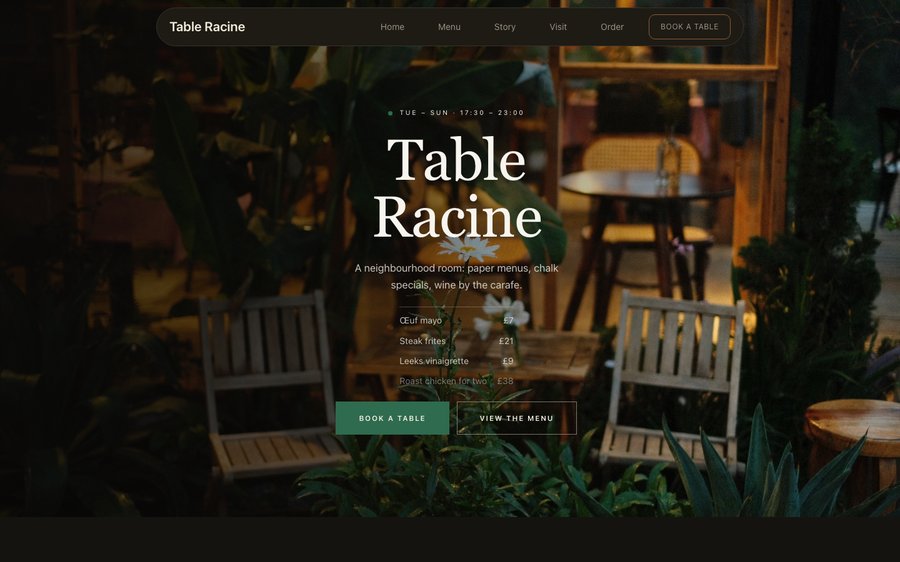 Table RacineProduce-driven French · Nordic MinimalView the template
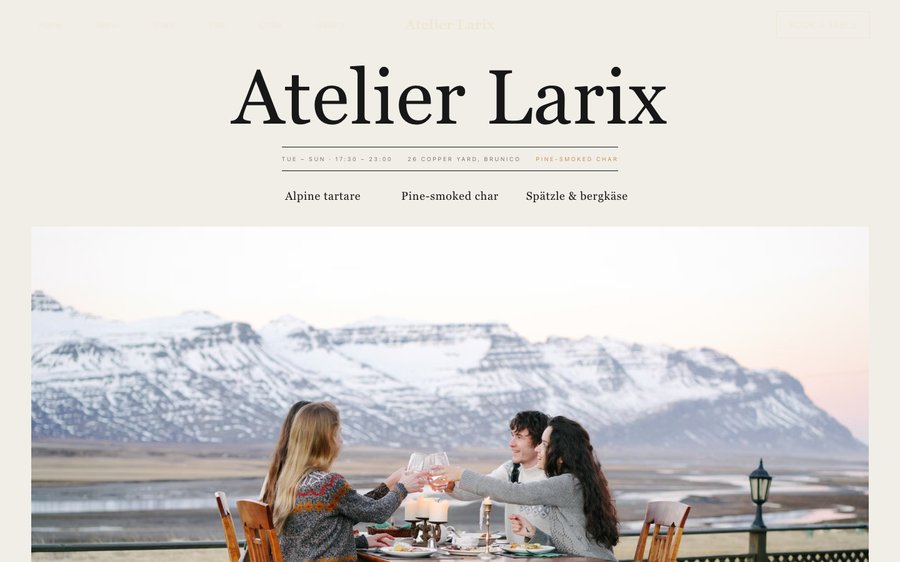 Atelier LarixAlpine tasting · Nordic MinimalView the template
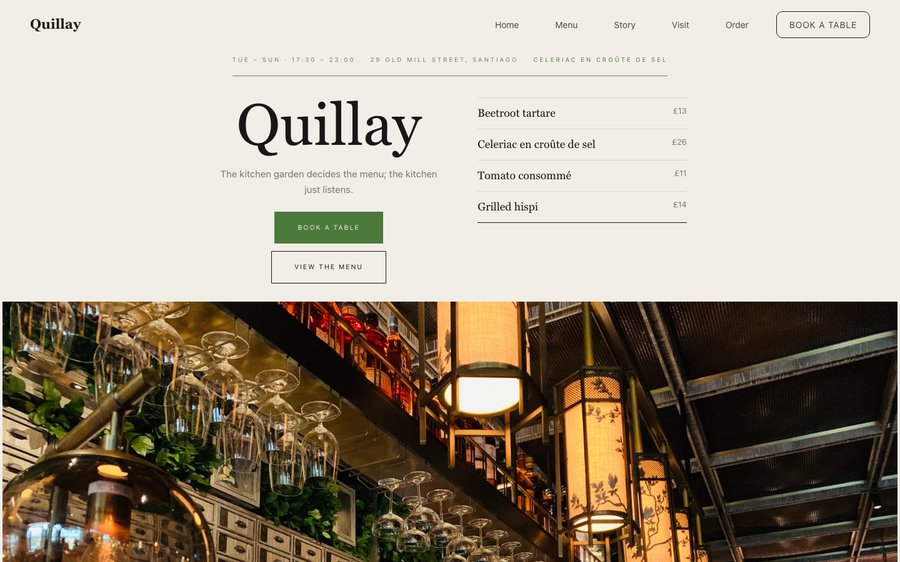 QuillayEndemic Chilean · Nordic MinimalView the template