The story and visit pages
The story page has room for a long institutional history: narrative, timeline, interview, sourcing and a gallery. The events page carries the private dining and seasonal occasions that a room of this size runs constantly.
Template library · Modern Austrian
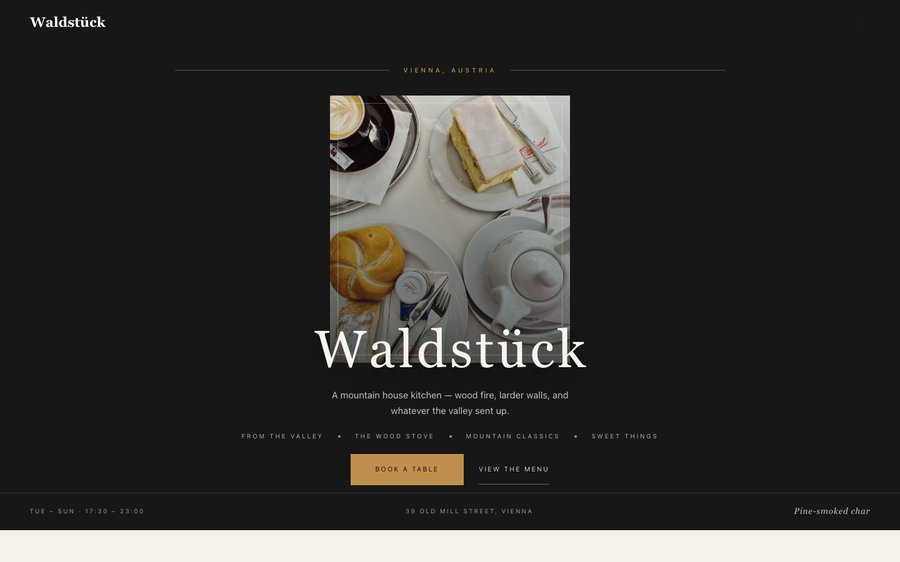
For grand rooms with a serious kitchen: a pale editorial template with a salon-plaque opening, an accordion menu, and a booking flow built for a dining room with a park outside it.
Starter is £19/mo excl. VAT and includes a complete restaurant website, a live structured menu, enquiry and newsletter forms, and managed search readiness. Growth is £39/mo excl. VAT and adds direct live bookings, a custom domain with managed SSL, and table and floor-plan operations. Full is £69/mo excl. VAT and adds online ordering and multi-site management for up to five restaurant sites. TableSpark commission is 0%. Stripe's standard card-processing fees apply to online payments.
Waldstück is bone paper with a forest green that reads as parkland rather than as a logo. Yours might be white tile and morning light, or brass and candles, or something nobody has built yet.
Skip the description. The panel is lifted straight out of the builder and the frame is the real renderer, so what happens when you press an accent here is exactly what happens in your account. Nothing you do is saved or asked about. Go on.
Loading the live preview…
Or pick any colour at all — the builder carries a full spectrum picker and a hex field.
6 pages, and every one of them is here. Everything below is rendered, not photographed. The frame uses the same engine as a published site, so the tabs and the in-page links are all real. Phone shows the mobile layout.
Loading the live preview…
A grand European dining room has to look established without looking dated, which is a harder brief than it sounds. The design solves it with an old-style serif on bone paper and a single forest green — a palette that could be a hundred years old or five, and reads as neither retro nor trendy.
The opening is a salon plaque: the name engraved rather than photographed, with the hours and the route to a table beneath. It is the most formal hero in the library and exactly right for this kind of room.
Nine blocks, arranged with formality:
The statement block currently reads A mountain house kitchen — wood fire, larder walls, and whatever the valley sent up. — one line you will rewrite in about four seconds.
Loading the live preview…
This template routes to reservations rather than a basket, which suits a dining room that sells tables. The booking form offers only the sittings your service hours define and collects dietary requirements and occasion alongside the party size.
Everything arrives in your TableSpark inbox with the booking, and the guest is confirmed by email in your own branding immediately, with a link to release the table if plans change.
Loading the live preview…
The story page has room for a long institutional history: narrative, timeline, interview, sourcing and a gallery. The events page carries the private dining and seasonal occasions that a room of this size runs constantly.
Loading the live preview…
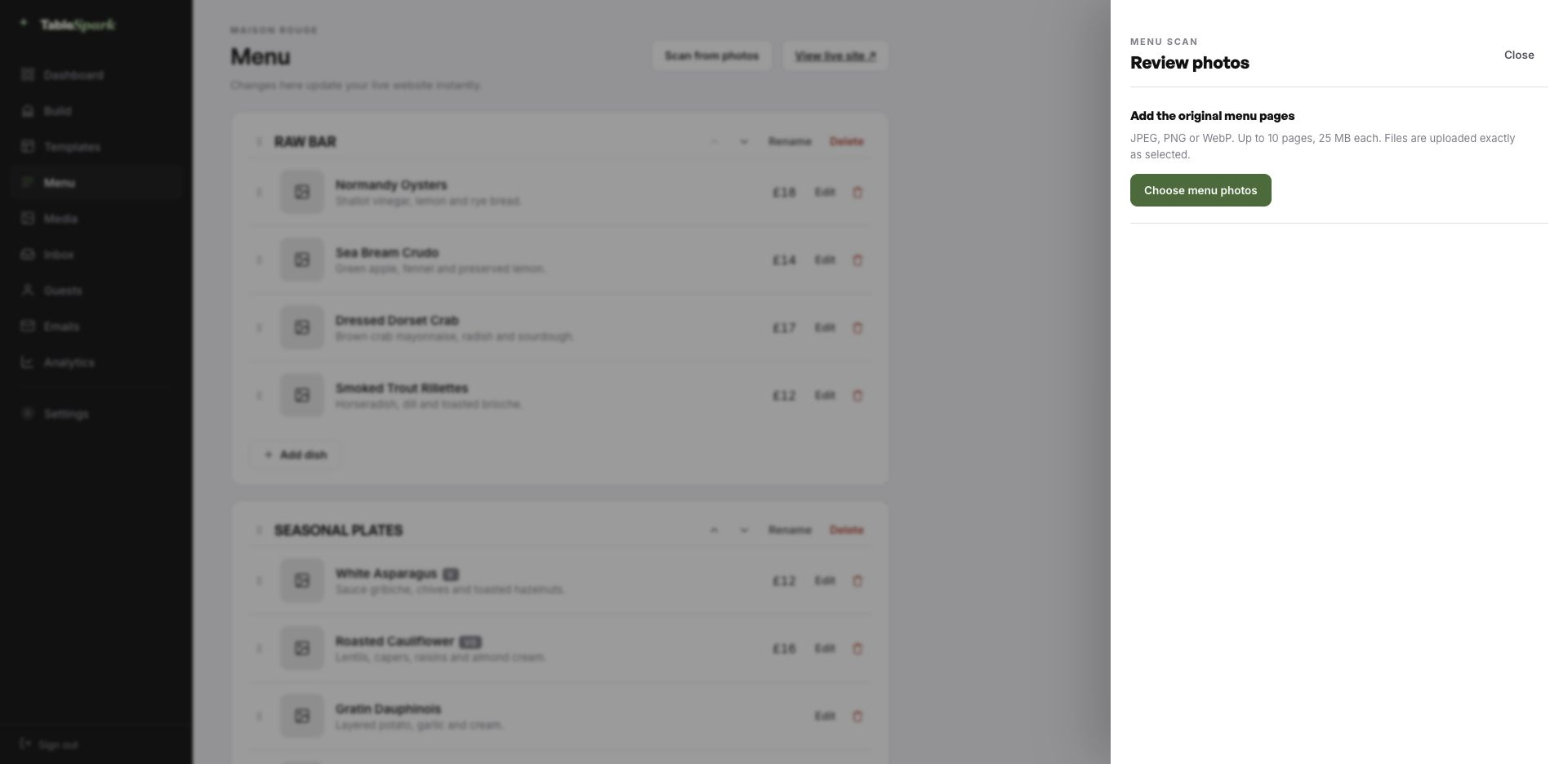
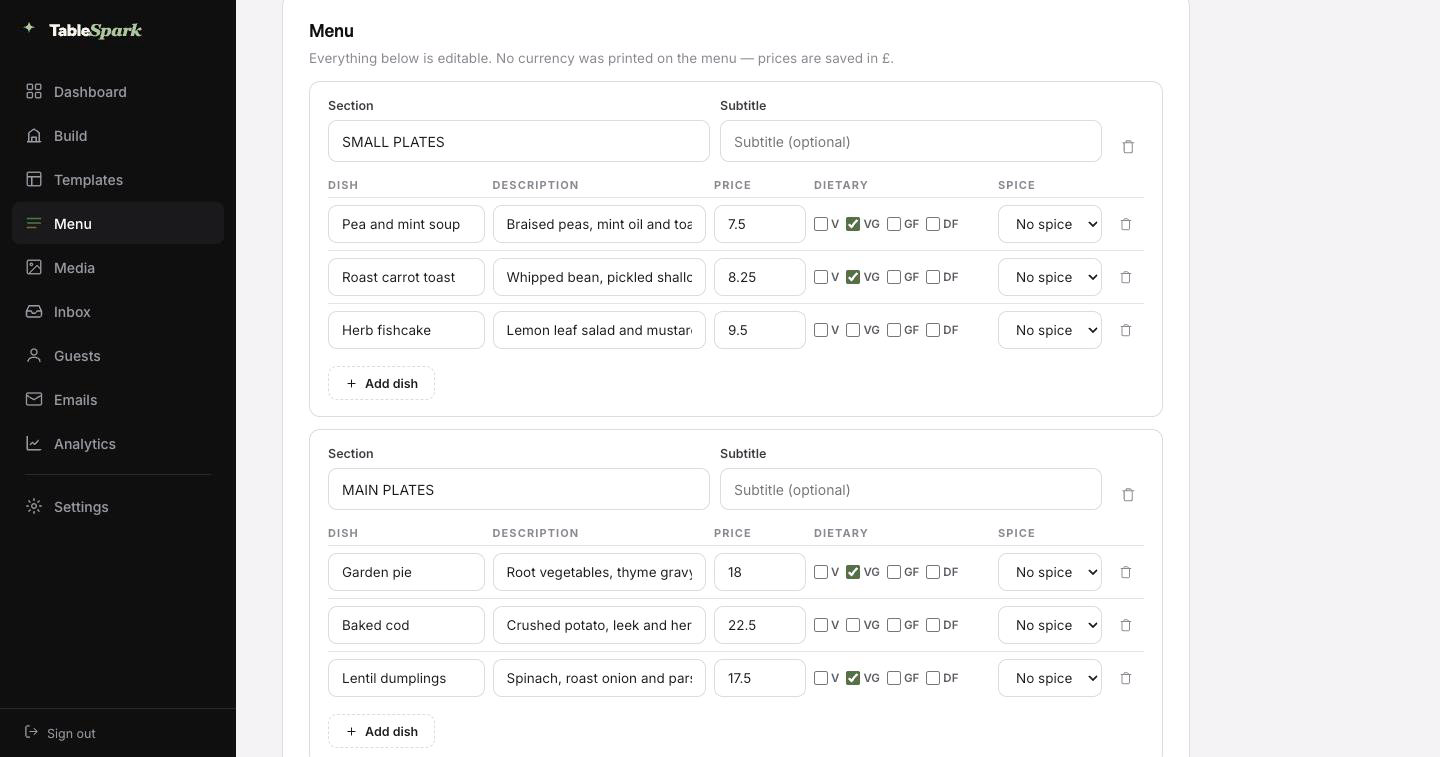
Start with the job everyone puts off. Photograph your menu — the printed card, the chalkboard, the laminated takeaway sheet — and upload it. It comes back as a real menu — sections in order, dishes, descriptions, prices, dietary marks and spice levels, all filled in. It lands in front of you for approval first, with every value editable.
The important part: this is structured data, not an image of a menu. The same structured menu drives the menu page, the highlights on the home page and the Restaurant structured data a search engine reads. Change a price once afterwards and all of them follow.
Every page carries a Write with AI button for the search title and description — it reads the page you are on and writes the first draft. Read it, sharpen it, publish it. The order matters.
A phone photograph of the menu you already hand to guests is enough.
Sections in order, dishes with descriptions and prices, dietary and spice marks read from the page.
Menu page, home-page highlights and the Restaurant schema — each one updating from the same edit.
There is no kick-off call and no staging link to approve. Everything is designed and wired — you are changing the words and the photographs. One sitting, give or take, and it is live — with the reservation form answering immediately. Both sides get told at once — the booking in your inbox, the confirmation in theirs.
Money is one connection away. Link your Stripe account and the site can take deposits on bookings and payment on orders, paid directly to you. No per-order fee, no revenue share, 0% commission on any plan. Stripe’s standard card-processing fees apply to online payments.
The address on your napkins should be the address that loads. Start on a TableSpark address, then bring your own domain across — the site does not change, only the name it answers to.
The certificate, its renewal, the secure connection and the redirects are managed here, along with the canonical and sitemap signals that make a domain move safe. Bring your own, and the setup screen tells you the one value to paste and where.
waldstuck.tablespark.ukbecomeswww.waldstuck.co.ukA confirmation email is the only piece of your restaurant a guest keeps in their pocket for a week. The guest is emailed straight away with the particulars — date, time, party size, address, phone — and a link to release the table themselves. Service reminders, deposit receipts and cancellations all travel on the same design.
You are not stuck with our house style. Choose from six styles and make the rest yours: accent colour, logo, cover photograph, header layout, sign-off, links and social accounts. Connect the domain and the sender address becomes yours, which is what makes it read as genuinely from you.
That is a real email, produced here by the same renderer the booking flow uses. The buttons above it work.
Loading the email…
Everything a guest sees after they book, set in the same place as the site.
Try the buttons above — this is the live renderer, not a screenshot.
Publishing a page and being present in search are separate achievements. A site can be live at a working link and still be missing from Google: a stray noindex, conflicting canonicals, orphaned pages, a menu locked inside a PDF, missing structured restaurant data or unfinished search verification will each do it. That gap gets filled by directories and marketplaces, which are delighted to charge you for guests who were already looking for you by name.
That groundwork is already laid here. Neither rankings nor indexing can be guaranteed by anyone — but the setup that so often prevents them is complete here.
Yes. Each is a separate menu with its own sections and prices, and they can sit together on the menu page or on pages of their own. The accordion layout is particularly good here, because the guest sees every menu named on one screen before opening any of them.
The events page carries the offer and an enquiry form that lands in your TableSpark inbox with the date and party size attached, rather than in a personal mailbox. Because the page is indexable, private-dining searches can find it directly.
No. Every section on every page is edited in the builder: click a block, change the words, drop in a photograph. Nothing on this page was hand-written HTML — it is the same block library your own site is built from.
There is no need. Send in a photograph of the card, the board or an old PDF; the AI reads it into proper fields and shows you everything before it saves. The payoff comes later: because the menu is structured rather than pictorial, changing one price updates the menu page, the ordering page, the home-page highlights and the Restaurant structured data in the same moment.
Reckon on one sitting: copy, rename, edit, upload the menu, publish. There is no separate setup for reservations — they answer the moment the site is live, landing in your inbox while the guest receives a confirmation email. Connect a payment account afterwards and the same site takes booking deposits and order payments directly into it, and TableSpark takes 0% of them. Stripe’s standard card-processing fees apply to online payments.
Every part of it. The Theme tab controls the base skin, the accent, the background, text and surface colours, both typefaces, the text scale, corner radius, motion and the header. Change any of them and the whole site follows, because nothing hard-codes a colour.
One click copies the entire design into your account. Everything after that is editing — and it is free until you publish.
Running a Fine Dining kitchen? See all Fine Dining restaurant website templates.
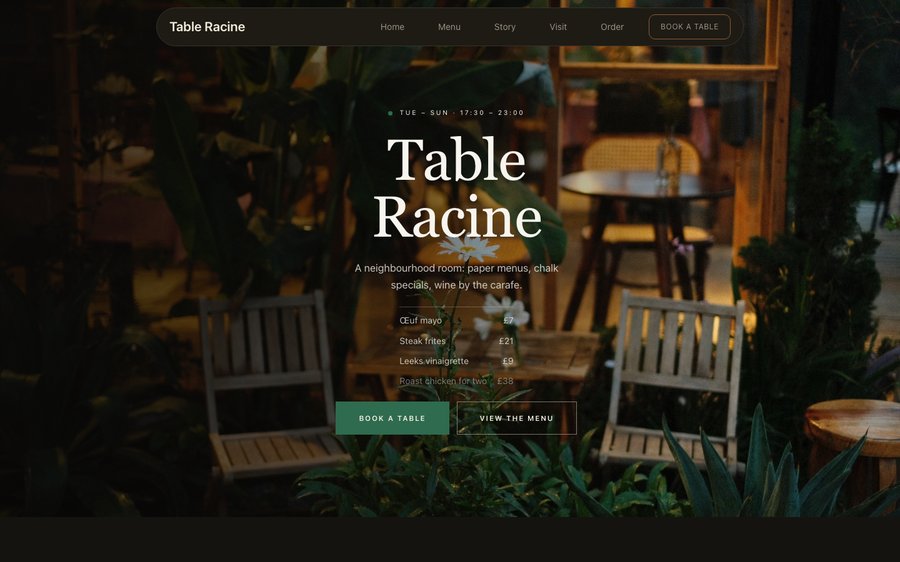 Table RacineProduce-driven French · Nordic MinimalView the template
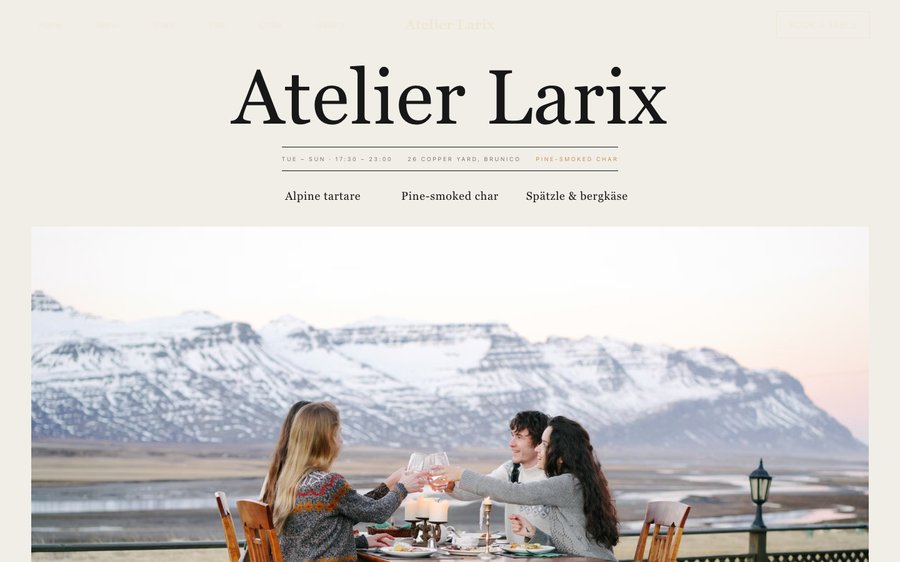 Atelier LarixAlpine tasting · Nordic MinimalView the template
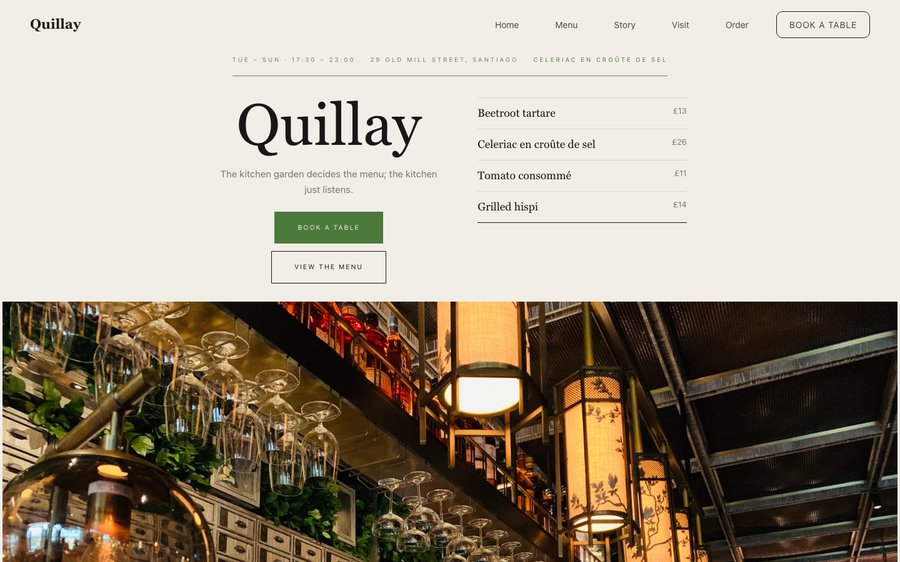 QuillayEndemic Chilean · Nordic MinimalView the template