Story, visit, and the practical pages
The story page carries the room, the cellar and the chef, with a timeline, an interview and a gallery. The events page handles the wine dinners and tastings a cellar-led room runs monthly.
Template library · Contemporary Portuguese
For Lisbon dining rooms with a serious cellar: a dark editorial template with a by-the-glass opening, a rail-based menu, and a split ordering layout that keeps the basket in view.
Starter is £19/mo excl. VAT and includes a complete restaurant website, a live structured menu, enquiry and newsletter forms, and managed search readiness. Growth is £39/mo excl. VAT and adds direct live bookings, a custom domain with managed SSL, and table and floor-plan operations. Full is £69/mo excl. VAT and adds online ordering and multi-site management for up to five restaurant sites. TableSpark commission is 0%. Stripe's standard card-processing fees apply to online payments.
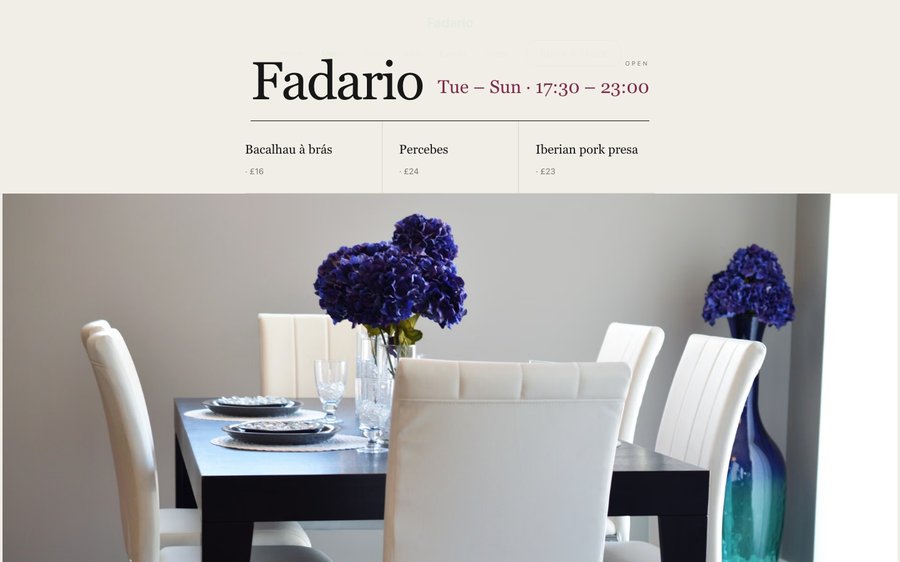
Fadario is a dark room with a cobalt blue that belongs to a tile rather than a logo. Yours might be white tile and morning light, or brass and candles, or something nobody has built yet.
This is the product, not a picture of it. Left, the live site. Right, the builder’s own Theme panel. Everything you press takes effect immediately, nothing persists, and there is no sign-in wall in front of it. Go on.
Loading the live preview…
Or pick any colour at all — the builder carries a full spectrum picker and a hex field.
6 pages, and every one of them is here. What follows is the site itself rather than pictures of it. The same engine that publishes a live restaurant is drawing it here, links and all. The Phone toggle shows the small-screen version.
Loading the live preview…
A Portuguese dining room has one of the clearest visual vocabularies in Europe available to it and almost always overuses it. This design takes a single element — a tile blue — and leaves the rest alone, which lets the reference land without the page turning into a souvenir.
The opening leads with what is open by the glass, which for a wine-led room is both the most useful and the most inviting first screen. A guest deciding on a Tuesday evening wants to know what is being poured, not what the room looks like.
Eight blocks, arranged around the cellar:
Loading the live preview…
This is the part worth pressing. Fadario uses the Delivery app ordering layout — sections run down a rail on the left, the dish list swaps beside them without losing your place, and the basket follows the scroll. The split layout keeps the basket beside the list, which suits an order that fills with several plates and a bottle and needs a visible total.
Options are inline, the basket becomes a pinned bar on a phone, and Payment goes into your own Stripe account at 0% commission from us. Stripe’s standard card-processing fees apply to online payments.
The form adapts to the mode. Eating in? A table number. Collecting? A phone number. Delivery? An address. Nothing more is demanded.
Loading the live preview…
This is the frame that matters. It is the real ordering page at a real phone width — not a mock-up, not a video.
On a laptop the same page puts the basket in a panel beside the menu that follows the scroll.
The story page carries the room, the cellar and the chef, with a timeline, an interview and a gallery. The events page handles the wine dinners and tastings a cellar-led room runs monthly.
Loading the live preview…
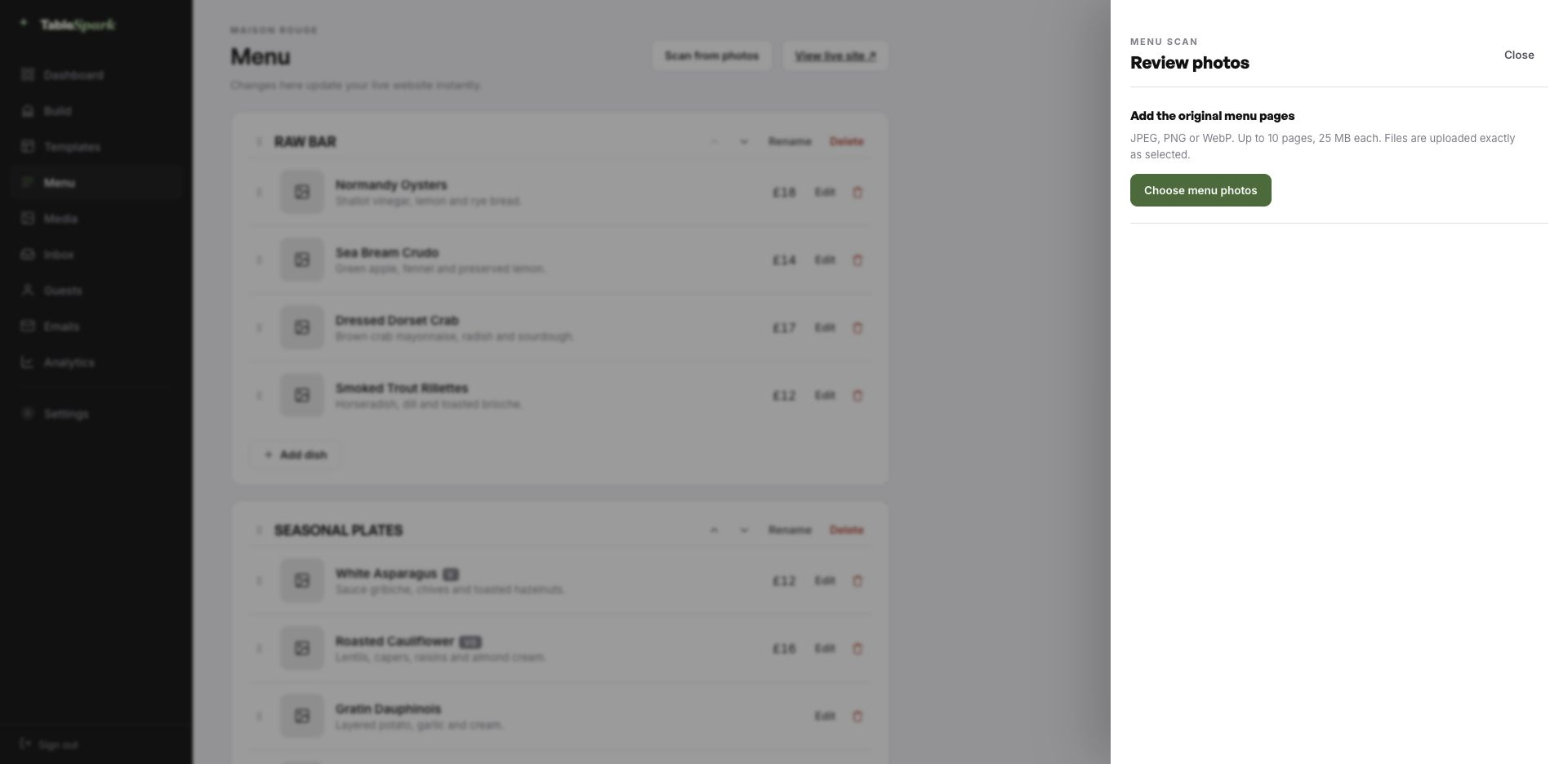
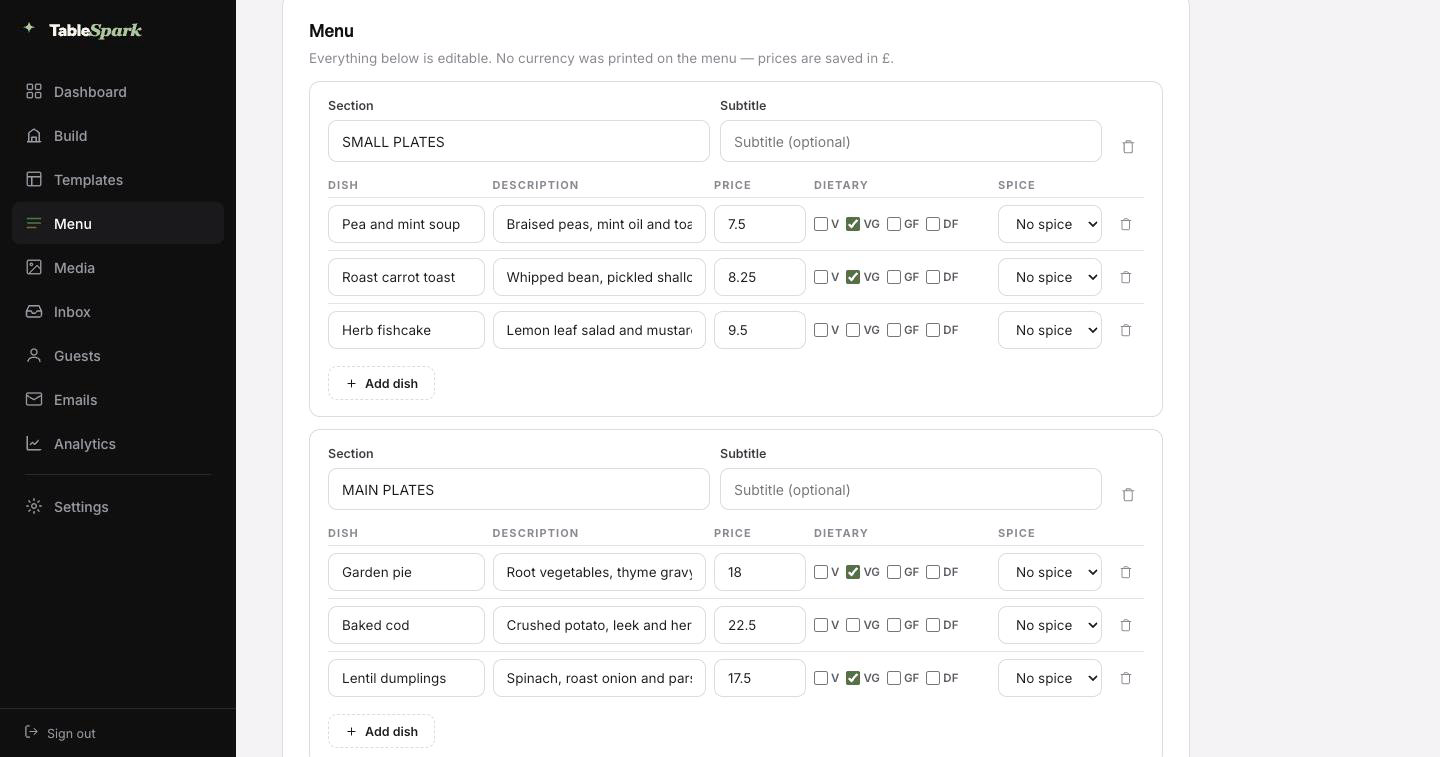
This is the part that saves an afternoon. Take a picture of the menu you already have: the pressed card, the board behind the pass, a PDF from the printer. Back comes the whole menu as data: ordered sections, named dishes, their descriptions and prices, plus dietary and spice marks wherever the card showed them. Check it over — a smudged price or an ambitious accent is a two-second fix — and save.
What arrives is not a picture of a menu — it is real data. One menu then feeds the menu page, the ordering page, the highlights on the home page and the Restaurant structured data a search engine reads. Change a price once afterwards and all of them follow.
The search copy gets the same treatment: a Write with AI button reads the page and drafts its title and description, so those fields are never blank. Nothing is published on your behalf; the draft waits for you.
Printed card, chalkboard photograph or an old PDF — any of them work.
Not a scan: real sections, dishes, prices and marks you can edit before saving.
Menu page, ordering page, home-page highlights and the Restaurant schema — kept in step automatically.
There is no build phase to wait through. Structure, styling and behaviour are done. Names, dishes and pictures are yours. Reckon on one sitting to a published site, and reservations working from that same moment. Bookings land in your TableSpark inbox, and the guest gets a confirmation email straight away.
Taking money is a single connection: link Stripe and deposits on tables and payment on orders go straight to your own account. There is no cut for us — 0% commission on every plan. Stripe’s standard card-processing fees apply to online payments. Nobody else charges anything.
A domain is signage, and signage matters. Nothing about going live depends on owning a domain first; connect yours later and the site simply answers to it.
The plumbing is ours: certificate, secure connection, redirect, and keeping canonical URLs, sitemap and robots pointing at the live address as the domain changes. Own it already? Good. The instruction is a single record, spelled out.
fadario.tablespark.ukbecomeswww.fadario.co.ukA confirmed booking is not the end of the conversation; it is the start of one. A confirmation is sent the second the booking lands, carrying the time, the covers, your address and contact details, and a self-service cancellation link. The same system sends the reminder before service, the deposit receipt and the cancellation notice.
The whole thing is yours to set, down to the sign-off. Six looks, one accent colour, your logo and cover photograph, the header layout, the sign-off line, and whichever links and social accounts you want on it. Add your domain and the from-line is yours too — the last detail that separates a real restaurant email from a system notification.
The email below is being generated live by the same code that sends it for real. Try the templates and the accent colours.
Loading the email…
Everything a guest sees after they book, set in the same place as the site.
Try the buttons above — this is the live renderer, not a screenshot.
Putting a page online is not the same as delivering a restaurant site that search engines can reliably discover and understand. A misconfigured robots file, a noindex left in place, canonical tags in conflict, pages with no internal links, a PDF menu, missing Restaurant schema or incomplete verification — any one is enough to keep a live site invisible. You feel it in the margin — guests reach commission-charging platforms first, and demand you should own outright becomes demand you rent.
This template ships with that work done. No one can promise rankings or guaranteed indexing — but nothing here is left for you to hire a technician to assemble.
Yes — the drinks list carries a by-the-glass mark per wine, edited in seconds, and the home page can lead with the current pours. Because it is a field rather than a paragraph, changing it updates every page that shows it at once.
No, and a PDF is the worst option for it: a search engine reads almost nothing from one and a phone renders it badly. The drinks list block holds producers, regions, vintages and prices as structured text, readable on a phone and indexable by name.
Completely. Six base skins, an accent you can pick from presets or a colour wheel, separate background, text and surface colours, seven font pairings or any two faces you like, plus text size, radius and motion. Contrast is derived rather than fixed, so the site stays readable whatever you choose.
Yes. You start on a TableSpark address so you can publish the same day, and you can move onto your own domain whenever you are ready — including one you already own. TableSpark manages the certificate, the secure connection, the redirect from the bare domain, and keeps canonical URLs, the sitemap and robots pointing at the live address so the move does not cost you the search visibility you have built. Guest emails can send from your domain as well.
They get an email from you within seconds: when they are booked, how many are coming, where you are, how to reach you, and a self-service link to give the table back. Reminders, deposit receipts and cancellations follow the same design, which you control — six templates, your colour, logo and cover image, the header treatment, your sign-off, links and socials. Connect your domain and it sends from your address as well.
No — the builder is visual throughout. Click a block, retype the copy, swap the photograph, move it up or down. Nothing about running the site requires HTML.
Make this yours: the name, the words, the photographs, the menu. Free to build, and you only pay when you go live.
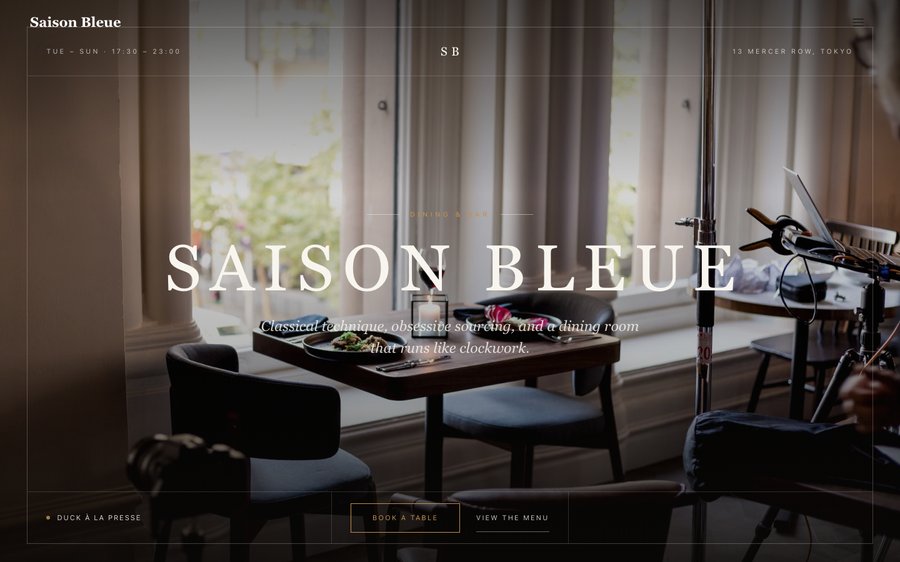 Saison BleueContemporary French · Editorial LuxeView the template
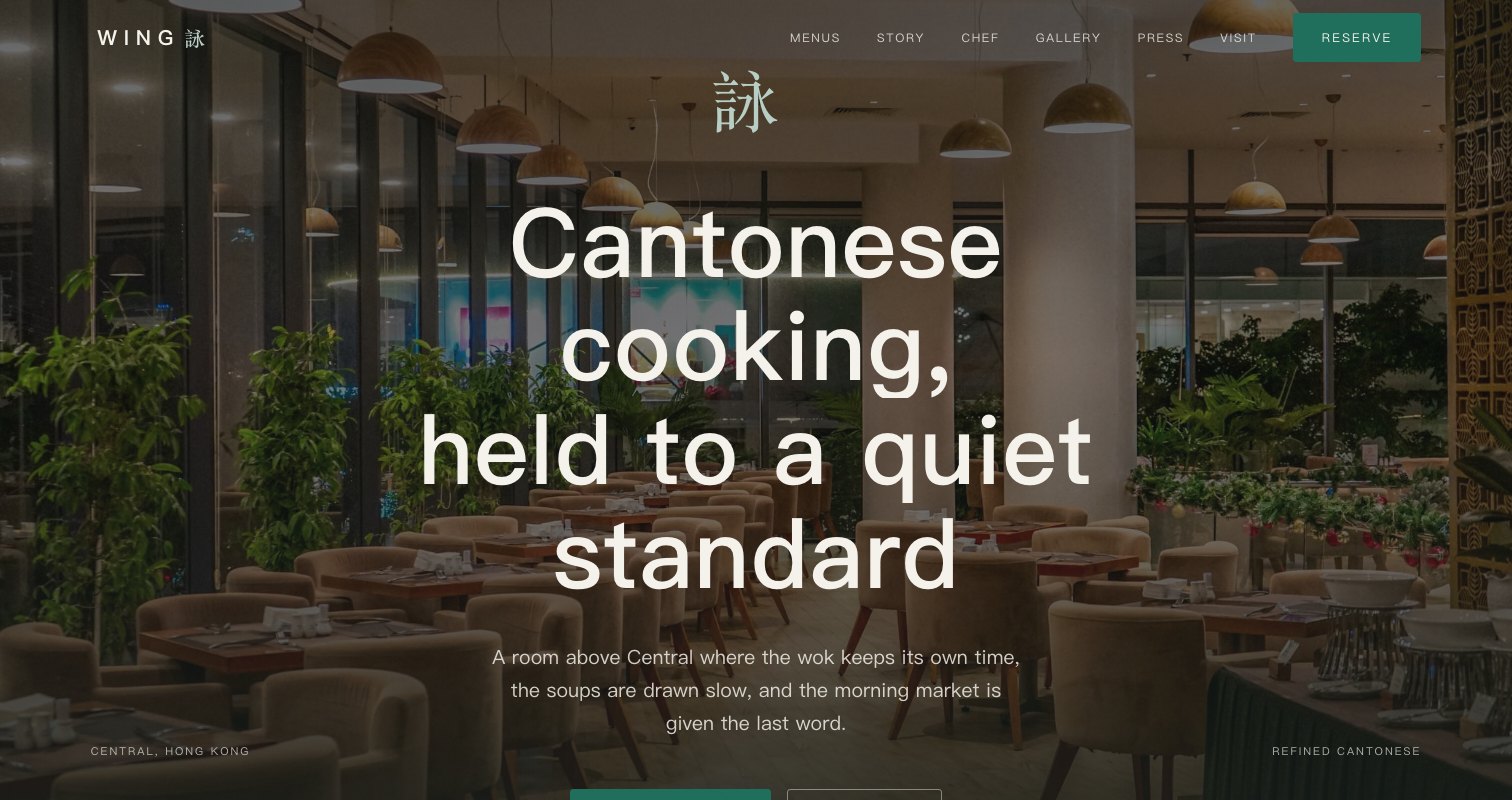 Mei CourtRefined Cantonese · Editorial LuxeView the template
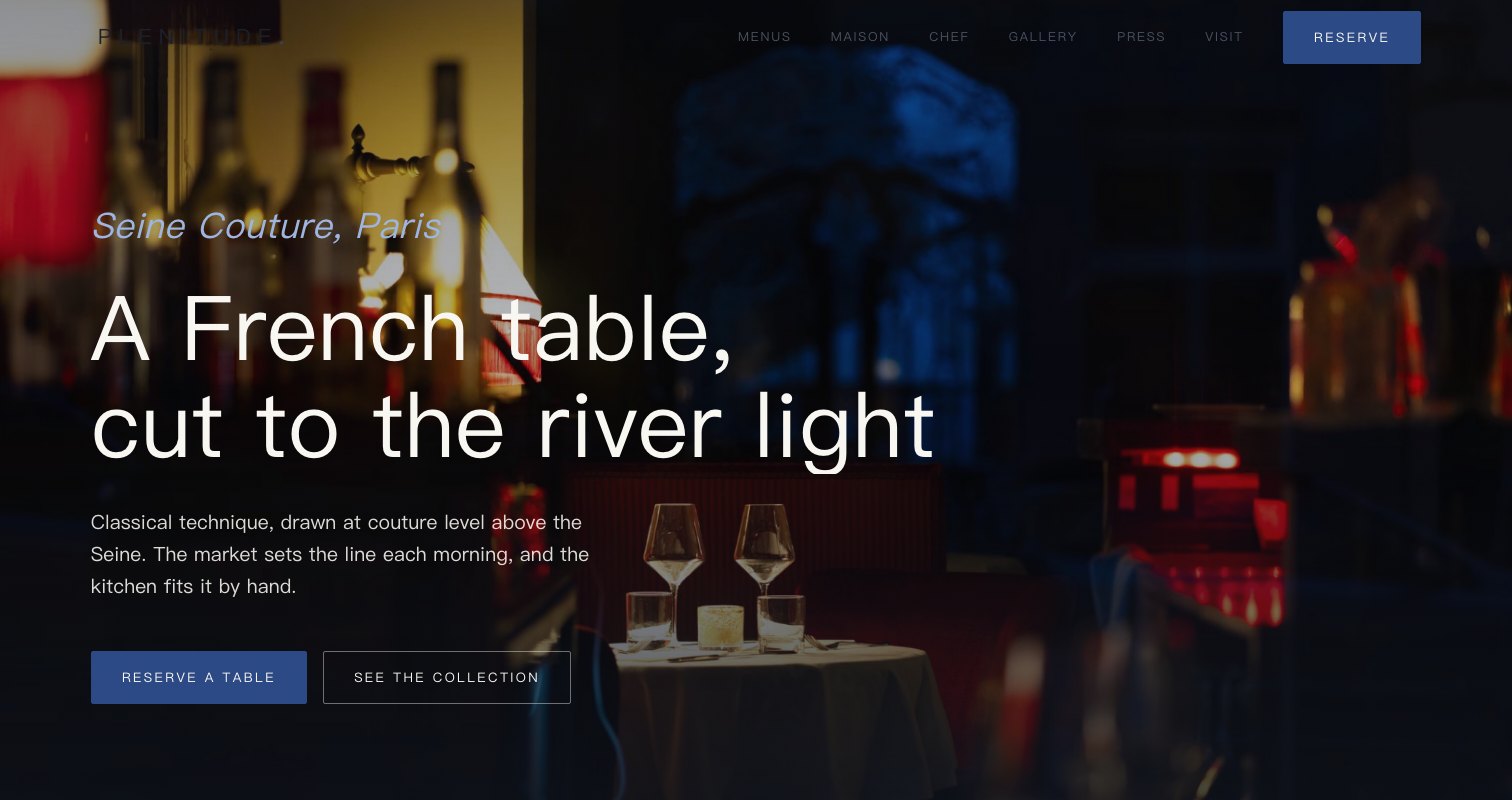 Plein CielHaute French · Editorial LuxeView the template