Where the restaurant explains itself
The story page is built for a chef with a house style to articulate — a long narrative, a quote, an interview and a timeline — and the gallery page carries plate and room photography at full width.
Template library · Modern French
For dining rooms with a quiet register and a long waiting list: a near-black editorial template with a passe-partout opening, an editorial carte, and a reservation flow rather than a basket.
Starter is £19/mo excl. VAT and includes a complete restaurant website, a live structured menu, enquiry and newsletter forms, and managed search readiness. Growth is £39/mo excl. VAT and adds direct live bookings, a custom domain with managed SSL, and table and floor-plan operations. Full is £69/mo excl. VAT and adds online ordering and multi-site management for up to five restaurant sites. TableSpark commission is 0%. Stripe's standard card-processing fees apply to online payments.
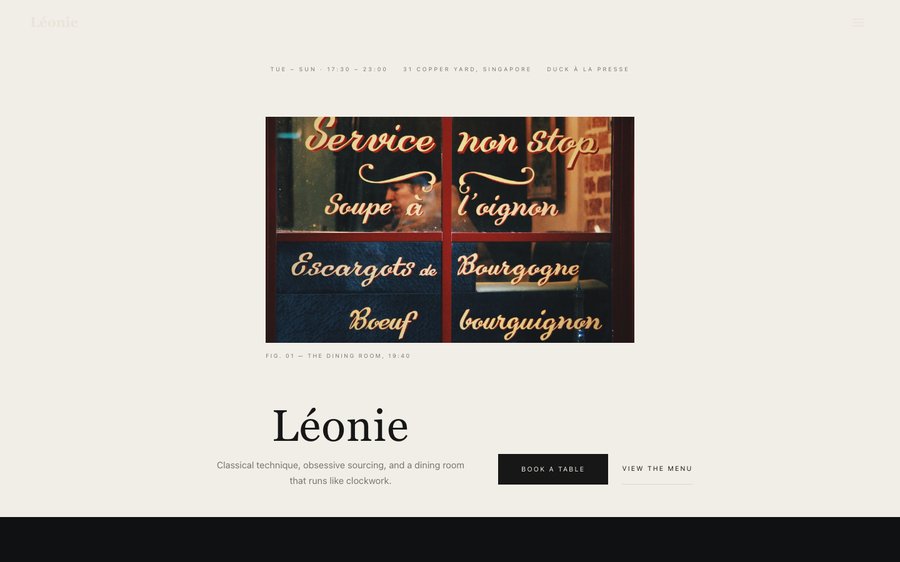
Léonie is a near-black room with an ink blue that only shows where it must. Yours might be white tile and morning light, or brass and candles, or something nobody has built yet.
The controls beside the frame are not an illustration of the Theme tab — they are the Theme tab, driving the same engine that publishes real restaurants. Press whatever you like; nothing is stored and nothing is signed up for. Go on.
Loading the live preview…
Or pick any colour at all — the builder carries a full spectrum picker and a hex field.
6 pages, and every one of them is here. None of this is an image. The frame runs the real renderer — the one that publishes live restaurants — so each tab is the actual page and the links go where they say. Press Phone and watch it reflow.
Loading the live preview…
The passe-partout opening — an image framed by generous margin, like a mounted print — sets the register immediately. This is a room that does not raise its voice, and the website should not either.
A near-black ground with an old-style serif is a combination that can look funereal if it is not handled carefully; here it is rescued by space. Every block has more margin than it needs, which is the visual equivalent of a room with tables far apart.
Nine blocks, framed rather than filled:
Loading the live preview…
There is no basket here. The template is built for a room that sells tables, and everything routes to the reservation page, where the form only offers sittings your service hours actually define.
The form collects party size, dietary requirements, occasion and a free-text note, and all of it arrives with the booking in your TableSpark inbox. The guest is confirmed by email in your own branding within seconds, and can release the table themselves if plans change.
Loading the live preview…
The story page is built for a chef with a house style to articulate — a long narrative, a quote, an interview and a timeline — and the gallery page carries plate and room photography at full width.
Loading the live preview…
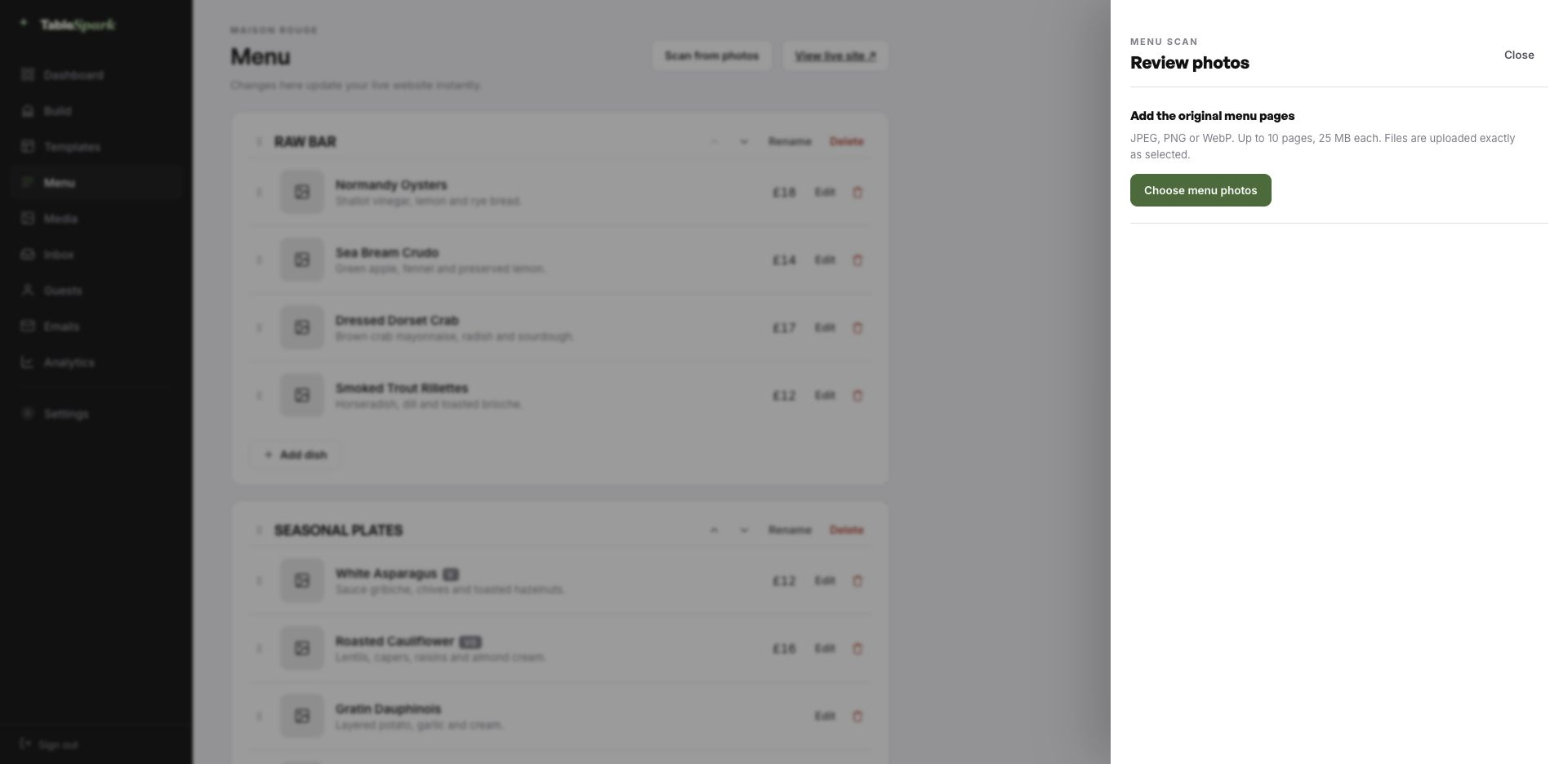
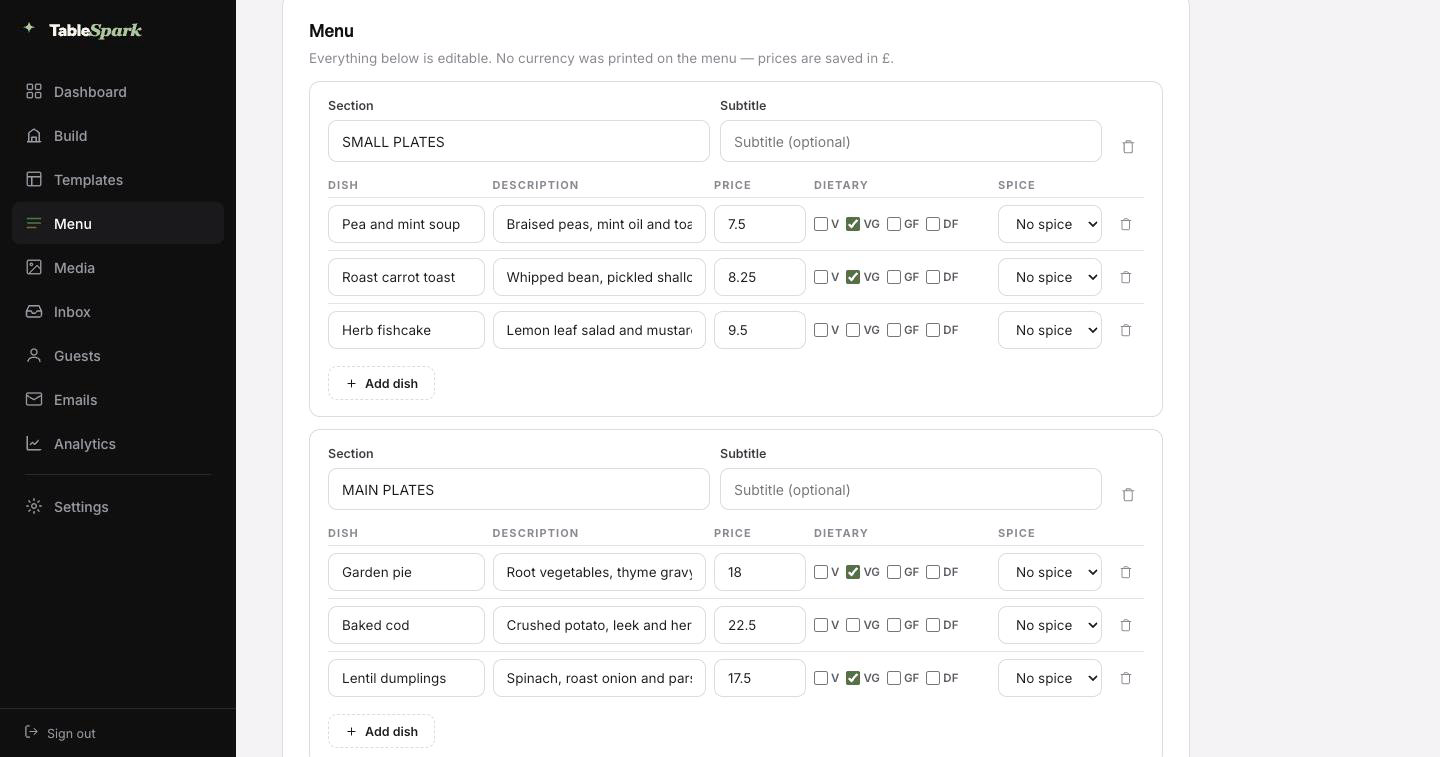
This is where most restaurant websites stall — and where this one does not. A phone photograph of the real menu is the whole input. Out the other side is a structured menu: your sections, your dishes, your wording, your prices, with the marks read from the card itself. You get the last word: the review screen shows every field before anything is written.
A menu locked in a PDF is a dead end. This is not that. From there the same data runs the menu page, the highlights on the home page and the Restaurant structured data a search engine reads. Change a price once afterwards and all of them follow.
Each page also has a Write with AI button that drafts the search title and description from what is actually on that page, so the fields that decide whether Google shows you are never left empty. The wording arrives in the field, not on the live site — review it first.
The card, the board, the sheet by the till. Ten pages at a time.
Sections, dish names, descriptions, prices, dietary and heat marks, all editable.
Menu page, home-page highlights and the Restaurant schema — because they share one menu.
What usually takes a project plan takes a coffee break. It is a complete restaurant site that happens to be about somebody else. Fixing that is the job. A ten-minute job for most restaurants, and there is no separate switch to flick for bookings — they work on publish. Every reservation arrives in your inbox and the guest is emailed a confirmation immediately.
Connect Stripe — it takes about a minute — and the site starts taking deposits on bookings and payment on orders, into your account. You keep the order. TableSpark charges 0% commission at every level. Stripe’s standard card-processing fees apply to online payments.
Your address is the last piece of the name, and it belongs to you. Publish today on a TableSpark address, then point your own domain at it whenever it suits: the one already printed on your windows and listed on Google.
We handle what usually needs a technician — the SSL certificate and its renewals, the bare-domain redirect, and the canonical signals that stop a move from costing you visibility. Domains you already hold are welcome, and the change is one line in your registrar.
leonie.tablespark.ukbecomeswww.leonie.co.ukThe booking is not the last thing a guest hears from you — it is the first. Each booking triggers an email in your name: the date and time they chose, how many are coming, where to find you, and a link to hand the table back if plans move. Reminders before service, deposit receipts and cancellation notices come from the same place.
It belongs to your restaurant visually, not to the software. The choices are six base designs, an accent colour, a logo, a cover photograph, three header treatments, a personal sign-off, links and social marks. With your domain connected it also sends from your address, so the email is from the restaurant in every sense a guest can check.
The frame below is the real thing: it is drawn by the same renderer the booking system uses, not a picture of one. Press a style or a colour and watch it change.
Loading the email…
Everything a guest sees after they book, set in the same place as the site.
Try the buttons above — this is the live renderer, not a screenshot.
A working address is the beginning of search visibility, not the end of it. The failure modes are boring and fatal: a noindex tag, canonicals that contradict each other, pages nothing points at, a menu only a human can read, no restaurant structured data, unverified search accounts. The consequence is paid discovery. Someone types your restaurant’s name and meets a listings site, a marketplace, or the place across the road.
The whole checklist is done for you. Nobody can guarantee a ranking or that Google will index a given page; what can be guaranteed is that the technical groundwork is not your problem.
Yes — the reservation form carries a dietary and allergy field, and whatever the guest writes arrives attached to the booking in your TableSpark inbox rather than in a separate mailbox. For a kitchen serving a fixed sequence that is the difference between adapting a menu and improvising one.
Yes. Every confirmation email carries a link that releases the table immediately, which puts the cover back into availability without a phone call. It is better for the guest and considerably better for your covers.
None at all. The whole site is blocks you click and edit — text in place, photographs uploaded, sections dragged into a new order. No HTML is involved on your side.
No — photograph it and upload it. TableSpark reads the menu and builds the structured version for you: sections in order, dish names, descriptions, prices, and the dietary and spice marks where they are legible. You review the result and correct anything the camera got wrong. From there it is real data, not a picture, so the same menu drives the menu page, the ordering page, the home-page highlights and the Restaurant structured data a search engine reads — change a price once and all of them follow.
About one sitting. The template arrives complete, so you are editing rather than building: the name, the copy, the menu, then publish. Bookings answer immediately and appear in your inbox, with an automatic confirmation to the guest. Connecting a payment account adds deposits and order payments, which go directly to your own account — TableSpark takes no commission on any plan. Stripe’s standard card-processing fees apply to online payments.
Yes, entirely. The Theme tab holds the palette, a full spectrum accent picker, the two typefaces, corner radius, motion and header behaviour. Because the design takes its values from the theme, a colour change ripples through every page instead of breaking one.
Copy this design into your account, change the words, add your menu and publish — usually the same afternoon. Free to build; you only pay when you go live.
Running a French kitchen? See all French restaurant website templates.
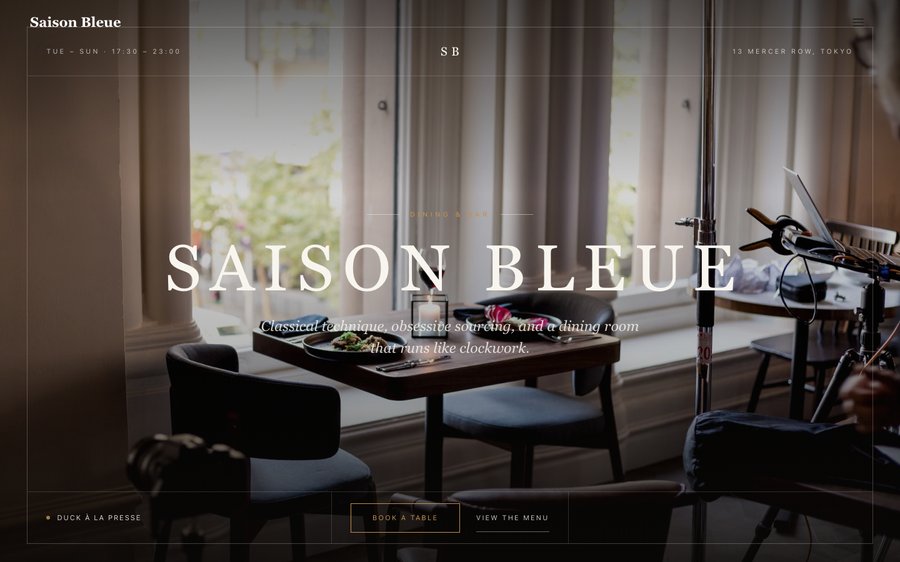 Saison BleueContemporary French · Editorial LuxeView the template
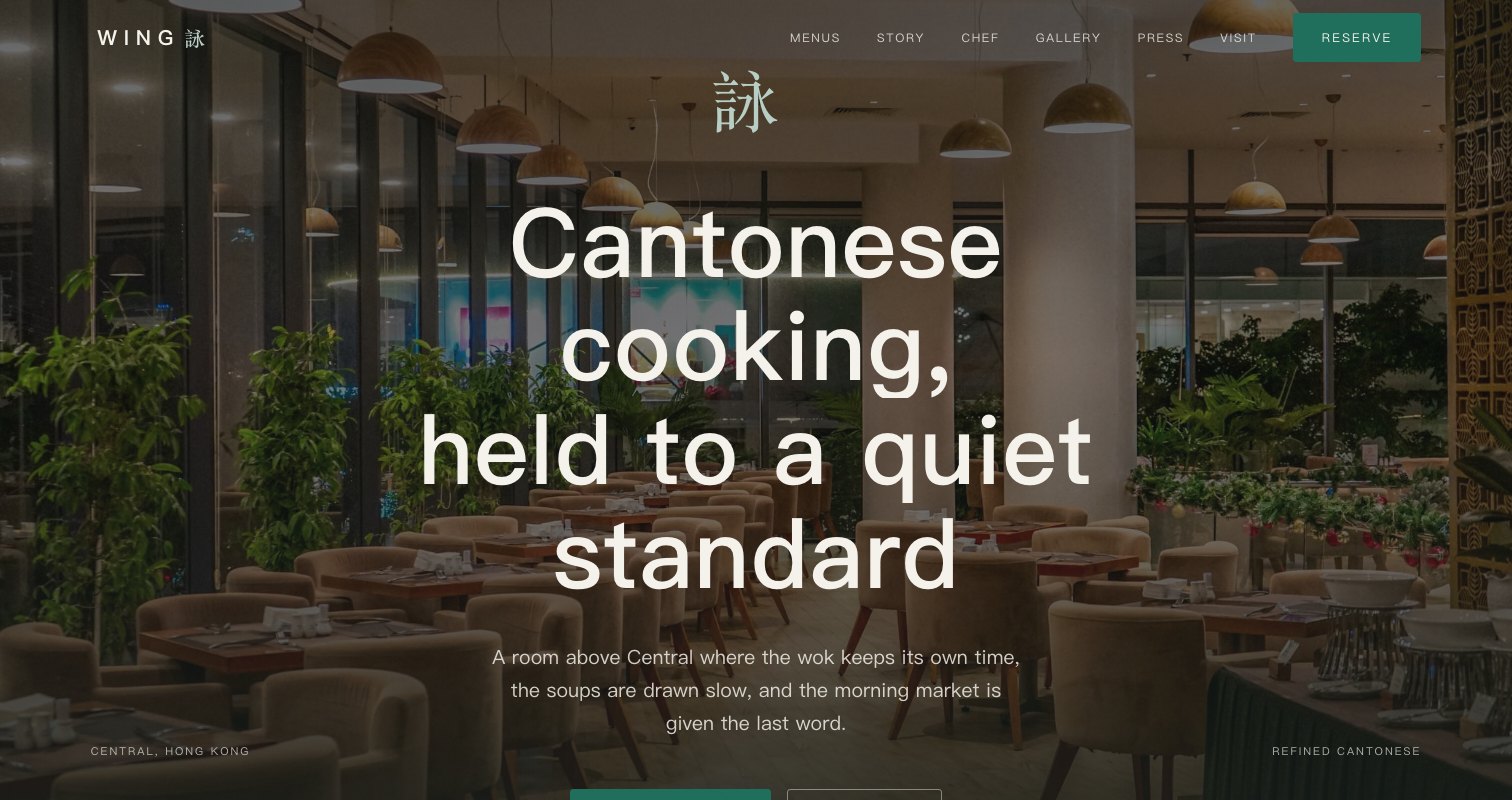 Mei CourtRefined Cantonese · Editorial LuxeView the template
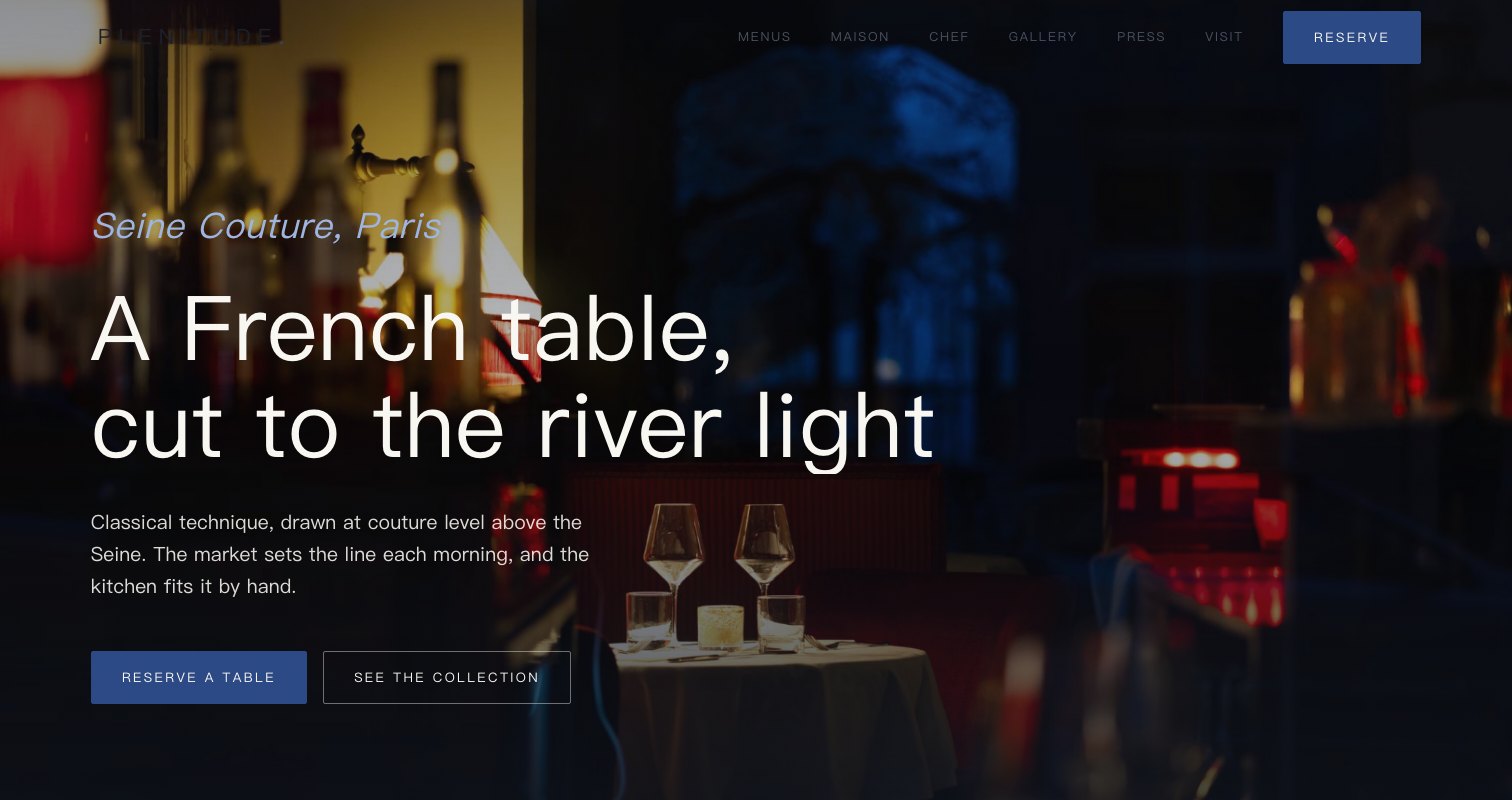 Plein CielHaute French · Editorial LuxeView the template